
€0.97
 PC
PC
Instant email delivery
Verified, working key
Secure card checkout
Rated 4.8/5 by gamers
PC
Action
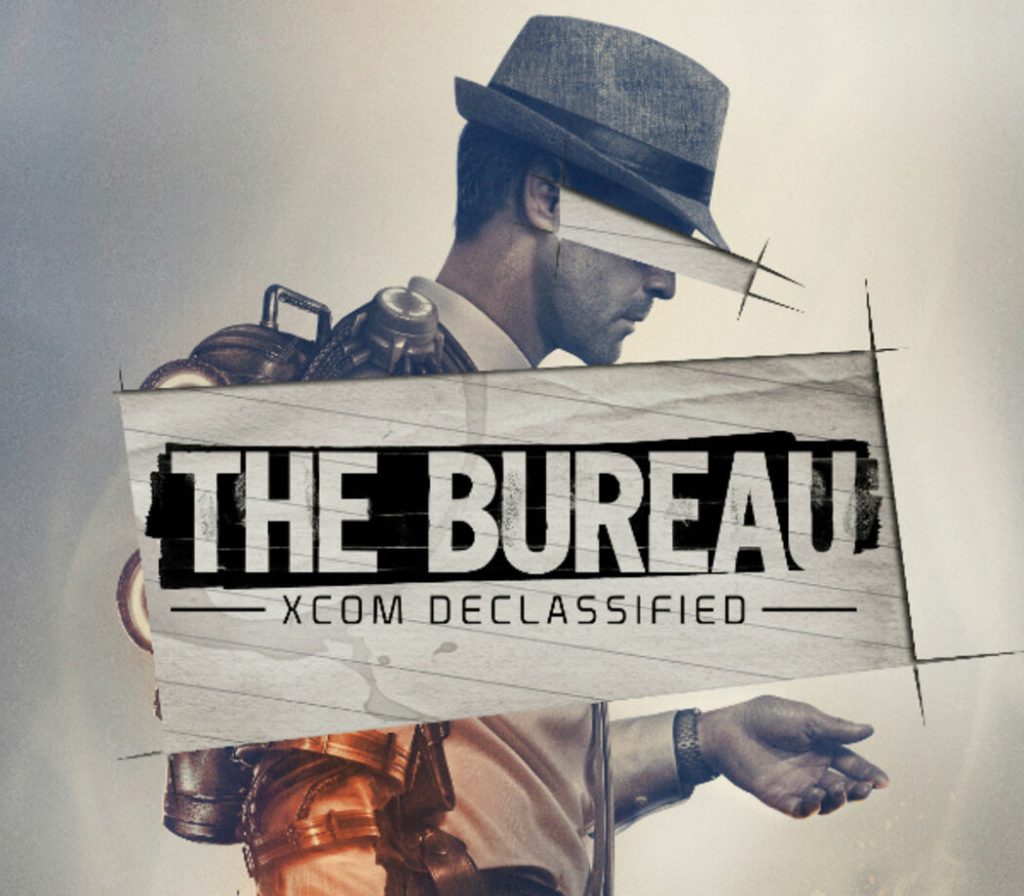
The Bureau: XCOM Declassified EU PC Steam CD Key
€1.21
Your activation code is emailed to you within seconds of purchase — no waiting, no shipping.
PlatformPC
RegionEurope
Publisher2K
Developer2K Marin
LanguagesEnglish, French, German, Italian +4
DeliveryInstant email
AvailabilityIn stock
SKUPH-4570
About this game
The year is 1962 and the Cold War has the nation gripped by fear. A top-secret government unit called The Bureau begins investigating a series of mysterious attacks by an enemy more powerful than communism. As agent Carter, call the shots, pull the trigger and lead your squad in a gripping third-person tactical shooter set within a covert war to protect humanity from an otherworldly enemy.
What you get
- One activation key for PC
- Instant delivery straight to your email inbox
- The full base game, ready to download
- A step-by-step activation guide (right here)
System requirements
Windows
OS: Windows Vista Service Pack 2 32-bit Processor: Intel Core 2 DUO 2.4 GHz / AMD Athlon X2 2.7 GHz Memory: 2 GB RAM Graphics: DirectX9 Compatible ATI Radeon HD 3870 / NVIDIA 8800 GT Hard Drive: 12 GB available space Sound Card: DirectX Compatible Additional Notes: Incompatible with Intel HD 3000 Integrated Graphics
Mac
OS: Mac OS X Mountain Lion 10.7.5 or higher Processor: Intel Core i series processor Memory: 4 GB RAM Graphics: AMD HD4870 / NVIDIA 8800GT / Intel Iris Graphics or better Hard Drive: 15 GB available space Additional Notes: Keyboard and 3 button Mouse or Logitech Dual Analog Stick Gamepad
How to redeem
- Complete your purchase — your code is emailed to you within seconds.
- Open the official launcher or store for your platform and find "Redeem code".
- Enter the code exactly as shown in your email and confirm.
- Download, install and jump in.
Platform activation
Go to: http://store.steampowered.com/ and download STEAM client Click "Install Steam" (from the upper right corner) Install and start application, login with your Account name and Password (create one if you don't have). Please follow these instructions to activate a new retail purchase on Steam: Launch Steam and log into your Steam account. Click the Games Menu. Choose Activate a Product on Steam... Follow the onscreen instructions to complete the process. After successful code verification go to the "MY GAMES" tab…
Activation can vary by platform and region. Need a hand? Contact support.
More to play
Browse all →