

€0.69
 PC
PC
Instant email delivery
Verified, working key
Secure card checkout
Rated 4.8/5 by gamers
PC
Strategy
Battlefleet Gothic: Armada - Space Marines DLC EU PC Steam CD Key
€3.63
Your activation code is emailed to you within seconds of purchase — no waiting, no shipping.
PlatformPC
RegionEurope
PublisherFocus Entertainment
DeveloperTindalos Interactive
LanguagesEnglish, French, German, Polish +2
DeliveryInstant email
AvailabilityIn stock
SKUPH-256066
About this game
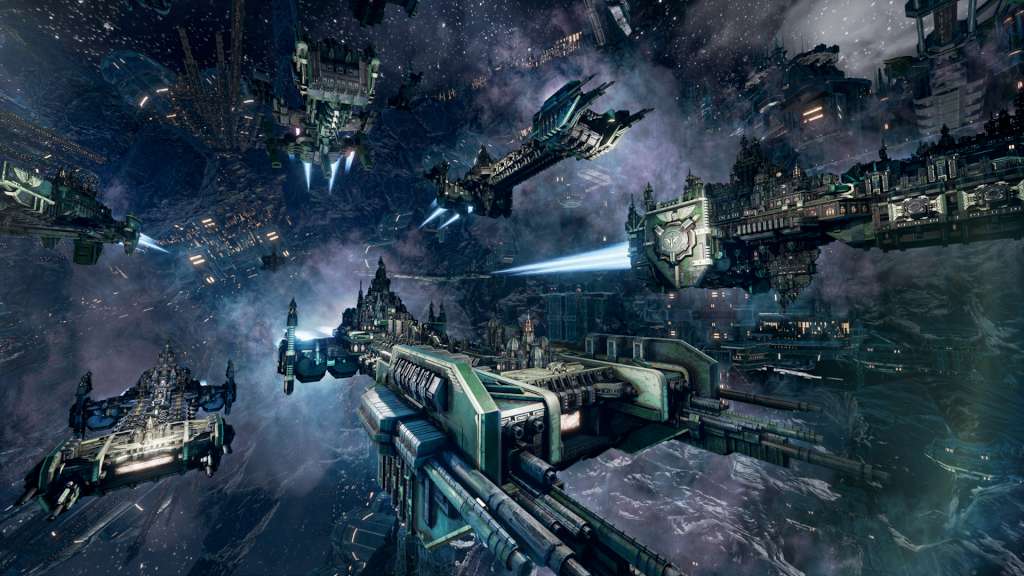
The Space Marines are the greatest of humanity’s warriors, fierce soldiers that have been subjected to intense training, genetic modification, and psycho-conditioning. Their fleets are experts at close-ranged battles, sporting well-armoured ships and specialize in aggressive boarding techniques. In addition, they have access to two unique faction traits which makes them immune to insubordination mechanics and gives them the ability to prioritize their attacks on different subsystems when boarding. The Space Marines DLC includes 5 different Space Marine chapters.
What you get
- One activation key for PC
- Instant delivery straight to your email inbox
- The full base game, ready to download
- A step-by-step activation guide (right here)
System requirements
Windows
OS: Windows 7, Windows 8.1, Windows 10 (64-bit versions only) Processor: AMD FX-4100 X4 (3, 6 GHz)/Intel Core i5-2500 (3, 3 GHz) Memory: 4096 MB RAM Graphics: 1 GB, DirectX 11, AMD Radeon HD 6850/NVIDIA GeForce GTX 560 DirectX: Version 11 Network: Broadband Internet connection Storage: 10 GB available space Sound Card: DirectX compatible Additional Notes: Internet connection required for online gaming and game activation
How to redeem
- Complete your purchase — your code is emailed to you within seconds.
- Open the official launcher or store for your platform and find "Redeem code".
- Enter the code exactly as shown in your email and confirm.
- Download, install and jump in.
Platform activation
Go to: http://store.steampowered.com/ and download STEAM client Click "Install Steam" (from the upper right corner) Install and start application, login with your Account name and Password (create one if you don't have). Please follow these instructions to activate a new retail purchase on Steam: Launch Steam and log into your Steam account. Click the Games Menu. Choose Activate a Product on Steam... Follow the onscreen instructions to complete the process. After successful code verification go to the "MY GAMES" tab…
Activation can vary by platform and region. Need a hand? Contact support.
More to play
Browse all →


