
€215.16
 PC
PC
Instant email delivery
Verified, working key
Secure card checkout
Rated 4.8/5 by gamers
PC
Action
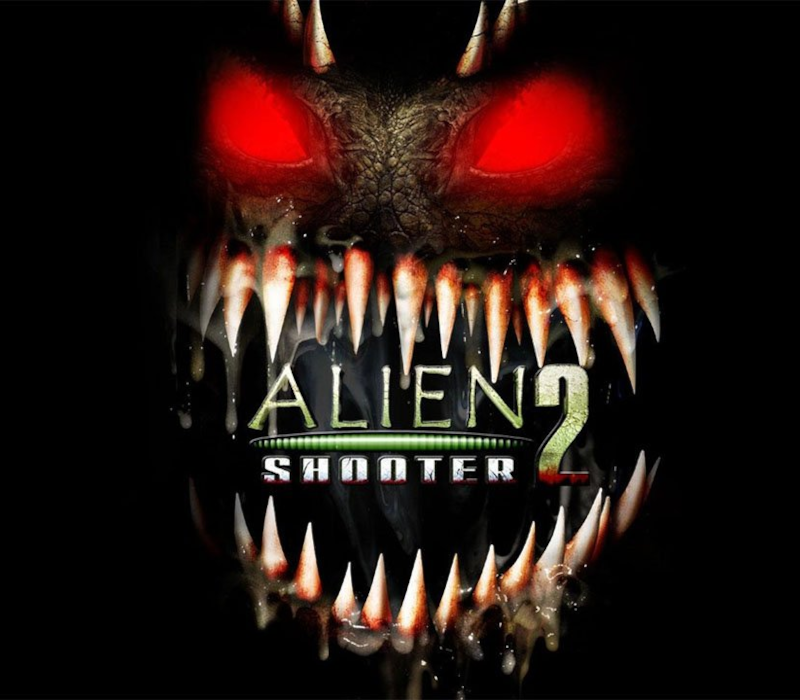
Alien Shooter 2 Conscription EU PC Steam CD Key
€1.97
Your activation code is emailed to you within seconds of purchase — no waiting, no shipping.
PlatformPC
RegionEurope
PublisherSigma Team Inc.
DeveloperSigma Team Inc.
LanguagesEnglish
DeliveryInstant email
AvailabilityIn stock
SKUPH-256747
About this game
The Great War has begun! The world population capable of functioning is mobilized to serve in the army. Hordes of monsters are destroying the cities and capturing new territories. The situation on the battlefront reached the critical emergency point and there’s nobody to help. Try to fight with the aliens as a private soldier from the regular army, which happens to be in the center of the action. The outcome depends on you!Alien Shooter 2 – Conscription is the continuation of cult Alien Shooter 2, which is a unique blend of two game genres – Action and RPG. Features Huge crowds of enemies, more than 100 aliens on one map at a time. Ability to upgrade the main character’s parameters. More than 60 weapon types, including sniper rifles. Lots of auxiliary devices, including radar and battle drones. Several types of vehicles to drive. Three game types: Campaign, Survive, Gun Stand.
What you get
- One activation key for PC
- Instant delivery straight to your email inbox
- The full base game, ready to download
- A step-by-step activation guide (right here)
System requirements
Windows
OS: Windows 2000 / XP / Vista Processor: 1.7 GHz Memory: 512 MB RAM Hard Disk Space: 600 MB Video Card: nVidia GeForce2 / ATI Radeon 8500 or better video card with 64MB video memory DirectX®: 8.1 Sound: DirectSound compatible sound card
How to redeem
- Complete your purchase — your code is emailed to you within seconds.
- Open the official launcher or store for your platform and find "Redeem code".
- Enter the code exactly as shown in your email and confirm.
- Download, install and jump in.
Platform activation
Go to: http://store.steampowered.com/ and download STEAM client Click "Install Steam" (from the upper right corner) Install and start application, login with your Account name and Password (create one if you don't have). Please follow these instructions to activate a new retail purchase on Steam: Launch Steam and log into your Steam account. Click the Games Menu. Choose Activate a Product on Steam... Follow the onscreen instructions to complete the process. After successful code verification go to the "MY GAMES" tab…
Activation can vary by platform and region. Need a hand? Contact support.
More to play
Browse all →