€1.69
 PC
PC
Instant email delivery
Verified, working key
Secure card checkout
Rated 4.8/5 by gamers
PC
Action
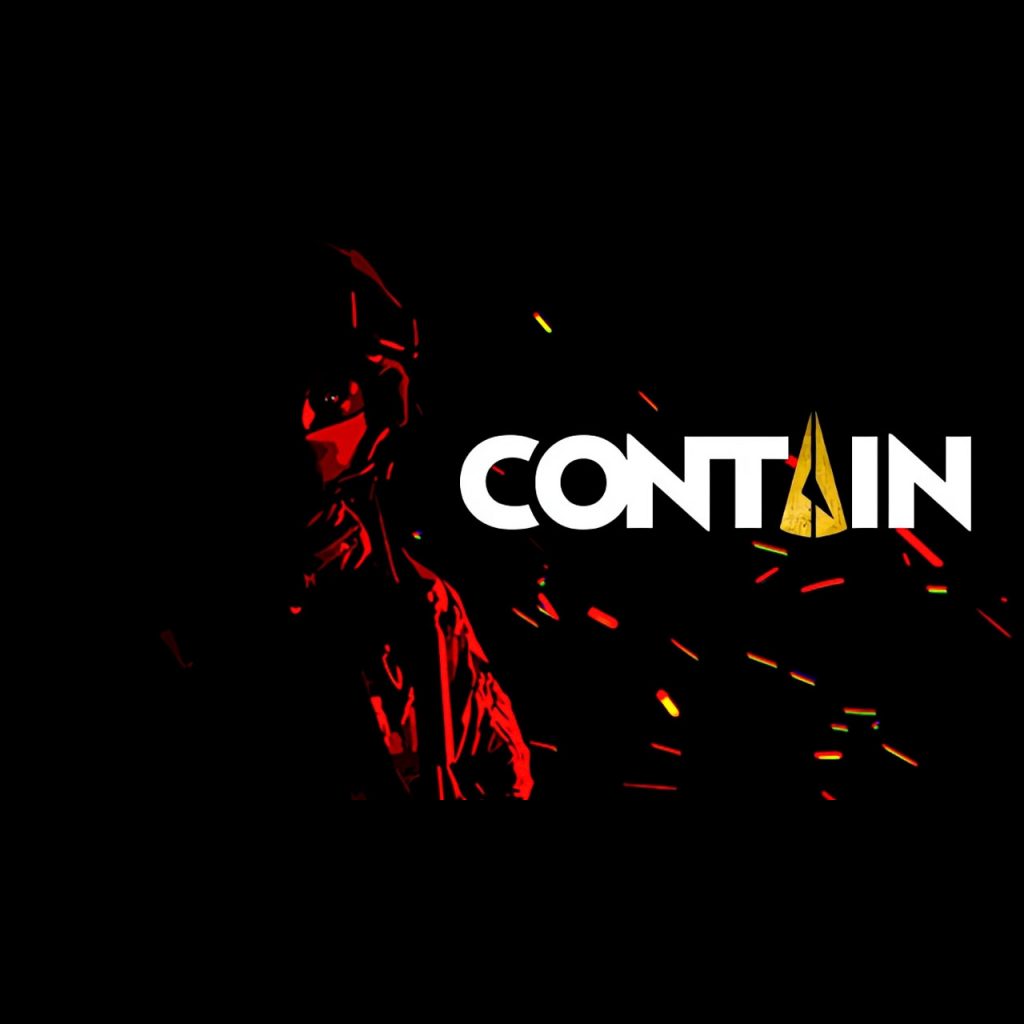
Contain EU PC Steam CD Key
€9.61
Your activation code is emailed to you within seconds of purchase — no waiting, no shipping.
PlatformPC
RegionEurope
PublisherSinginGiant
DeveloperSinginGiant
LanguagesChinese, Czech, English, French +5
DeliveryInstant email
AvailabilityIn stock
SKUPH-258589
About this game
Contain is a first-person cooperative tactical shooter, but if you like you can play as a Lone Wolf. There is an organization that directs many task forces that are trying to control objects of supernatural origin that have fallen from space. The story centers on a special task force. Features Customize your characterFully customize your character from basic outfit and gear to in-depth customization, you decide on every pouch and attachment placement. Customize your weaponLike your outfit and gear, you can fully customize your guns with a gunsmith system. Co-op gameplayCalculated teamwork is essential for all Entry Teams. Practice in the kill house and try your equipment before the mission. Prefer a single player?You will be able to play all the missions by yourself as a Lone Wolf. But we are also planning to add A.I. teammates with a complete commanding system.
What you get
- One activation key for PC
- Instant delivery straight to your email inbox
- The full base game, ready to download
- A step-by-step activation guide (right here)
System requirements
Windows
Minimum: OS *: 64-bit Windows 7, Windows 8.1, Windows 10 Processor: Intel Core i5-6600K Memory: 16 GB RAM Graphics: GeForce GTX 1070 DirectX: Version 11 Network: Broadband Internet connection Storage: 55 GB available space Sound Card: No recommendation Additional Notes: We recommend installing it on an SSD for better performance.
How to redeem
- Complete your purchase — your code is emailed to you within seconds.
- Open the official launcher or store for your platform and find "Redeem code".
- Enter the code exactly as shown in your email and confirm.
- Download, install and jump in.
Platform activation
Go to: http://store.steampowered.com/ and download STEAM client Click "Install Steam" (from the upper right corner) Install and start application, login with your Account name and Password (create one if you don't have). Please follow these instructions to activate a new retail purchase on Steam: Launch Steam and log into your Steam account. Click the Games Menu. Choose Activate a Product on Steam... Follow the onscreen instructions to complete the process. After successful code verification go to the "LIBRARY" tab and…
Activation can vary by platform and region. Need a hand? Contact support.
More to play
Browse all →