
€3.71
 PC
PC
Instant email delivery
Verified, working key
Secure card checkout
Rated 4.8/5 by gamers
PC
Casual
Cosmic DJ EU PC Steam CD Key
€1.12
Your activation code is emailed to you within seconds of purchase — no waiting, no shipping.
PlatformPC
RegionEurope
PublisherDevolver Digital
DeveloperGl33k
LanguagesEnglish
DeliveryInstant email
AvailabilityIn stock
SKUPH-258598
About this game
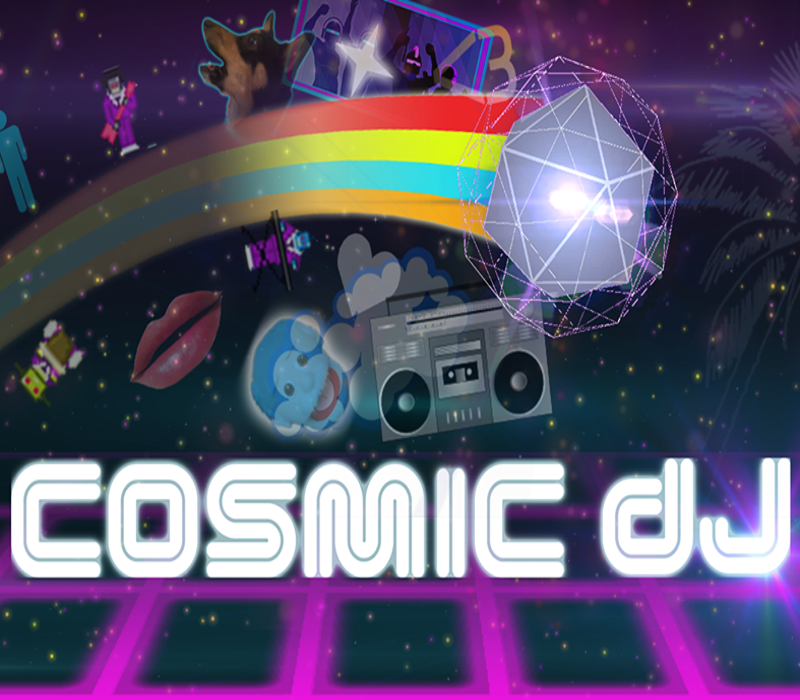
Cosmic DJ is a quick, “pick-up and play” musical experience about the joy of music creation for budding intergalactic musicians of all skill levels. Set among the stars, you will strive to become the legendary Cosmic DJ through six musical adventures as you’re tasked with repairing the all-important “Jamtennas” and bring harmony back to the galaxy. Feature Tap/Grid Sequencer – tap out your own beats from a set of funky instruments or align them using the grid sequencer for perfect rhythm. .MP3 Conversion – export your musical masterpieces and share with other budding Cosmic DJs. Story Mode – repair the Jamtennas and bring the groove back to the galaxy. Quick Play – just let the music take over without anything getting in your way.
What you get
- One activation key for PC
- Instant delivery straight to your email inbox
- The full base game, ready to download
- A step-by-step activation guide (right here)
System requirements
Windows
OS: Windows XP / 7 / 8 Processor: 2GHz Intel or AMD Memory: 1 GB RAM Storage: 500 MB available space
Mac
OS: OS X 10.6 Processor: Intel Core 2 Duo Memory: 1 GB RAM Storage: 500 MB available space
How to redeem
- Complete your purchase — your code is emailed to you within seconds.
- Open the official launcher or store for your platform and find "Redeem code".
- Enter the code exactly as shown in your email and confirm.
- Download, install and jump in.
Platform activation
Go to: http://store.steampowered.com/ and download STEAM client Click "Install Steam" (from the upper right corner) Install and start application, login with your Account name and Password (create one if you don't have). Please follow these instructions to activate a new retail purchase on Steam: Launch Steam and log into your Steam account. Click the Games Menu. Choose Activate a Product on Steam... Follow the onscreen instructions to complete the process. After successful code verification go to the "MY GAMES" tab…
Activation can vary by platform and region. Need a hand? Contact support.
More to play
Browse all →