€4.61
 PC
PC
Instant email delivery
Verified, working key
Secure card checkout
Rated 4.8/5 by gamers
PC
Action
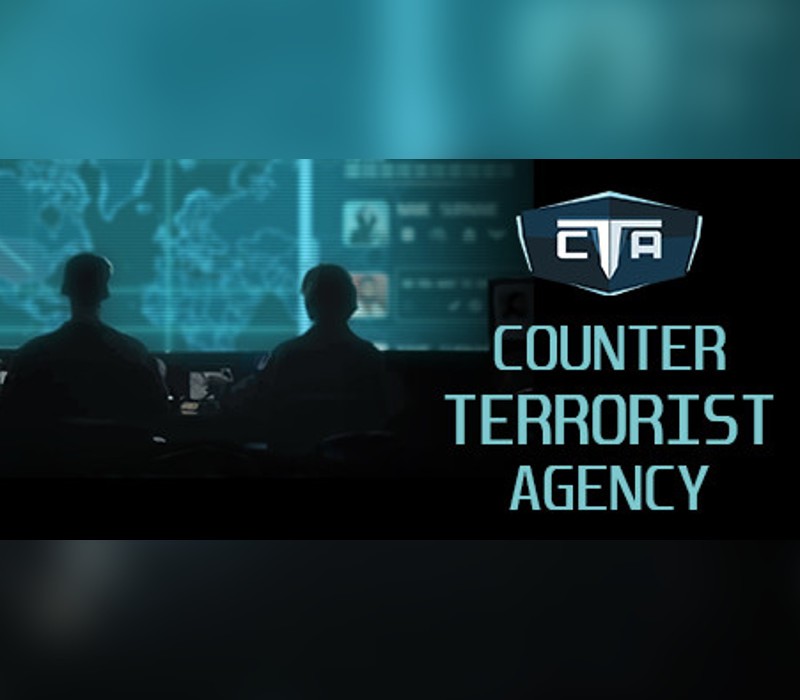
Counter Terrorist Agency EU PC Steam CD Key
€4.17
Your activation code is emailed to you within seconds of purchase — no waiting, no shipping.
PlatformPC
RegionEurope
PublisherGames Operators, PlayWay S.A.
DeveloperPlay2Chill
LanguagesChinese, English, French, German +3
DeliveryInstant email
AvailabilityIn stock
SKUPH-258606
About this game
Join CTA – Counter Terrorist Agency, an international organisation developed to fight terrorism. Use modern invigilation techniques, gather information, search for important members of terrorist networks and prevent devastating attacks. Decide who should be spied on and who should be neutralized. Discover Islamic World Caliphate cells all over the world. Fight far-right terrorism in United States and Europe. Uncover hidden truth about dangerous sects planning to take over the world. Some of decisions will be tough, but you have to act surely and quickly. Terrorism never sleeps… Counter Terrorist Agency is a combination of real-time strategy and manager/simulation game. In CTA your task will be to manage the most modern organization, fight international terrorism, and prevent attacks all over the world. Use modern invigilation techniques, discover connections, listen to suspicious phone calls, read private conversations, interrogate suspects, eliminate threats and dismantle terrorist networks.
What you get
- One activation key for PC
- Instant delivery straight to your email inbox
- The full base game, ready to download
- A step-by-step activation guide (right here)
System requirements
Windows
OS: Windows 7 / 8 / 10 Processor: Intel Core i3 3.2 GHz, AMD Phenom II X4 955 - 4 Core, 3.2 GHz Memory: 4 GB RAM Graphics: GeForce GTX 560 / Radeon HD6870 DirectX: Version 11 Storage: 4 GB available space Sound Card: Neccessary
Mac
OS: Mac OS X 10.14+ Processor: Intel Core i5 Memory: 4 GB RAM Graphics: Intel Iris Graphics 6200 Storage: 4 GB available space Sound Card: Neccessary
How to redeem
- Complete your purchase — your code is emailed to you within seconds.
- Open the official launcher or store for your platform and find "Redeem code".
- Enter the code exactly as shown in your email and confirm.
- Download, install and jump in.
Platform activation
Go to: http://store.steampowered.com/ and download STEAM client Click "Install Steam" (from the upper right corner) Install and start application, login with your Account name and Password (create one if you don't have). Please follow these instructions to activate a new retail purchase on Steam: Launch Steam and log into your Steam account. Click the Games Menu. Choose Activate a Product on Steam... Follow the onscreen instructions to complete the process. After successful code verification go to the "MY GAMES" tab…
Activation can vary by platform and region. Need a hand? Contact support.
More to play
Browse all →