
€9.66
 PC
PC
Instant email delivery
Verified, working key
Secure card checkout
Rated 4.8/5 by gamers
PC
Action
Dorke and Ymp EU PC Steam CD Key
€4.44
Your activation code is emailed to you within seconds of purchase — no waiting, no shipping.
PlatformPC
RegionEurope
PublisherPiko
DeveloperNorse, Piko
LanguagesEnglish
DeliveryInstant email
AvailabilityIn stock
SKUPH-261135
About this game
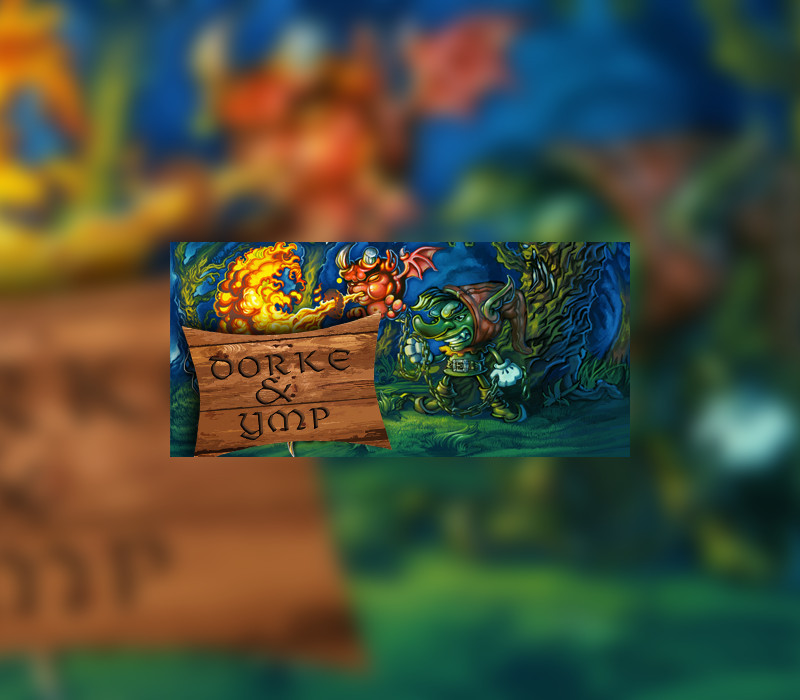
Dorke and Ymp is an unreleased Super Nintendo game developed back in the early 1990’s by a Swedish company called Norse. The game was developed with unlicensed tools made by the game programmers. Unfortunately the game failed to acquire a publisher and was never released. Luckily we found the original programmer, composer, and artist and we acquired the source code at about 50% of the game. We worked on the game for over a year to finally complete it. This game is a puzzle adventure platformer in which you got to help Dorke (and Ymp) to do some errands for your evil Master Wizard in exchange of training you and teaching you his magic spells. The game is very very hard and challenging, but hardcore games will have fun playing it! Features Over 100 Bugs and Crashing bugs fixed! Added a whole new world and levels (Volcano) Added Menu, cut-scenes and ending. Implemented password system Designed, developed and implemented boss fights (4) according to the original game story. Organized the game to be able to play with continuity. Over 40 levels and 10 hours of gameplay!
What you get
- One activation key for PC
- Instant delivery straight to your email inbox
- The full base game, ready to download
- A step-by-step activation guide (right here)
System requirements
Windows
OS: Windows 7/8/10 Processor: Dual Core Memory: 500 MB RAM Graphics: 256MB
How to redeem
- Complete your purchase — your code is emailed to you within seconds.
- Open the official launcher or store for your platform and find "Redeem code".
- Enter the code exactly as shown in your email and confirm.
- Download, install and jump in.
Platform activation
Go to: http://store.steampowered.com/ and download STEAM client Click "Install Steam" (from the upper right corner) Install and start application, login with your Account name and Password (create one if you don't have). Please follow these instructions to activate a new retail purchase on Steam: Launch Steam and log into your Steam account. Click the Games Menu. Choose Activate a Product on Steam... Follow the onscreen instructions to complete the process. After successful code verification go to the "MY GAMES" tab…
Activation can vary by platform and region. Need a hand? Contact support.
More to play
Browse all →


