€178.15
 PC
PC
Instant email delivery
Verified, working key
Secure card checkout
Rated 4.8/5 by gamers
PC
Action
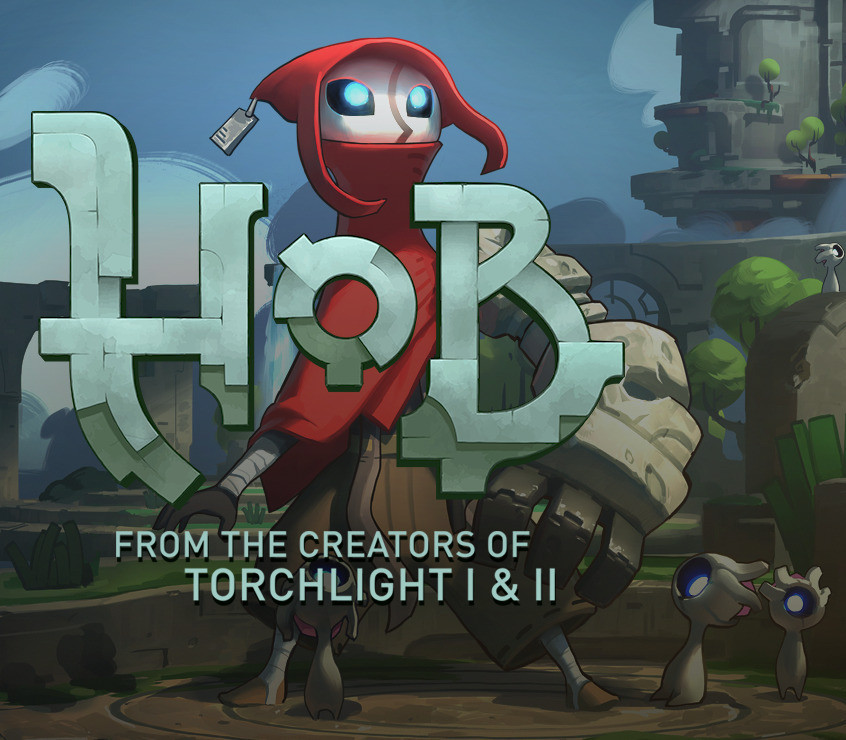
Hob EU PC Steam CD Key
€4.38
Your activation code is emailed to you within seconds of purchase — no waiting, no shipping.
PlatformPC
RegionEurope
PublisherRunic Games
DeveloperRunic Games
LanguagesArabic, Chinese, Danish, Dutch +15
DeliveryInstant email
AvailabilityIn stock
SKUPH-262452
About this game
From the team that brought you Torchlight and Torchlight II comes Hob: a vibrant, suspenseful action-adventure game set on a stunning and brutal world in disarray. As players delve into the mysteries around them, they discover a planet in peril. Can it be mended, or will the world fall further into chaos? Features WORDLESS NARRATIVE: Presented without text or dialogue, Hob’s story is revealed as you explore the planet and interact with the strange lifeforms that inhabit it. TRANSFORM THE WORLD by solving puzzles and repairing the planet. The landscape will change before your eyes, opening new areas to uncover and explore. GRAPPLE, PUNCH, and WARP through the world! Use your mechanical glove-arm abilities for traversal as well as combat. ADVENTURE in an open world, explore ruins, befriend sprites, and battle the rogue creatures that threaten their extinction.
What you get
- One activation key for PC
- Instant delivery straight to your email inbox
- The full base game, ready to download
- A step-by-step activation guide (right here)
System requirements
Windows
OS: Windows 7 SP1 / 8.1 / 10 Processor: i3 Sandy Bridge Dual Core or Equivalent Memory: 4 GB RAM Graphics: 2GB of VRAM; NVIDIA GeForce GTX 500 Series / AMD Radeon HD 7000 Series DirectX: Version 11 Storage: 5 GB available space Additional Notes: Controller recommended.
How to redeem
- Complete your purchase — your code is emailed to you within seconds.
- Open the official launcher or store for your platform and find "Redeem code".
- Enter the code exactly as shown in your email and confirm.
- Download, install and jump in.
Platform activation
Go to: http://store.steampowered.com/ and download STEAM client Click "Install Steam" (from the upper right corner) Install and start application, login with your Account name and Password (create one if you don't have). Please follow these instructions to activate a new retail purchase on Steam: Launch Steam and log into your Steam account. Click the Games Menu. Choose Activate a Product on Steam... Follow the onscreen instructions to complete the process. After successful code verification go to the "MY GAMES" tab…
Activation can vary by platform and region. Need a hand? Contact support.
More to play
Browse all →