€2.20
 PC
PC
Instant email delivery
Verified, working key
Secure card checkout
Rated 4.8/5 by gamers
PC
Action
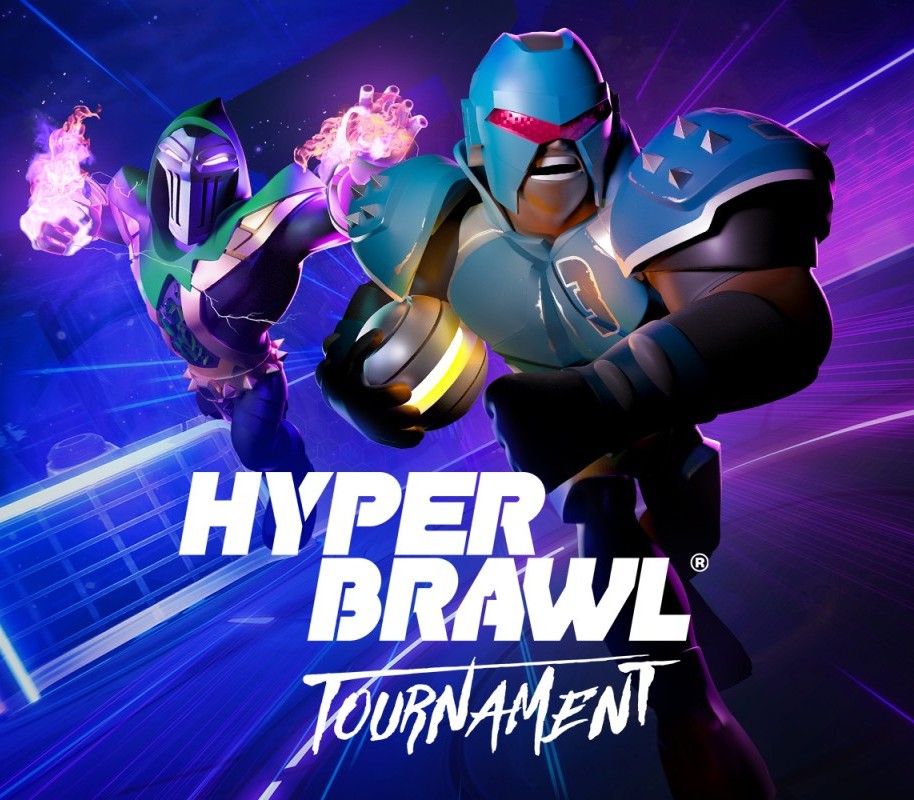
HyperBrawl Tournament EU PC Steam CD Key
€2.63
Your activation code is emailed to you within seconds of purchase — no waiting, no shipping.
PlatformPC
RegionEurope
PublisherMilky Tea Studios
DeveloperMilky Tea Studios
LanguagesArabic, Chinese, Dutch, English +9
DeliveryInstant email
AvailabilityIn stock
SKUPH-262564
About this game
HyperBrawl Tournament is an online multiplayer, arcade-style, sports brawler featuring high-adrenaline PvP arena battles for 1-4 players. The universe’s greatest heroes have gathered to compete in a showdown for the ages; the legendary HyperBrawl Tournament! Armed with unique weapons and a thirst for glory. Features Online & local multiplayer: Jump into local or online matches with friends, family or foes from around the world in quick-fire 90 second rounds Master the HyperBrawl: 12 unique arenas spread across the universe each loaded up with dynamic obstacles 7 Game Modes: Single Player Campaign, Arcade, Blitz, Private Match & More! Heavy customization: Customise your hero & team with unique skins, weapons, abilities and more! Controller: Prefer to use a controller when scoring a goal? No problem. Plug in and play! Play how you wish: Play to your strengths with Novice, Pro and Elite difficulty settings
What you get
- One activation key for PC
- Instant delivery straight to your email inbox
- The full base game, ready to download
- A step-by-step activation guide (right here)
System requirements
Windows
Requires a 64-bit processor and operating system OS: Windows 7 or newer Processor: 2.4 GHz Dual Core Memory: 4 GB RAM Graphics: Nvidia GTX 660 / Radeon R9 270 or equivalent DirectX: Version 11 Storage: 4 GB available space
How to redeem
- Complete your purchase — your code is emailed to you within seconds.
- Open the official launcher or store for your platform and find "Redeem code".
- Enter the code exactly as shown in your email and confirm.
- Download, install and jump in.
Platform activation
Go to: http://store.steampowered.com/ and download STEAM client Click "Install Steam" (from the upper right corner) Install and start application, login with your Account name and Password (create one if you don't have). Please follow these instructions to activate a new retail purchase on Steam: Launch Steam and log into your Steam account. Click the Games Menu. Choose Activate a Product on Steam... Follow the onscreen instructions to complete the process. After successful code verification go to the "MY GAMES" tab…
Activation can vary by platform and region. Need a hand? Contact support.
More to play
Browse all →