Call of Duty: Modern Warfare 3 (2011) - Collection 4: Final Assault DLC EU Steam CD Key
 PC
PC€6.63

 PC
PC
Your activation code is emailed to you within seconds of purchase — no waiting, no shipping.
Out of stock
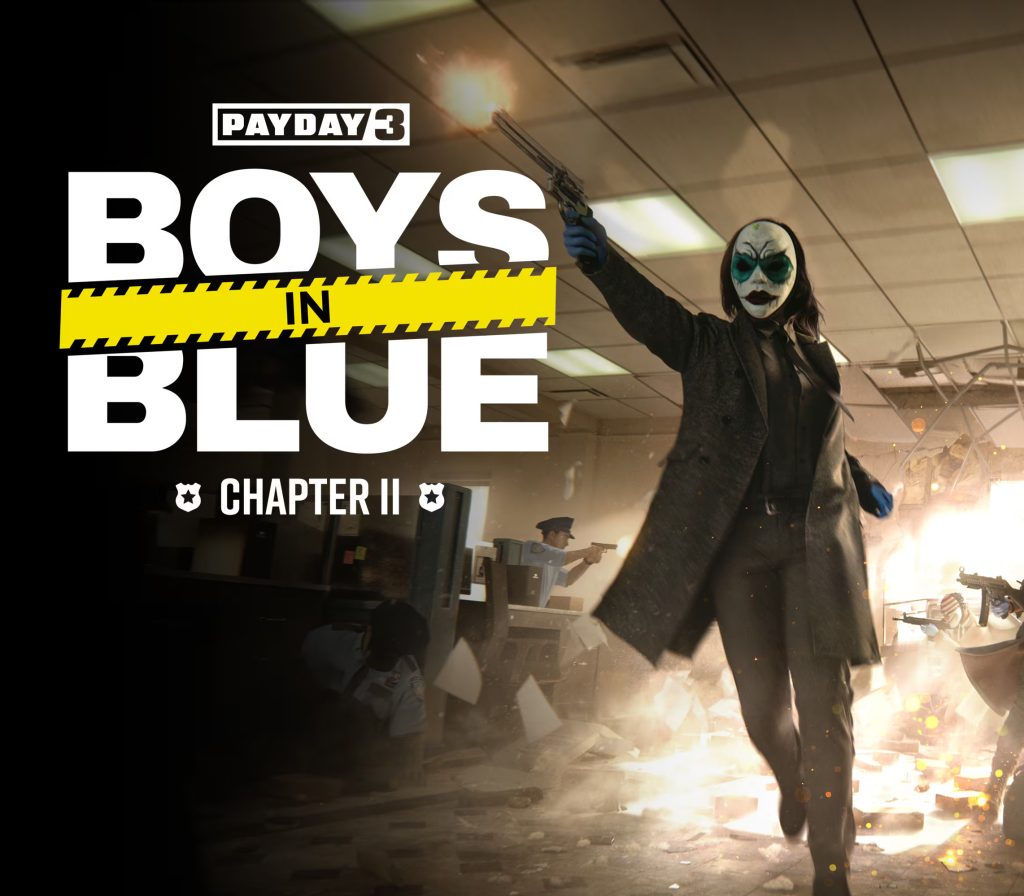
Chapter 2 – Boys in Blue is the second DLC as part of the Gold edition.This chapter contains: The Boys in Blue Heist The Boys in Blue Tailor Pack The Boys in Blue Weapon Pack What would you do if some corrupt cops raided your completely legitimate business, planted some evidence, and showed every sign of wanting to keep the gold they “confiscated”? Well, in Vlad’s case, he got in touch with his old friends in the Payday Gang to enact revenge and get his damn gold back. The Boys in Blue Heist tasks the gang with breaking into a secure holding facility of the NYPD on Vlad’s behalf. He wants his gold back, and the gang has never let him down before.
Minimum: Requires a 64-bit processor and operating system OS: Windows 10 Processor: Intel Core i5-9400F Memory: 16 GB RAM Graphics: Nvidia GTX 1650 (4 GB) or AMD Radeon RX 580 (4GB) Network: Broadband Internet connection Storage: 65 GB available space Additional Notes: DirectX11, DirectX12 supported
Go to: http://store.steampowered.com/ and download STEAM client Click "Install Steam" (from the upper right corner) Install and start application, login with your Account name and Password (create one if you don't have). Please follow these instructions to activate a new retail purchase on Steam: Launch Steam and log into your Steam account. Click the Games Menu. Choose Activate a Product on Steam... Follow the onscreen instructions to complete the process. After successful code verification go to the "LIBRARY" tab and…