€76.99
 PC
PC
Instant email delivery
Verified, working key
Secure card checkout
Rated 4.8/5 by gamers
PC
Action
ProtoCorgi PC Steam CD Key
€1.42
Your activation code is emailed to you within seconds of purchase — no waiting, no shipping.
PlatformPC
RegionGlobal
PublisherRavenscourt
DeveloperKemono Games
LanguagesChinese, English, French, German +5
DeliveryInstant email
AvailabilityIn stock
SKUPH-329864
About this game
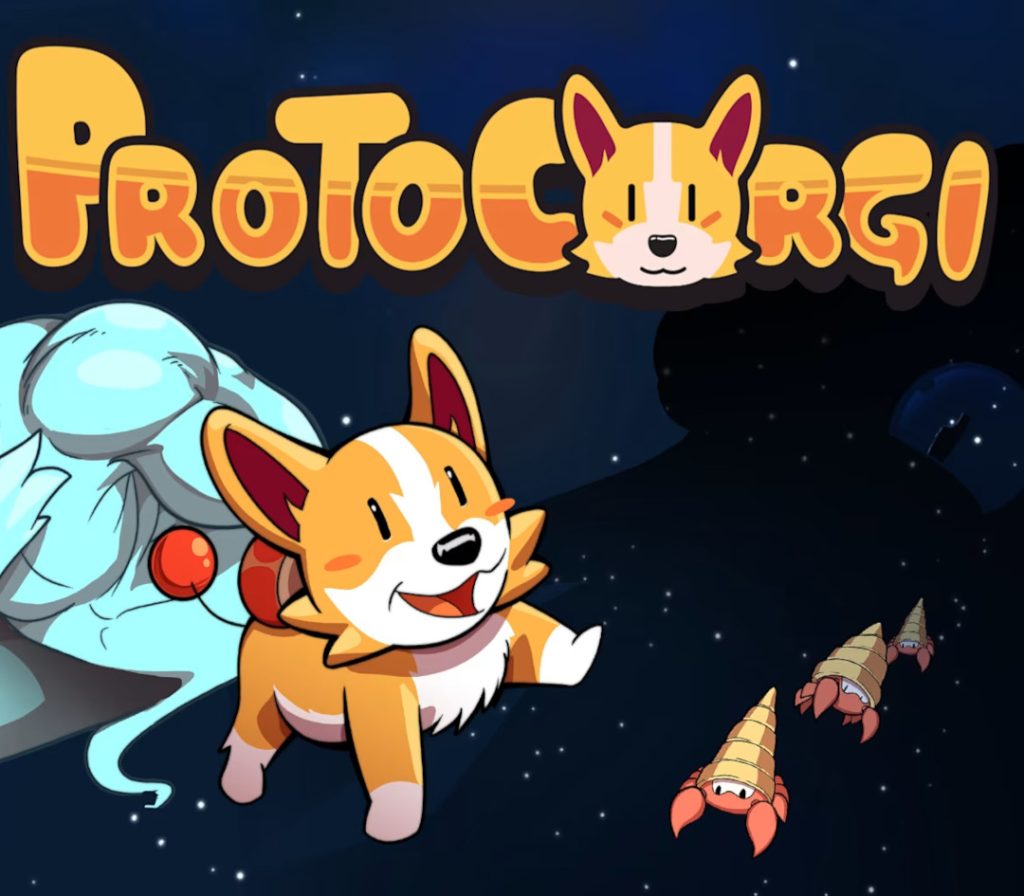
Play as Bullet, a C³ class (Cute Cybernetic Corgi) pup on his quest to save his owner, a brilliant scientist kidnapped by an alien race that wants to rule the galaxy. ProtoCorgi is a retro pixel art shoot’em up with a strong arcade feel! About this gameProtoCorgi is a retro style pixel art, horizontal shoot ‘em up with arcade gameplay that gives the player control over Bullet, a C³ class (Cute Cybernetic Corgi) pup.Be prepared to Shoot, Dodge and Bark your way through in this adorable Bark’em up! Countless waves of enemies, gigantic bosses and deadly obstacles will put your skills to the test. Help Bullet on his journey to save his master and friend Nixie from terrible alien forces!Fear not, the adventure is available to everyone with an adjustable difficulty from “Pup” to “Ultra Nightmare”.
What you get
- One activation key for PC
- Instant delivery straight to your email inbox
- The full base game, ready to download
- A step-by-step activation guide (right here)
System requirements
Windows
Minimum: OS *: Windows 7, 8, 10, 11 Processor: 2+ GHZ Memory: 2 GB RAM Graphics: Shader model 3.0 DirectX: Version 11 Storage: 500 MB available space Sound Card: Stereo sound Additional Notes: Some laptops will default to running ProtoCorgi off of their integrated GPU. We strongly recommend that you run ProtoCorgi on your dedicated GPU.
Linux
Minimum:OS: LINUXProcessor: 2+ GHZMemory: 2 GB RAMGraphics: Shader model 3.0Storage: 500 MB available spaceSound Card: Stereo soundAdditional Notes: Some laptops will default to running ProtoCorgi off of their integrated GPU. We strongly recommend that you run ProtoCorgi on your dedicated GPU.
Mac
Minimum:OS: OS XProcessor: 2+ GHZMemory: 2 GB RAMGraphics: Shader model 3.0Storage: 500 MB available spaceSound Card: Stereo soundAdditional Notes: Some laptops will default to running ProtoCorgi off of their integrated GPU. We strongly recommend that you run ProtoCorgi on your dedicated GPU.
How to redeem
- Complete your purchase — your code is emailed to you within seconds.
- Open the official launcher or store for your platform and find "Redeem code".
- Enter the code exactly as shown in your email and confirm.
- Download, install and jump in.
Platform activation
Go to: http://store.steampowered.com/ and download STEAM client Click "Install Steam" (from the upper right corner) Install and start application, login with your Account name and Password (create one if you don't have). Please follow these instructions to activate a new retail purchase on Steam: Launch Steam and log into your Steam account. Click the Games Menu. Choose Activate a Product on Steam... Follow the onscreen instructions to complete the process. After successful code verification go to the "LIBRARY" tab and…
Activation can vary by platform and region. Need a hand? Contact support.
More to play
Browse all →