€10.95
 PC
PC
Instant email delivery
Verified, working key
Secure card checkout
Rated 4.8/5 by gamers
PC
Action
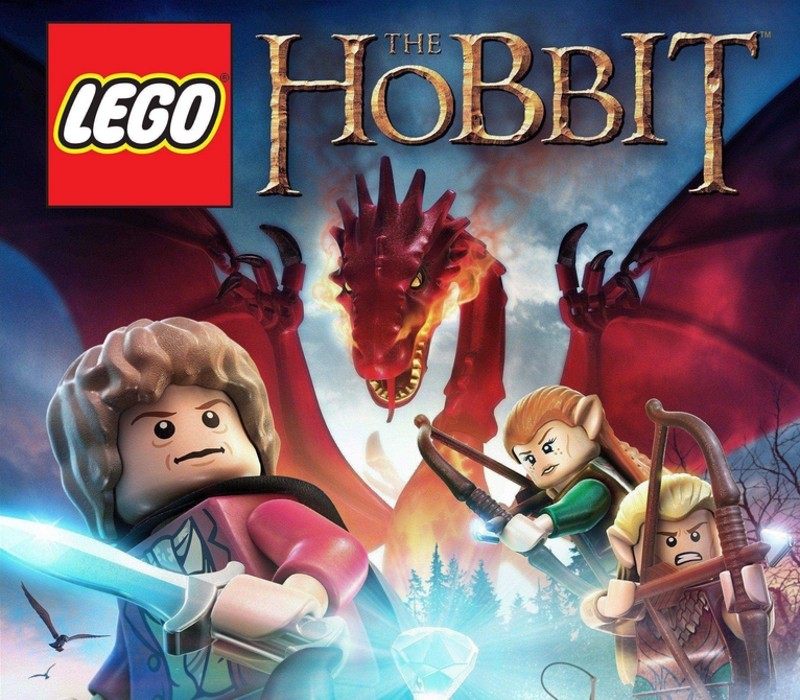
LEGO The Hobbit EU PC Steam CD Key
€2.30
Your activation code is emailed to you within seconds of purchase — no waiting, no shipping.
PlatformPC
RegionEurope
PublisherWB Games
DeveloperTraveller's Tales
LanguagesDanish, Dutch, English, French +6
DeliveryInstant email
AvailabilityIn stock
SKUPH-5965
About this game
Reclaim the Lost Kingdom brick by brick! Join Bilbo Baggins, Gandalf, Thorin and his company of Dwarves in an epic adventure across Middle-earth to recapture the Lonely Mountain in the most expansive LEGO game to date. Features Battle ravenous Trolls, dangerous Orcs and many more! Combine the Dwarves’ unique abilities to solve puzzles – often with hilarious results! Explore iconic locations in Middle-earth, from the Shire to Goblin-town and beyond.
What you get
- One activation key for PC
- Instant delivery straight to your email inbox
- The full base game, ready to download
- A step-by-step activation guide (right here)
System requirements
Windows
OS: Windows®XP SP3, Windows Vista/7/8 with latest service packs and updates installed Processor: AMD Athlon 64 X2 EE 3800+ (2*2000 Mhz) or similar Intel CPU, such as Intel Pentium Dual Core E2180 (2*2000 Mhz) Memory: 2 GB RAM Graphics: NVIDIA GeForce 7600 GS or ATI Radeon X1950 Pro or better DirectX: Version 10 Network: Broadband Internet connection Hard Drive: 10 GB available space Additional Notes: Windows XP and DirectX® 9.0b and below not supported
How to redeem
- Complete your purchase — your code is emailed to you within seconds.
- Open the official launcher or store for your platform and find "Redeem code".
- Enter the code exactly as shown in your email and confirm.
- Download, install and jump in.
Platform activation
Go to: http://store.steampowered.com/ and download STEAM client Click "Install Steam" (from the upper right corner) Install and start application, login with your Account name and Password (create one if you don't have). Please follow these instructions to activate a new retail purchase on Steam: Launch Steam and log into your Steam account. Click the Games Menu. Choose Activate a Product on Steam... Follow the onscreen instructions to complete the process. After successful code verification go to the "MY GAMES" tab…
Activation can vary by platform and region. Need a hand? Contact support.
More to play
Browse all →