

€20.67
 PC
PC
Instant email delivery
Verified, working key
Secure card checkout
Rated 4.8/5 by gamers
PC
Simulation
Caesar 3 EU PC Steam Altergift
€7.01
Your activation code is emailed to you within seconds of purchase — no waiting, no shipping.
PlatformPC
RegionEurope
PublisherSierra Entertainment
DeveloperImpressions Games
LanguagesEnglish
DeliveryInstant email
AvailabilityIn stock
SKUPH-64776
About this game
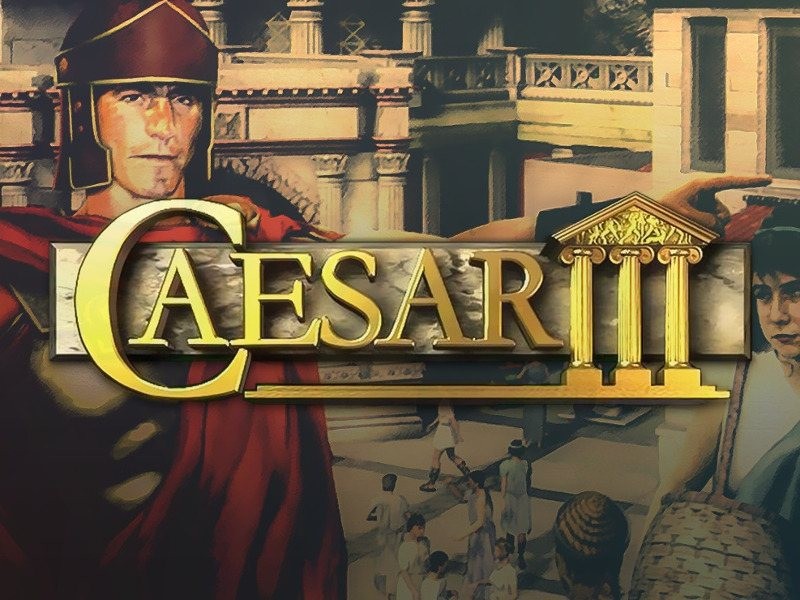
As a provincial governor charged with spreading the glory of Rome your mission is clear – build cities, foster trade and industry, make money. How you accomplish this is up to you. Gain wealth and power, make a career out of pleasing the emperor, battle barbarians and repel invaders, or concentrate on building the next Eternal City. Fail and you’ll end up as lunch for the lions. Prove your strength of mind and spirit and you just might be crowned Caesar! To help you achieve that goal you can ask your advisors for their insight or ask the people about their thoughts. You can also build temples and create festivals to please the gods and receive rewards or aid in return. You can choose between peaceful and military assignments to prove in various ways that you deserve the title of Caesar! Features The best managerial simulation in 1998 AI-controlled citizens, each with their individual needs and ambitions A worthy example of the famous Caesar series with improved graphics and many new features
What you get
- One activation key for PC
- Instant delivery straight to your email inbox
- The full base game, ready to download
- A step-by-step activation guide (right here)
System requirements
Windows
Windows XP or Windows Vista, 1 GHz Processor (1.4 GHz recommended), 256MB RAM (512 recommended), 3D graphics card compatible with DirectX 7 (compatible with DirectX 9 recommended), Mouse, Keyboard.
How to redeem
- Complete your purchase — your code is emailed to you within seconds.
- Open the official launcher or store for your platform and find "Redeem code".
- Enter the code exactly as shown in your email and confirm.
- Download, install and jump in.
Platform activation
In order to receive and activate the game: You will receive a gift link to a website. Open that link in your web browser. Depending on the prompt please provide your Steam profile link or login via Steam If needed choose the same country as your store country found in Steam account details. You can check this setting here. Automated bot system will add your Steam account to friendlist. After you accept the friend request from bot, it will send…
Activation can vary by platform and region. Need a hand? Contact support.
More to play
Browse all →


