€76.99
 PC
PC
Instant email delivery
Verified, working key
Secure card checkout
Rated 4.8/5 by gamers
PC
RPG
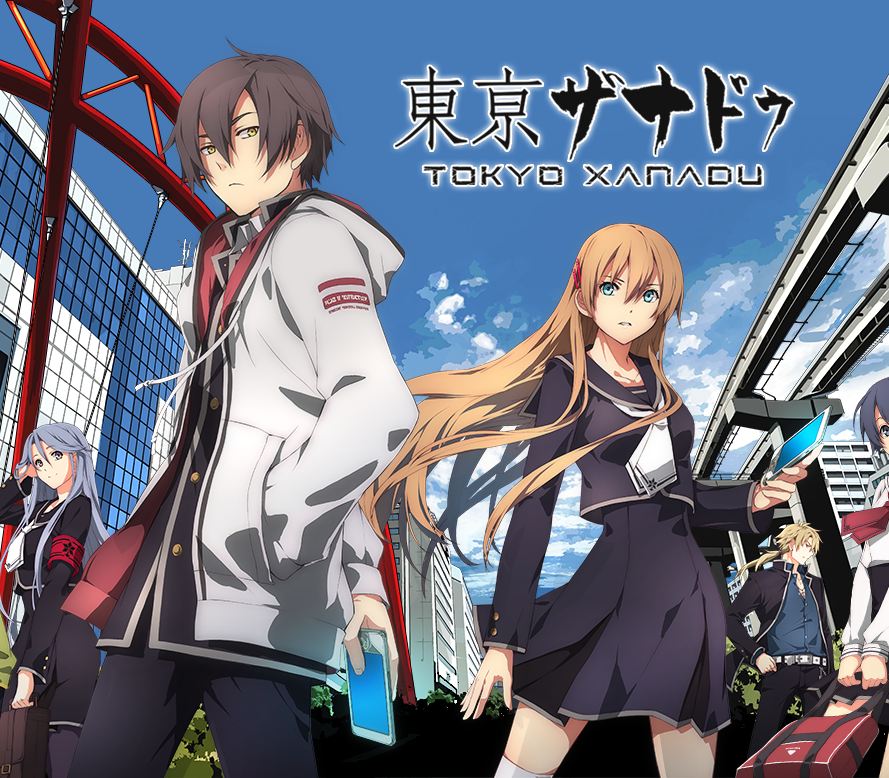
Tokyo Xanadu eX+ EU Steam CD Key
€21.45
Your activation code is emailed to you within seconds of purchase — no waiting, no shipping.
PlatformPC
RegionEurope
PublisherNihon Falcom
DeveloperNihon Falcom
LanguagesEnglish, Japanese
DeliveryInstant email
AvailabilityIn stock
SKUPH-66648
About this game
Tokyo Xanadu eX+; a massive action RPG from the masters of the genre, Nihon Falcom! When high school student Kou Tokisaka encounters the nightmare realm known as the Eclipse, his world is forever changed.In this definitive version of Tokyo Xanadu, experience the game in 60 FPS along with new scenarios, new playable characters, new modes and more!Features 40+ hours of Action RPG gameplay!Quest through Morimiya City and battle hordes of nightmarish monsters! Explore a Brave New WorldTalk to characters, build relationships and forge alliances as you navigate the expansive cityscape of Morimiya City. Upgrade your equipment, play mini games and train in dungeons! New Scenarios!Enoy unique tales of the Wielders that weren’t depicted in the main story. Once you’ve completed the game, get access to an all new quest and carry on the adventure! New Playable Characters, New Monsters, Dungeons and Bosses!Play as the mysterious knight, White Shroud. Brandish unrivaled strength and the powers of light to take down vile monsters and vicious bosses! Plus, new dungeons filled with fierce new monster types and giant bosses to battle! New Modes: “Time Attack” and “Boss Rush”In Time Attack, defeat various bosses that appear in the main story as quickly as possible. In Boss Rush mode, you can battle each boss one after the other.
What you get
- One activation key for PC
- Instant delivery straight to your email inbox
- The full base game, ready to download
- A step-by-step activation guide (right here)
System requirements
Windows
OS: Windows 7 (64-bit) Processor: Intel Core 2 Quad 2.4GHz or comparable Memory: 4 GB RAM Graphics: NVIDIA GeForce GTX 650 or comparable Sound Card: Windows compatible sound card
How to redeem
- Complete your purchase — your code is emailed to you within seconds.
- Open the official launcher or store for your platform and find "Redeem code".
- Enter the code exactly as shown in your email and confirm.
- Download, install and jump in.
Platform activation
Go to: http://store.steampowered.com/ and download STEAM client Click "Install Steam" (from the upper right corner) Install and start application, login with your Account name and Password (create one if you don't have). Please follow these instructions to activate a new retail purchase on Steam: Launch Steam and log into your Steam account. Click the Games Menu. Choose Activate a Product on Steam... Follow the onscreen instructions to complete the process. After successful code verification go to the "MY GAMES" tab…
Activation can vary by platform and region. Need a hand? Contact support.
More to play
Browse all →