

€2.20
 PC
PC
Instant email delivery
Verified, working key
Secure card checkout
Rated 4.8/5 by gamers
PC
Action
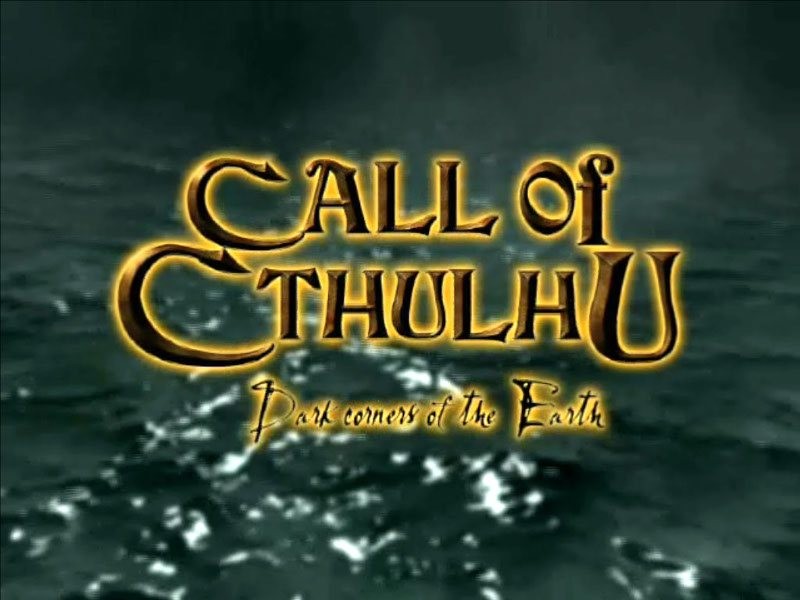
Call of Cthulhu: Dark Corners of the Earth EU Steam CD Key
€2.75
Your activation code is emailed to you within seconds of purchase — no waiting, no shipping.
PlatformPC
RegionEurope
PublisherFocus Entertainment
DeveloperCyanide Studio
LanguagesEnglish, French, German
DeliveryInstant email
AvailabilityIn stock
SKUPH-68929
About this game
Call of Cthulhu: Dark Corners of the Earth is a first-person horror game that combines intense action and adventure elements. You will draw upon your skills in exploration, investigation, and combat while faced with the seemingly impossible task of battling evil incarnate. Features Diverse array of levels from quaint towns to alien locations, including Deep One City Dynamic Sanity system resulting in hallucinations, panic attacks, vertigo, paranoia, and more! Incredibly detailed real-time graphics with atmospheric lighting and dynamic shadows Intelligent gameplay involving puzzle solving as well as combat and exploration 1920s weaponry and vehicles as well as evil artifacts and alien technology Lovecraft’s famous monsters and locations
What you get
- One activation key for PC
- Instant delivery straight to your email inbox
- The full base game, ready to download
- A step-by-step activation guide (right here)
System requirements
Windows
OS: Windows XP/2000 Processor: Pentium 3 800Mhz Memory: 128MB RAM Graphics: DirectX 9.0 3D compliant Video Card Hard Drive: 2.0 GB Sound: DirectX 8.1 Compatible
How to redeem
- Complete your purchase — your code is emailed to you within seconds.
- Open the official launcher or store for your platform and find "Redeem code".
- Enter the code exactly as shown in your email and confirm.
- Download, install and jump in.
Platform activation
Go to: http://store.steampowered.com/ and download STEAM client Click "Install Steam" (from the upper right corner) Install and start application, login with your Account name and Password (create one if you don't have). Please follow these instructions to activate a new retail purchase on Steam: Launch Steam and log into your Steam account. Click the Games Menu. Choose Activate a Product on Steam... Follow the onscreen instructions to complete the process. After successful code verification go to the "MY GAMES" tab…
Activation can vary by platform and region. Need a hand? Contact support.
More to play
Browse all →


