€1.21
 PC
PC
Instant email delivery
Verified, working key
Secure card checkout
Rated 4.8/5 by gamers
PC
Action
Yrminsul EN Language Only EU Steam CD Key
€5.49
Your activation code is emailed to you within seconds of purchase — no waiting, no shipping.
PlatformPC
RegionEurope
PublisherPlug In Digital
DeveloperBlack Flag Studios
LanguagesEnglish
DeliveryInstant email
AvailabilityIn stock
SKUPH-69355
About this game
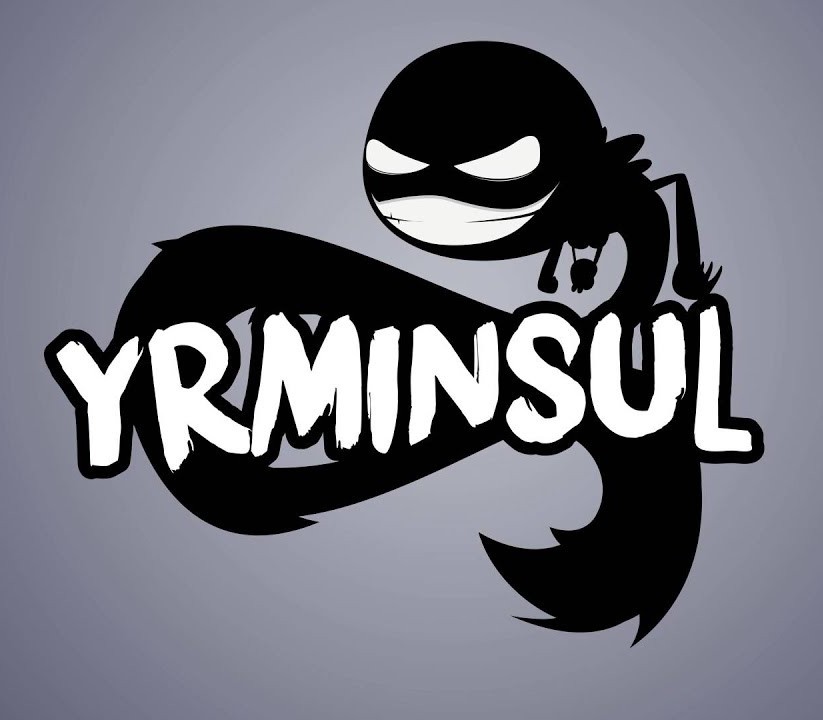
The only thing better than being famous is being infamous. In Yrminsul, the path to infamy is clear: annihilate the pathetic (and unfashionable) forces of good as they attempt to breach your formidable defenses. Yrminsul is the mutant evolution of tower defense games, offering a rich strategy experience and a wonderfully black sense of humor in a persistent universe. Filled with detailed enemies and a colorful cast of characters, Yrminsul offers an addictive new direction to the frantic tower defense genre. Features +30 unique levels +30 different enemies 15 towers 16 spells A huge campaign 100 ulockable interactive comic pages
What you get
- One activation key for PC
- Instant delivery straight to your email inbox
- The full base game, ready to download
- A step-by-step activation guide (right here)
System requirements
Windows
OS: Windows 7, 8 & 10 Processor: 2.9 Ghz Memory: 4 GB RAM Graphics: Direct X9 compatible Storage: 4 GB available space
Mac
OS: OS X 10.8+ Processor: 2.9 Ghz Memory: 4 GB RAM Graphics: Direct X9 compatible Storage: 4 GB available space
Linux
OS: Ubuntu 12.04+ Processor: 2.9 Ghz Memory: 4 GB RAM Graphics: Direct X9 compatible Storage: 4 GB available space
How to redeem
- Complete your purchase — your code is emailed to you within seconds.
- Open the official launcher or store for your platform and find "Redeem code".
- Enter the code exactly as shown in your email and confirm.
- Download, install and jump in.
Platform activation
Go to: http://store.steampowered.com/ and download STEAM client Click "Install Steam" (from the upper right corner) Install and start application, login with your Account name and Password (create one if you don't have). Please follow these instructions to activate a new retail purchase on Steam: Launch Steam and log into your Steam account. Click the Games Menu. Choose Activate a Product on Steam... Follow the onscreen instructions to complete the process. After successful code verification go to the "MY GAMES" tab…
Activation can vary by platform and region. Need a hand? Contact support.
More to play
Browse all →