Call of Duty: Modern Warfare 3 (2011) - Collection 4: Final Assault DLC EU Steam CD Key
 PC
PC€6.63

 PC
PC
Your activation code is emailed to you within seconds of purchase — no waiting, no shipping.
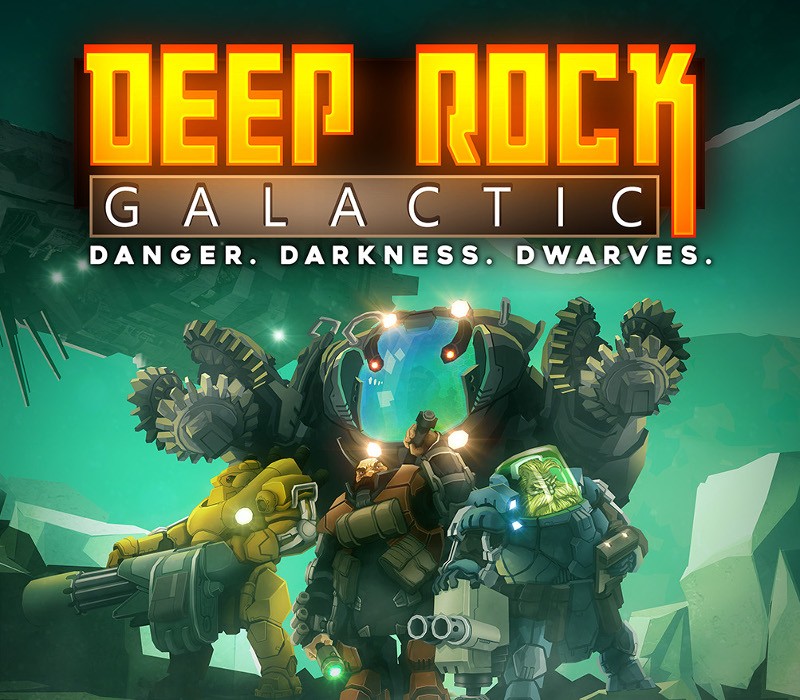
So you like Deep Rock Galactic, but it’s just not enough? You want more? Well, then the Supporter Upgrade is for you! Help fuel further development of the game, while getting your grubby mining-gloves on this tasty bag of exclusive treats: NEW: Supporter-only gold-plated skins for all weapons in the game! NEW: VIP treatment at the ingame Abyss Bar – Get the SUPPORTER EDITION of the tasty Glyphid Slammer for your whole team, served in the gaudiest of golden tankards! NEW: A unique Ghost Ship Games themed helmet, marking you as a permanent member of the Skeleton Crew! NEW: Your chat name will be gold, to show off your Supporter status! The unique Supporter Badge, shown next to your name ingame! (NEW: And in chat!) An exclusive set of blinged-out armor for each class! Our heartfelt and eternal thanks and gratitude <3
Requires a 64-bit processor and operating system OS: Windows 7 64 Bit Processor: 2.4 GHz Dual Core Memory: 6 GB RAM Graphics: NVIDIA GeForce GTX 460 or AMD Radeon HD 5770 /w 1GB VRAM DirectX: Version 11 Network: Broadband Internet connection Storage: 3 GB available space
In order to receive and activate the game: You will receive a gift link to a website. Open that link in your web browser. Depending on the prompt please provide your Steam profile link or login via Steam If needed choose the same country as your store country found in Steam account details. You can check this setting here. Automated bot system will add your Steam account to friendlist. After you accept the friend request from bot, it will send…