€20.67
 PC
PC
Instant email delivery
Verified, working key
Secure card checkout
Rated 4.8/5 by gamers
PC
Cooperation
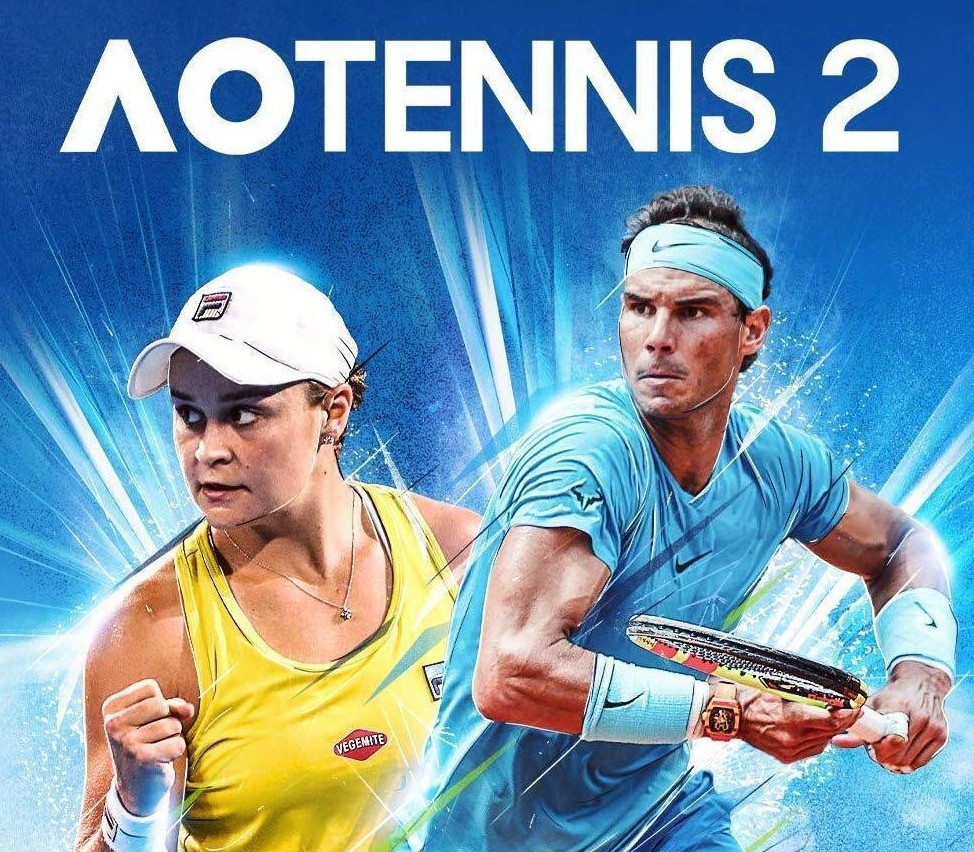
AO Tennis 2 EU Steam CD Key
€4.50
Your activation code is emailed to you within seconds of purchase — no waiting, no shipping.
PlatformPC
RegionEurope
PublisherBig Ant Studios
DeveloperBig Ant Studios
LanguagesChinese, English, French, German +7
DeliveryInstant email
AvailabilityIn stock
SKUPH-73289
About this game
AO Tennis 2 is the only tennis experience designed for and by its community. Create your own players, stadiums and legendary matches. Enter the competition to reach the top of world tennis in Career Mode. Features A PLAYING FIELD MADE FOR YOU, BY YOUUse the comprehensive Academy editing suite to create a player just like YOU as well as your own courts, or you can download thousands of community creations. THE BEST PLAYERS IN THE WORLDSee how you compare to the big names on the ATP & WTA circuits, including Rafael Nadal, Ash Barty, Angelique Kerber and many more. A COMPLETELY REDESIGNED CAREER MODESet out to conquer the world rankings in a singles career or in doubles with a friend. Manage your Reputation, sponsors and performance to reach the top. NEW GAME MODESRelive legendary matches or create new challenges using the scenario editor.
What you get
- One activation key for PC
- Instant delivery straight to your email inbox
- The full base game, ready to download
- A step-by-step activation guide (right here)
System requirements
Windows
Requires a 64-bit processor and operating system OS: Windows 7 x64 Processor: Intel Core i3-3210 / AMD Athlon II X4 555 Memory: 4 GB RAM Graphics: Radeon HD 6670 or NVIDIA Geforce GT710 with Min 2GB Memory DirectX: Version 11 Storage: 15 GB available space
How to redeem
- Complete your purchase — your code is emailed to you within seconds.
- Open the official launcher or store for your platform and find "Redeem code".
- Enter the code exactly as shown in your email and confirm.
- Download, install and jump in.
Platform activation
Go to: http://store.steampowered.com/ and download STEAM client Click "Install Steam" (from the upper right corner) Install and start application, login with your Account name and Password (create one if you don't have). Please follow these instructions to activate a new retail purchase on Steam: Launch Steam and log into your Steam account. Click the Games Menu. Choose Activate a Product on Steam... Follow the onscreen instructions to complete the process. After successful code verification go to the "MY GAMES" tab…
Activation can vary by platform and region. Need a hand? Contact support.
More to play
Browse all →