€1.74
 PC
PC
Instant email delivery
Verified, working key
Secure card checkout
Rated 4.8/5 by gamers
PC
Action
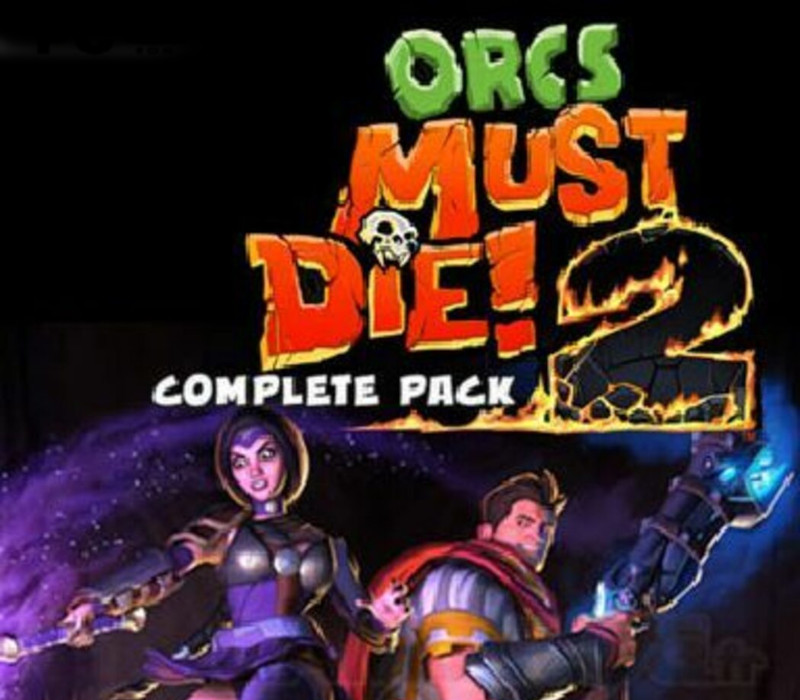
Orcs Must Die! 2 Complete Pack EU Steam CD Key
€4.17
Your activation code is emailed to you within seconds of purchase — no waiting, no shipping.
PlatformPC
RegionEurope
PublisherRobot Entertainment
DeveloperRobot Entertainment
LanguagesEnglish, French, German, Italian +5
DeliveryInstant email
AvailabilityIn stock
SKUPH-120416
About this game
Includes: Orcs Must Die! 2 Orcs Must Die! 2 – Are We There Yeti? Orcs Must Die! 2 – Fire and Water Booster Pack Orcs Must Die! 2 – Family Ties Booster Pack You’ve tossed, burned and sliced them by the thousands – now orcs must die more than ever before! Grab a friend and slay orcs in untold numbers in this sequel to the 2011 AIAS Strategy Game of the Year from Robot Entertainment. Leap back into the fray as a powerful War Mage or crafty Sorceress. Defend new fortresses and dwarven mines, laying waste to thousands of orcs and other monsters with a dizzying array of weapons, spells, guardians, traps, and trinkets. Play co-op with a friend and continue the battle in a brand new campaign mode, or fight to stay alive in the challenging new Endless Mode! Unlock new defenses and old favorites, upgrade them like never before, and unleash them on the nearest pile of slobbering orcs!
What you get
- One activation key for PC
- Instant delivery straight to your email inbox
- The full base game, ready to download
- A step-by-step activation guide (right here)
System requirements
Windows
OS:Windows XP, Windows Vista, Windows 7 Processor:2GHz Dual Core Memory:2 GB RAM Graphics:NVIDIA GeForce 6800 or ATI Radeon x1950 or better with 256MB VRAM DirectX®:9.0c Hard Drive:9 GB HD space Additional:Broadband Internet connection recommended for co-op play.
How to redeem
- Complete your purchase — your code is emailed to you within seconds.
- Open the official launcher or store for your platform and find "Redeem code".
- Enter the code exactly as shown in your email and confirm.
- Download, install and jump in.
Platform activation
1. Go to: http://store.steampowered.com/ and download STEAM client. 2. Click "Install Steam" (from the upper right corner) Download Steam 3. Install and start application, login with your Account name and Password (create one if you don't have). 4. Please follow these instructions to activate a new retail purchase on Steam: Launch Steam and log into your Steam account. Click the Games Menu. Choose Activate a Product on Steam... Follow the onscreen instructions to complete the process. If you have any…
Activation can vary by platform and region. Need a hand? Contact support.
More to play
Browse all →