
€4.93
 PC
PC
Instant email delivery
Verified, working key
Secure card checkout
Rated 4.8/5 by gamers
PC
Action
LEGO DC Super-Villains EU Steam CD Key
€2.83
Your activation code is emailed to you within seconds of purchase — no waiting, no shipping.
PlatformPC
RegionEurope
PublisherWB Games
DeveloperTraveller's Tales
LanguagesArabic, Danish, Dutch, English +8
DeliveryInstant email
AvailabilityIn stock
SKUPH-125790
About this game
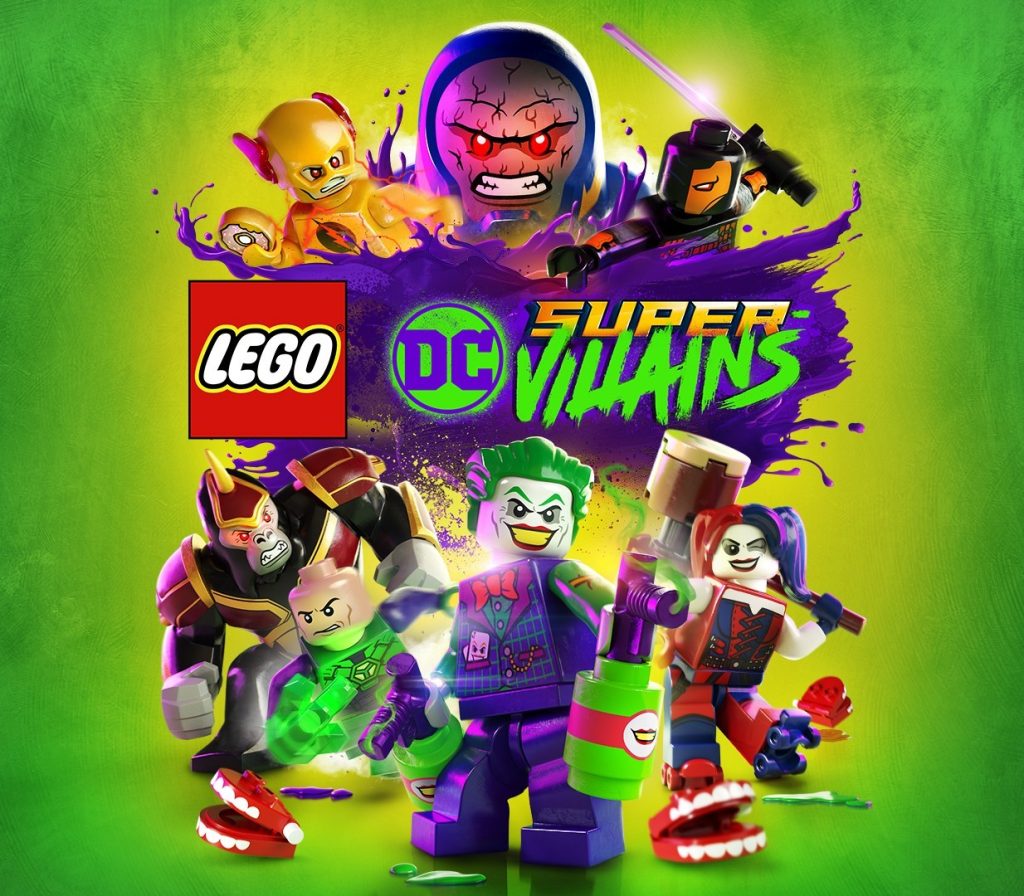
It’s good to be bad… Embark on an all-new DC/LEGO® adventure by becoming the best villain the universe has seen. Players will create and play as an all-new super-villain throughout the game, unleashing mischievous antics and wreaking havoc in an action-packed story. Set in an open world experience within the DC universe, the Justice League has disappeared, leaving Earth’s protection to their counterparts, who have proclaimed themselves as the “Justice Syndicate”. It’s up to you and a crazy group of misfits to uncover the intentions of Earth’s new, strange, wannabe superheroes. Joined by renowned DC Super-Villains: The Joker, Harley Quinn, and countless others from the Injustice League, players will set out on an epic adventure.
What you get
- One activation key for PC
- Instant delivery straight to your email inbox
- The full base game, ready to download
- A step-by-step activation guide (right here)
System requirements
Windows
OS: Windows 7 Processor: Intel Core i3-4130 Memory: 4 GB RAM Graphics: Radeon R9 280X or GTX 660 Ti DirectX: Version 11 Network: Broadband Internet connection Storage: 16 GB available space
How to redeem
- Complete your purchase — your code is emailed to you within seconds.
- Open the official launcher or store for your platform and find "Redeem code".
- Enter the code exactly as shown in your email and confirm.
- Download, install and jump in.
Platform activation
Go to: http://store.steampowered.com/ and download STEAM client Click "Install Steam" (from the upper right corner) Install and start application, login with your Account name and Password (create one if you don't have). Please follow these instructions to activate a new retail purchase on Steam: Launch Steam and log into your Steam account. Click the Games Menu. Choose Activate a Product on Steam... Follow the onscreen instructions to complete the process. After successful code verification go to the "MY GAMES" tab…
Activation can vary by platform and region. Need a hand? Contact support.
More to play
Browse all →