€1.98
 PC
PC
Instant email delivery
Verified, working key
Secure card checkout
Rated 4.8/5 by gamers
PC
Action
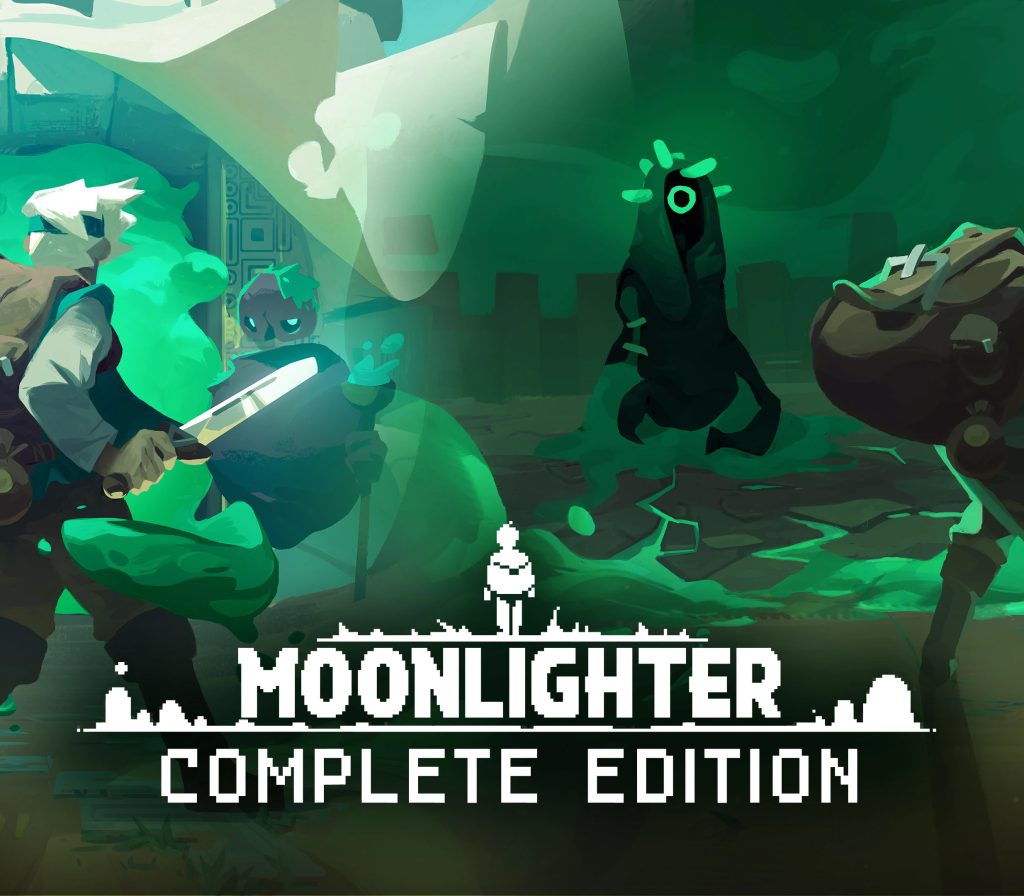
Moonlighter: Complete Edition EU Steam CD Key
€1.57
Your activation code is emailed to you within seconds of purchase — no waiting, no shipping.
PlatformPC
RegionEurope
PublisherSega
DeveloperClimax Entertainment
LanguagesEnglish
DeliveryInstant email
AvailabilityIn stock
SKUPH-137113
About this game
Moonlighter is an Action RPG with rogue-lite elements following the everyday routines of Will, an adventurous shopkeeper that dreams of becoming a hero. Will’s adventure begins when during a long-passed archaeological excavation, a set of Gates were discovered.People quickly realized that these ancient passages lead to different realms and dimensions – providing brave and reckless adventurers with treasures beyond measure. Rynoka, a small commercial village, was founded near the excavation site providing refuge and a place for adventurers to sell their hard-earned riches.Moonlighter in a nutshell: Run Your Own Shop Fight With Style Restore the Village Craft and Enchant Get the Loot Explore various dungeons ——–Moonlighter: Complete Edition is made of: Moonlighter – full version of the base game with all the free DLCs. Moonlighter – Between Dimensions – the expansion that enlarges the main experience by filling current dungeons with new creatures, populating all-new Interdimensional Dungeon with mini-bosses, swarming the adventure with new weapons, armory, shop items, and rings.
What you get
- One activation key for PC
- Instant delivery straight to your email inbox
- The full base game, ready to download
- A step-by-step activation guide (right here)
How to redeem
- Complete your purchase — your code is emailed to you within seconds.
- Open the official launcher or store for your platform and find "Redeem code".
- Enter the code exactly as shown in your email and confirm.
- Download, install and jump in.
Platform activation
Go to: http://store.steampowered.com/ and download STEAM client Click "Install Steam" (from the upper right corner) Install and start application, login with your Account name and Password (create one if you don't have). Please follow these instructions to activate a new retail purchase on Steam: Launch Steam and log into your Steam account. Click the Games Menu. Choose Activate a Product on Steam... Follow the onscreen instructions to complete the process. After successful code verification go to the "LIBRARY" tab and…
Activation can vary by platform and region. Need a hand? Contact support.
More to play
Browse all →