€1,427.60
 Nintendo
Instant email delivery
Verified, working key
Secure card checkout
Rated 4.8/5 by gamers
Nintendo
Action
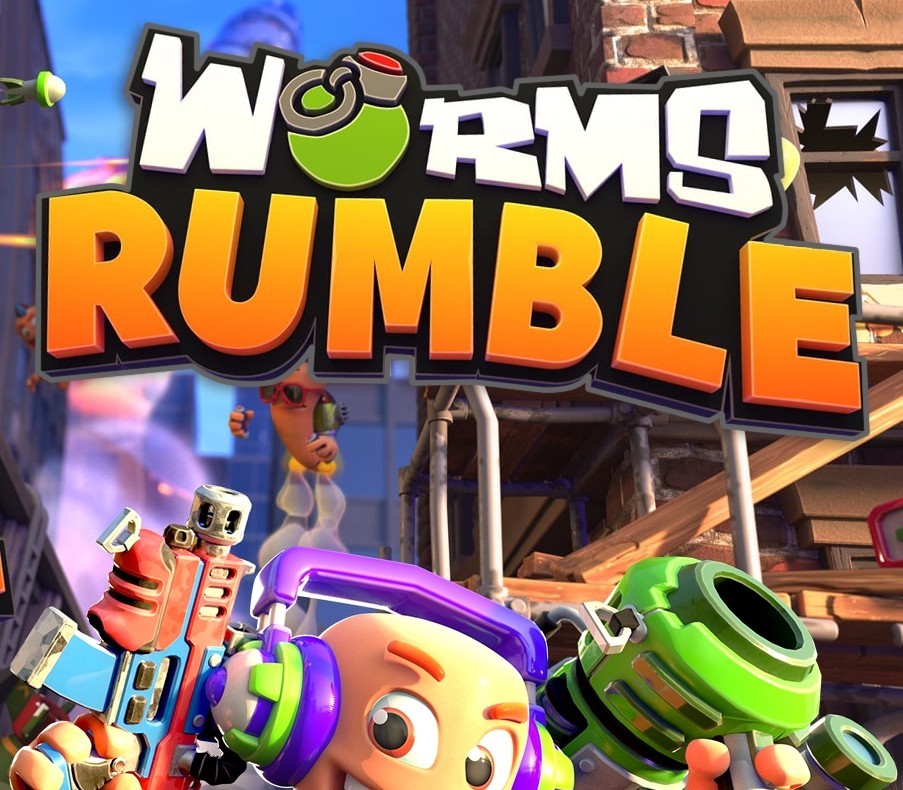
Worms Rumble EU Nintendo Switch CD Key
€11.57
Your activation code is emailed to you within seconds of purchase — no waiting, no shipping.
Out of stock
PlatformNintendo
RegionEurope
PublisherTeam17
DeveloperTeam17
LanguagesChinese, English, French, German +5
DeliveryInstant email
AvailabilityOut of stock
SKUPH-161801
About this game
Worms Rumble is Worms like you’ve never played it before, with intense, real-time, arena-based 32 player cross-platform combat. Get ready for Deathmatch and Last Worm Standing modes where you’re only ever a Holy Hand Grenade away from death! Use a variety of fan-favourite weapons like the Bazooka and Shotgun plus all-new additions to the armoury to bring the pain to your invertebrate opponents as you climb the ranks. Customise your worm, take part in challenges and seasonal events and experiment with new ways to play in The Lab. This is Worms, reinvented. Features You won’t find any turn-based combat in Worms Rumble. Every round is in REAL TIME! If your enemy is raining fire upon you, give them heck right back! Play with friends online across console and PC. With Deathmatch and Last Worm Standing solo and squad battle royale modes available at launch! Earn XP and in-game currency to unlock and purchase weapon skins, outfits, accessories and emotes! Mix and match to create your own personal style on the battlefield. Arm yourself with new and returning fan-favourite weapons! With classics like the Bazooka, Shotgun and Holy Hand-grenade to use at your disposal! Take part in seasonal and community events, and daily challenges for additional XP and in-game rewards. And experiment with new gameplay mechanics and weapons in The Lab. Each week brings new experimental game modes with new fun ways to play!
What you get
- One activation key for Nintendo
- Instant delivery straight to your email inbox
- The full base game, ready to download
- A step-by-step activation guide (right here)
How to redeem
- Complete your purchase — your code is emailed to you within seconds.
- Open the official launcher or store for your platform and find "Redeem code".
- Enter the code exactly as shown in your email and confirm.
- Download, install and jump in.
Platform activation
Go to: http://store.steampowered.com/ and download STEAM client Click "Install Steam" (from the upper right corner) Install and start application, login with your Account name and Password (create one if you don't have). Please follow these instructions to activate a new retail purchase on Steam: Launch Steam and log into your Steam account. Click the Games Menu. Choose Activate a Product on Steam... Follow the onscreen instructions to complete the process. After successful code verification go to the "MY GAMES" tab…
Activation can vary by platform and region. Need a hand? Contact support.
More to play
Browse all →