€9.44
 PC
PC
Instant email delivery
Verified, working key
Secure card checkout
Rated 4.8/5 by gamers
PC
Adventure
INMOST EU PC Steam Altergift
€4.76
Your activation code is emailed to you within seconds of purchase — no waiting, no shipping.
PlatformPC
RegionEurope
PublisherChucklefish Games
DeveloperHidden Layer Games
LanguagesArabic, Chinese, Dutch, English +10
DeliveryInstant email
AvailabilityIn stock
SKUPH-165738
About this game
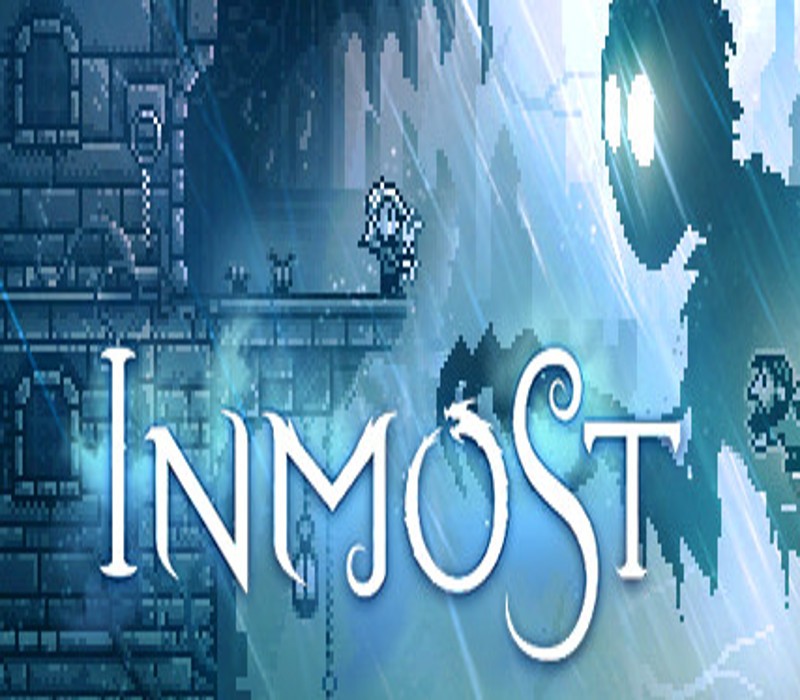
Something is lurking in the shadows… INMOST, by Lithuania-based indie studio Hidden Layer Games, is an emotional and deeply atmospheric narrative-driven puzzle platformer. Uncover the story of an adventurous young girl, a stoic knight and a man in search of answers. Explore a crumbling, nightmarish landscape, slice through enemies, and spring deadly traps in order to escape the evil that awaits… **INMOST is an intimate story of loss and hope that some may find upsetting. Player discretion is advised.** Features Venture through a hauntingly atmospheric pixel art world 3 main characters, each with their own unique gameplay styles A knight adventures into the depths of a deteriorating castle. A child uncovers the past of an eerie house. A wanderer searches for answers. Lure enemies into lethal traps, solve environmental puzzles and utilise your scythe, hookshot and pickaxe to avoid a gruesome end! Discover a 3-5 hour emotional story, intended to be played in a single-sitting on a dark, stormy night Explore every nook and cranny to find secret passages and collectibles Featuring the vocal talents of Andrew Dennis and Cassandra Lee Morris Playable in 14 languages, including English, French, German, Russian, Spanish, Italian, Arabic, Dutch, Japanese, Korean, Brazilian Portuguese, Turkish, Simplified and Traditional Chinese Each pixel is placed with love! Features CORSAIR iCUE RGB dynamic lighting functionality for PC
What you get
- One activation key for PC
- Instant delivery straight to your email inbox
- The full base game, ready to download
- A step-by-step activation guide (right here)
System requirements
Windows
Requires a 64-bit processor and operating system OS: Windows 7 or later Processor: Intel i5 Memory: 1 GB RAM Graphics: Nvidia 450 GTS DirectX: Version 9.0c Storage: 2 GB available space
How to redeem
- Complete your purchase — your code is emailed to you within seconds.
- Open the official launcher or store for your platform and find "Redeem code".
- Enter the code exactly as shown in your email and confirm.
- Download, install and jump in.
Platform activation
Go to: http://store.steampowered.com/ and download STEAM client Click "Install Steam" (from the upper right corner) Install and start application, login with your Account name and Password (create one if you don't have). Please follow these instructions to activate a new retail purchase on Steam: Launch Steam and log into your Steam account. Click the Games Menu. Choose Activate a Product on Steam... Follow the onscreen instructions to complete the process. After successful code verification go to the "MY GAMES" tab…
Activation can vary by platform and region. Need a hand? Contact support.
More to play
Browse all →