€2.20
 PC
PC
Instant email delivery
Verified, working key
Secure card checkout
Rated 4.8/5 by gamers
PC
Action
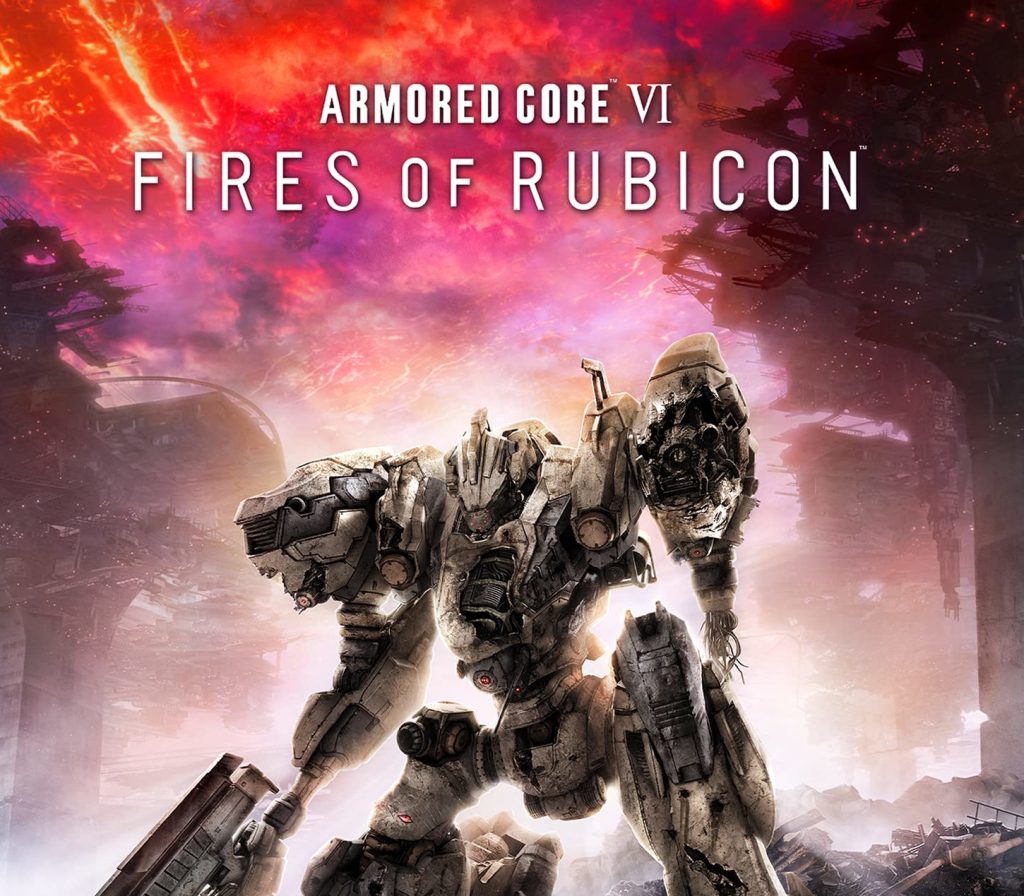
Armored Core VI - Fires of Rubicon EU Steam CD Key
€35.54
Your activation code is emailed to you within seconds of purchase — no waiting, no shipping.
PlatformPC
RegionEurope
PublisherFromSoftware
DeveloperFromSoftware
LanguagesEnglish
DeliveryInstant email
AvailabilityIn stock
SKUPH-172292
About this game
Combining FromSoftware’s longstanding expertise in mech games with their signature action gameplay, ARMORED CORE VI FIRES OF RUBICON brings a brand-new action experience to the series. Features Dynamic, Omni-directional BattlesPlayers will pilot their mech in fast-paced, omni-directional battles, taking advantage of massive stages and their mech’s mobility on land and in the air to ensure victory. Customized Parts for Individual Battle StylesCustomize Armored Core parts to suit a large variety of playstyles. Selecting different parts not only changes the mech’s attacks, but also directly affects its movement and battle style, so each mission can be approached with a unique mech strategy. Thrilling Boss BattlesDeploy a wide variety of offensive and defensive tactics at close and long range to take down powerful enemy bosses.
What you get
- One activation key for PC
- Instant delivery straight to your email inbox
- The full base game, ready to download
- A step-by-step activation guide (right here)
System requirements
Windows
Minimum: Requires a 64-bit processor and operating system OS: Windows 10 Processor: Intel Core i5-8600K or AMD Ryzen 3 3300X Memory: 12 GB RAM Graphics: NVIDIA GeForce GTX 960, 4 GB or AMD Radeon RX 480, 4 GB or Intel Arc A380, 6 GB DirectX: Version 12 Network: Broadband Internet connection Storage: 65 GB available space
How to redeem
- Complete your purchase — your code is emailed to you within seconds.
- Open the official launcher or store for your platform and find "Redeem code".
- Enter the code exactly as shown in your email and confirm.
- Download, install and jump in.
Platform activation
Go to: http://store.steampowered.com/ and download STEAM client Click "Install Steam" (from the upper right corner) Install and start application, login with your Account name and Password (create one if you don't have). Please follow these instructions to activate a new retail purchase on Steam: Launch Steam and log into your Steam account. Click the Games Menu. Choose Activate a Product on Steam... Follow the onscreen instructions to complete the process. After successful code verification go to the "LIBRARY" tab and…
Activation can vary by platform and region. Need a hand? Contact support.
More to play
Browse all →