€178.40
 PC
PC
Instant email delivery
Verified, working key
Secure card checkout
Rated 4.8/5 by gamers
PC
Simulation
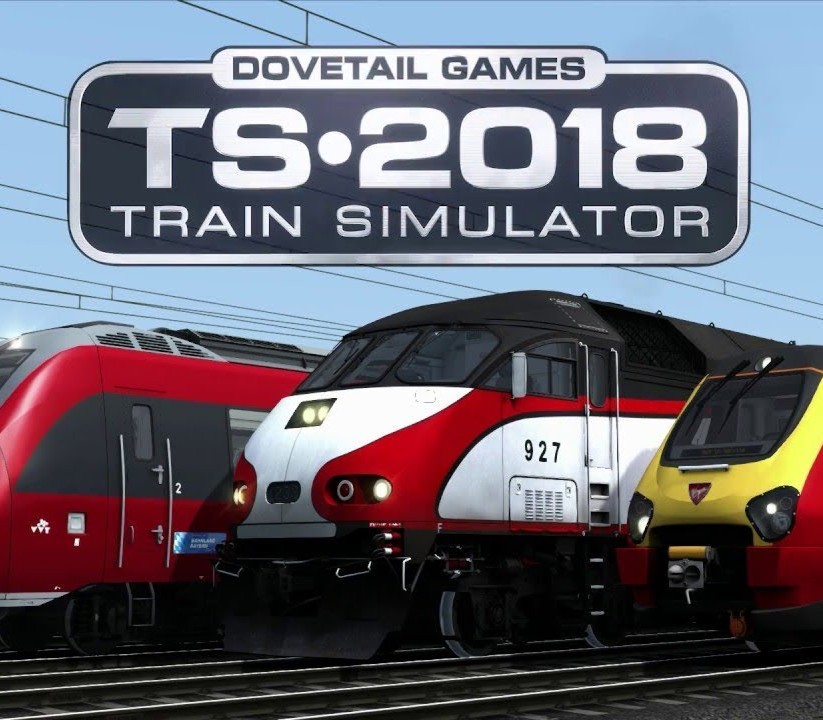
Train Simulator 2020 - MRCE BR 185.5 Loco Add-On DLC EU Steam CD Key
€5.13
Your activation code is emailed to you within seconds of purchase — no waiting, no shipping.
PlatformPC
RegionEurope
PublisherDovetail Games
DeveloperDovetail Games
LanguagesEnglish, German
DeliveryInstant email
AvailabilityIn stock
SKUPH-182498
About this game
The modular TRAXX locomotives from Bombardier have become one of Europe’s most widespread family of locomotives and includes the BR 185.5, now available for Train Simulator.Bombardier’s TRAXX family (standing for Transnational Railway Applications with Extreme Flexibility) is a modular product platform of electric and diesel-electric passenger and freight locomotives, designed to enable the quick and efficient production of mainline models for a variety of European railway companies.The locomotive is also Quick Drive compatible, giving you the freedom to drive the MRCE BR 185.5 on any Quick Drive enabled route for Train Simulator, such as those available through Steam. Also included are scenarios specifically for the Cologne-Koblenzroute (available separately and required to play these scenarios). Features BR 185.5 in MRCE Black livery PZB and LZB signalling systems Zacns 95 tank freight wagons Quick Drive compatible Scenarios for the Cologne-Koblenz route Download size: 166mb
What you get
- One activation key for PC
- Instant delivery straight to your email inbox
- The full base game, ready to download
- A step-by-step activation guide (right here)
System requirements
Windows
OS: Windows® Vista / 7 / 8 Processor: Processor: 2.8 GHz Core 2 Duo (3.2 GHz Core 2 Duo recommended), AMD Athlon MP (multiprocessor variant or comparable processors) Memory: 2 GB RAM Graphics: 512 MB with Pixel Shader 3.0 (AGP PCIe only) DirectX®: 9.0c Hard Drive: 6 GB HD space Sound: Direct X 9.0c compatible Other Requirements: Broadband Internet connection Additional: Quicktime Player is required for playing the videos
How to redeem
- Complete your purchase — your code is emailed to you within seconds.
- Open the official launcher or store for your platform and find "Redeem code".
- Enter the code exactly as shown in your email and confirm.
- Download, install and jump in.
Platform activation
Go to: http://store.steampowered.com/ and download STEAM client Click "Install Steam" (from the upper right corner) Install and start application, login with your Account name and Password (create one if you don't have). Please follow these instructions to activate a new retail purchase on Steam: Launch Steam and log into your Steam account. Click the Games Menu. Choose Activate a Product on Steam... Follow the onscreen instructions to complete the process. After successful code verification go to the "MY GAMES" tab…
Activation can vary by platform and region. Need a hand? Contact support.
More to play
Browse all →