€4.57
 PC
PC
Instant email delivery
Verified, working key
Secure card checkout
Rated 4.8/5 by gamers
PC
Casual
Slipstream EU Steam CD Key
€2.63
Your activation code is emailed to you within seconds of purchase — no waiting, no shipping.
PlatformPC
RegionEurope
LanguagesEnglish
DeliveryInstant email
AvailabilityIn stock
SKUPH-183932
About this game
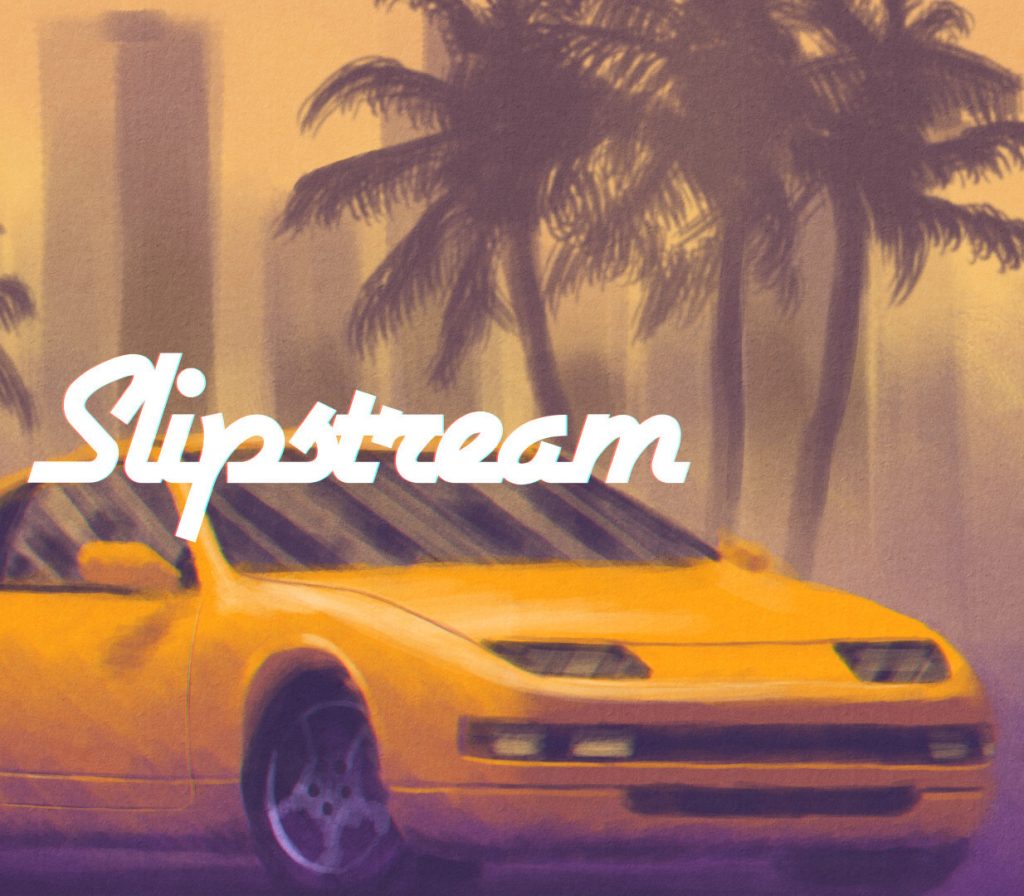
Slipstream is a racing game inspired by the visuals, music, games and cars from the late 80s and early 90s. It’s built on a custom game engine, with an authentic retro feel and unique graphics. The soundtrack, drawing from synthpop and jazz fusion influences, sets the tone for a race across a variety of exotic locations from all around the world, including cities, deserts, forests, mountains and beaches. Drifting and slipstreaming mechanics add depth to the driving gameplay, and the result is a challenging and exciting experience. Features Authentic pseudo-3D game engine with 2D graphics, just like the glory days of the arcade racers. 20 Different tracks, set on a variety of exotic locations all around the world… and beyond. 3 Game modes: Arcade Mode, a road trip through exotic landscapes, with branching paths and rivals to race against. Quick Race, a single race in any of the game’s tracks. Grand Prix, a championship mode with five races back to back and money prizes used to upgrade your car! 5 Car models, each with its own specs and playstyle. Original soundtrack with 9 exclusive songs. A variety of graphical options to customize the game’s visuals, including 30fps mode, CRT and NTSC filters.
What you get
- One activation key for PC
- Instant delivery straight to your email inbox
- The full base game, ready to download
- A step-by-step activation guide (right here)
System requirements
Windows
OS: Windows 7 Memory: 2 GB RAM Graphics: Intel HD Graphics 5000 Storage: 500 MB available space
Mac
OS: macOS 10.9+ Memory: 2 GB RAM Graphics: Intel HD Graphics 5000 Storage: 500 MB available space
Linux
OS: Ubuntu 16.04 Memory: 2 GB RAM Graphics: Intel HD Graphics 5000 Storage: 500 MB available space
How to redeem
- Complete your purchase — your code is emailed to you within seconds.
- Open the official launcher or store for your platform and find "Redeem code".
- Enter the code exactly as shown in your email and confirm.
- Download, install and jump in.
Platform activation
Go to: http://store.steampowered.com/ and download STEAM client Click "Install Steam" (from the upper right corner) Install and start application, login with your Account name and Password (create one if you don't have). Please follow these instructions to activate a new retail purchase on Steam: Launch Steam and log into your Steam account. Click the Games Menu. Choose Activate a Product on Steam... Follow the onscreen instructions to complete the process. After successful code verification go to the "MY GAMES" tab…
Activation can vary by platform and region. Need a hand? Contact support.
More to play
Browse all →