€4.54
 PC
PC
Instant email delivery
Verified, working key
Secure card checkout
Rated 4.8/5 by gamers
PC
Action
Poöf EU Steam CD Key
€1.28
Your activation code is emailed to you within seconds of purchase — no waiting, no shipping.
PlatformPC
RegionEurope
PublisherNeko Entertainment
DeveloperArkedo
LanguagesEnglish
DeliveryInstant email
AvailabilityIn stock
SKUPH-194886
About this game
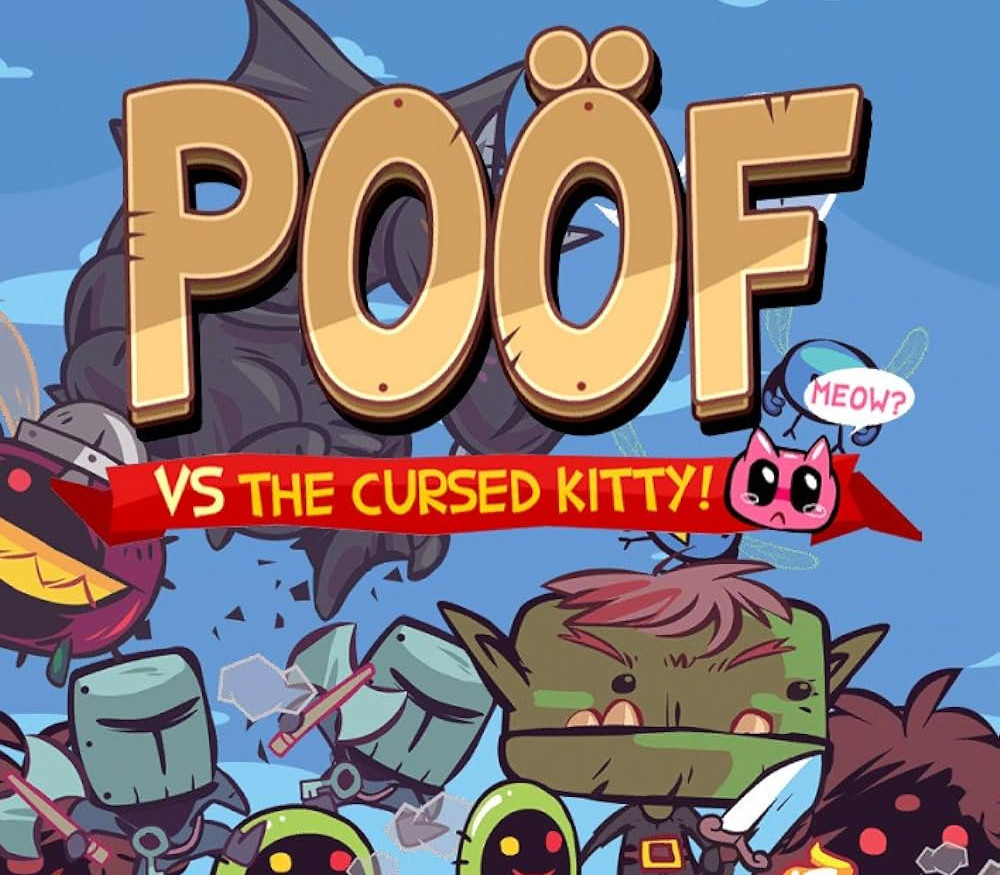
Poöf has been tricked by accepting a golden laying kitten. But the precious kitty makes all the greedy monsters envious. Survive waves of monsters trying to steal your revenue! Poöf vs the cursed kitty is a mix between tower defense, and platforming action, a game focused on hardcore gameplay, tight controls and choices, inspired by games such as Mario Bros Arcade Game, Orcs Must Die and Super Crate Box. To get rid of your enemies, simply jump on them, or place towers to attack and poos to slow down, use fire knives or bombs, ice winds to freeze enemies and golden eggs for Armageddon ! You can also control time: slow it down in danger moments and accelerate it to increase the difficulty and score more points. How fast will you play? Features Hardcore gameplay and exponential difficulty Original Graphics and frenetic Music 108 Missions to accomplish to unlock upgrades 36 Upgrades – Powers, Weapons, Enemies, and more. 12 Unique Enemies – Including Ogres, Ghosts, Dragons, Slug dogs, or even gigantic Flies. 10 random Customization objects to collect – Backgrounds, Music, Poöf and kitty’s costumes. Unlock a Leaderboard to compete worldwide Support USB game controllers
What you get
- One activation key for PC
- Instant delivery straight to your email inbox
- The full base game, ready to download
- A step-by-step activation guide (right here)
System requirements
Windows
OS: Vista/Win7 Processor: Intel Core 2 DUO @ 2.4 GHz/Athlon 64 X2 4200+ & above Memory: 1 GB RAM Graphics: DirectX 10 compatible graphic card with at least 512 MB RAM DirectX: Version 10 Hard Drive: 2 GB available space
How to redeem
- Complete your purchase — your code is emailed to you within seconds.
- Open the official launcher or store for your platform and find "Redeem code".
- Enter the code exactly as shown in your email and confirm.
- Download, install and jump in.
Platform activation
Go to: http://store.steampowered.com/ and download STEAM client Click "Install Steam" (from the upper right corner) Install and start application, login with your Account name and Password (create one if you don't have). Please follow these instructions to activate a new retail purchase on Steam: Launch Steam and log into your Steam account. Click the Games Menu. Choose Activate a Product on Steam... Follow the onscreen instructions to complete the process. After successful code verification go to the "MY GAMES" tab…
Activation can vary by platform and region. Need a hand? Contact support.
More to play
Browse all →