€4.61
 PC
PC
Instant email delivery
Verified, working key
Secure card checkout
Rated 4.8/5 by gamers
PC
Adventure
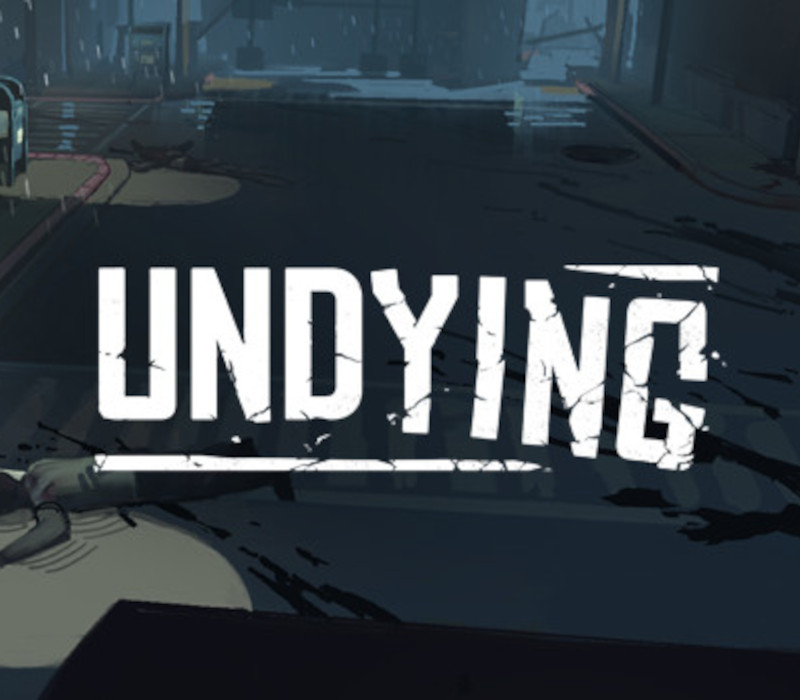
UNDYING EU Steam CD Key
€2.95
Your activation code is emailed to you within seconds of purchase — no waiting, no shipping.
PlatformPC
RegionEurope
PublisherSkystone Games
DeveloperVanimals Games
LanguagesChinese, English, Japanese
DeliveryInstant email
AvailabilityIn stock
SKUPH-204753
About this game
Infected by a zombie bite, Anling’s days are numbered. She must now fight to survive, not for herself but her young son, Cody. Ensure Cody’s survival in a zombie infested world by protecting him and teaching him valuable skills, at any cost.In this emotional survival game take control of Anling whose goal is to make sure her son Cody is safe and can live on after she turns. Limited resources must be managed in order to slow down Anling’s infection while also making sure both Anling and Cody do not starve from hunger or thirst. Anling must also teach her son essential survival skills such as cooking, crafting and combat before hers begin to fade. She might find that in certain situations she will start depending on him.A perfect balance of managing your days looking for resources and increasing Cody’s skill set will be needed in order to survive the long journey. FEATURES Top down survival game with real-time day/night cycle. Player generated world map Rogue-like replayability Beautiful low poly art-style Dozens of NPCs to interact with Emotional story about survival and letting go Watch your son grow as your AI partner learns from you Incredible soundtrack
What you get
- One activation key for PC
- Instant delivery straight to your email inbox
- The full base game, ready to download
- A step-by-step activation guide (right here)
System requirements
Windows
Minimum: OS: Windows 7 SP1, Windows 8.1 or Windows 10 Processor: Intel® i3-3220, AMD FX 6300 equivalent or better Memory: 4 GB RAM Graphics: NVIDIA GeForce® GTX 650 equivalent or better Storage: 1500 MB available space
How to redeem
- Complete your purchase — your code is emailed to you within seconds.
- Open the official launcher or store for your platform and find "Redeem code".
- Enter the code exactly as shown in your email and confirm.
- Download, install and jump in.
Platform activation
Go to: http://store.steampowered.com/ and download STEAM client Click "Install Steam" (from the upper right corner) Install and start application, login with your Account name and Password (create one if you don't have). Please follow these instructions to activate a new retail purchase on Steam: Launch Steam and log into your Steam account. Click the Games Menu. Choose Activate a Product on Steam... Follow the onscreen instructions to complete the process. After successful code verification go to the "LIBRARY" tab and…
Activation can vary by platform and region. Need a hand? Contact support.
More to play
Browse all →