€1.98
 PC
PC
Instant email delivery
Verified, working key
Secure card checkout
Rated 4.8/5 by gamers
PC
Strategy
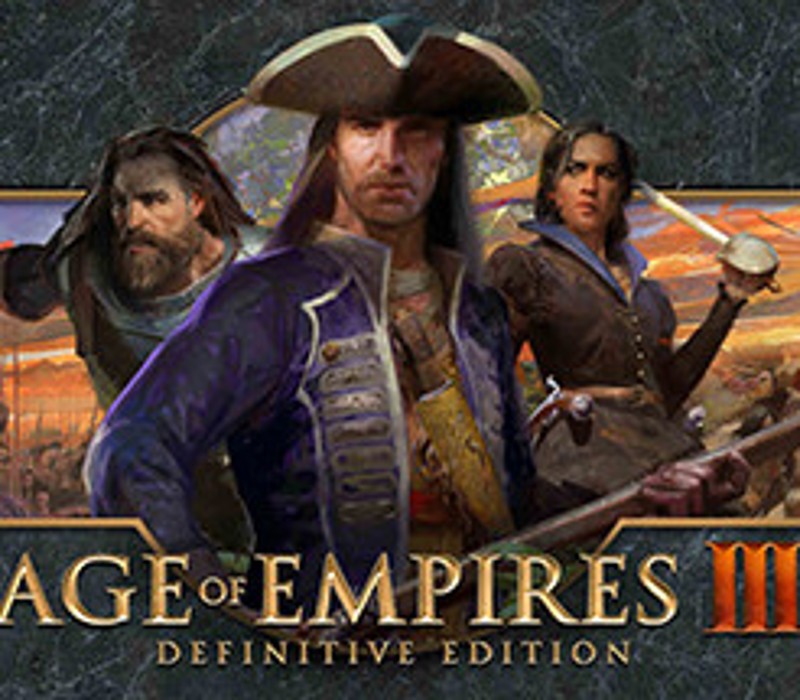
Age of Empires III: Definitive Edition EU Steam CD Key
€5.72
Your activation code is emailed to you within seconds of purchase — no waiting, no shipping.
PlatformPC
RegionEurope
PublisherDestineer
DeveloperEnsemble Studios
LanguagesChinese, English, French, German +8
DeliveryInstant email
AvailabilityIn stock
SKUPH-101112
About this game
Age of Empires III: Definitive Edition completes the celebration of one of the most beloved real-time strategy franchises in definitive form with enhanced features and modernized gameplay.Command mighty civilizations from across Europe and the Americas or jump to the battlefields of Asia in stunning 4K Ultra HD graphics and with a fully remastered soundtrack.Now featuring two new game modes: Historical Battles and The Art of War Challenge Missions, including all previously released expansions and all 14 civilizations, plus two brand new civilizations – the Swedes and Inca.Head online to challenge other players with updated online multiplayer with cross network play and enjoy modern gaming features including spectator modes and mod support.Complete your collection with this final chapter in the Age of Empires Definitive Edition journey.
What you get
- One activation key for PC
- Instant delivery straight to your email inbox
- The full base game, ready to download
- A step-by-step activation guide (right here)
System requirements
Windows
Requires a 64-bit processor and operating system OS: Windows 10 version 18362.0 or higher Processor: Intel i3-2105 @ 3.1GHz or AMD Phenom II X4 973 with an average CPU Passmark score of 3735 or better Memory: 8 GB RAM Graphics: GeForce GT 430, Radeon HD 5570, or Intel HD 4400 with an average Passmark G3D Mark of 570 or better DirectX: Version 11 Network: Broadband Internet connection Storage: 42 GB available space Additional Notes: 2 GB VRAM
How to redeem
- Complete your purchase — your code is emailed to you within seconds.
- Open the official launcher or store for your platform and find "Redeem code".
- Enter the code exactly as shown in your email and confirm.
- Download, install and jump in.
Platform activation
Go to: http://store.steampowered.com/ and download STEAM client Click "Install Steam" (from the upper right corner) Install and start application, login with your Account name and Password (create one if you don't have). Please follow these instructions to activate a new retail purchase on Steam: Launch Steam and log into your Steam account. Click the Games Menu. Choose Activate a Product on Steam... Follow the onscreen instructions to complete the process. After successful code verification go to the "MY GAMES" tab…
Activation can vary by platform and region. Need a hand? Contact support.
More to play
Browse all →