
€12.61
Instant email delivery
Verified, working key
Secure card checkout
Rated 4.8/5 by gamers
Software
dlc
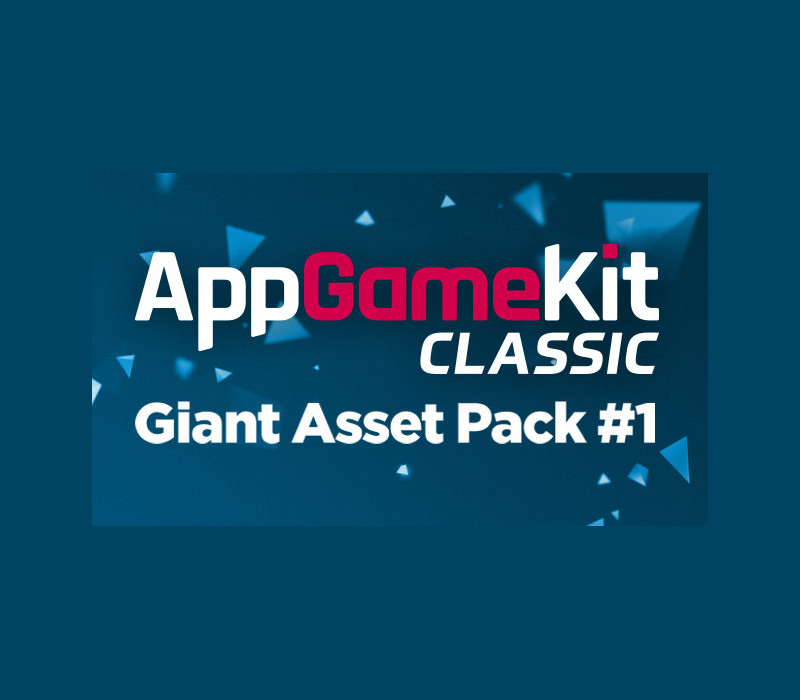
AppGameKit Classic - Giant Asset Pack 1 DLC EU Steam CD Key
€1.33
Your activation code is emailed to you within seconds of purchase — no waiting, no shipping.
PlatformSoftware
RegionEurope
PublisherTheGameCreators
DeveloperTheGameCreators
LanguagesEnglish
DeliveryInstant email
AvailabilityIn stock
SKUPH-147336
About this game
This Giant Asset pack for AppGameKit Classic contains over 500 sprites, sprite sheets and sprite construction sets providing more than 2, 000 individual action orientated sprites. Expand your 2D collection and add that extra spark to your games with this great assets pack. This DLC is complete with a number of code demonstrations showcasing the sprites, making this pack a must-have for all budding developers.Here’s a breakdown of the different themes the pack coversA total of over 2, 000 individual sprites ready for your games including: Asteroids – 47 sprites and animated sprite sheets Bats and Ball – Sprite sheet containing 40 sprites for that “famous” game. Explosions and Fire – over 200 explosive sprites and sprite sheets GUI – Over 100 buttons for great looking interfaces. Pickups – Alien pickup sprites Soccer – 550 sprites for all top down your soccer needs Space Construction sets – Create millions of stars and planets from over 200 sprites. Spaceship construction – over 300 individual sprites which combine into millions of ship variants Starship – 52 ready made starships Tank Construction Kit – more than 160 tanks parts to build a huge number of variations. Vehicles – Sprite sheets featuring 72 variations. Platformer Genre – a range of sprites for platform games. The pack will effortlessly install onto your system and can used quickly into your games or combined and edited using 3rd party image software to create millions of variations. All the assets in Giant Assets Pack 1 are royalty free, meaning any game you make with them can be legally sold by you.This pack is 370 megs of media and we’ll be adding to the pack in the weeks and months to come!
What you get
- One activation key for Software
- Instant delivery straight to your email inbox
- The full base game, ready to download
- A step-by-step activation guide (right here)
System requirements
Windows
Minimum: OS: Windows XP SP2 or better Processor: Intel Celeron / Athlon Sempron or better Memory: 1 GB RAM Graphics: Open GL 2.0 compatible or better DirectX: Version 9.0 Storage: 400 MB available space Sound Card: N/A
Linux
Minimum: OS: Ubuntu 14.04 (may work with others) Processor: Intel Celeron / Athlon Sempron or better Memory: 1 GB RAM Graphics: Open GL 2.0 compatible or better Storage: 400 MB available space Sound Card: N/A
Mac
Minimum: OS: Mountain Lion 10.8 or better for IDE (10.7 for compiled apps) Processor: Intel Celeron or better Memory: 1 GB RAM Graphics: Open GL 2.0 compatible or better Storage: 400 MB available space Sound Card: N/A
How to redeem
- Complete your purchase — your code is emailed to you within seconds.
- Open the official launcher or store for your platform and find "Redeem code".
- Enter the code exactly as shown in your email and confirm.
- Download, install and jump in.
Platform activation
Go to: http://store.steampowered.com/ and download STEAM client Click "Install Steam" (from the upper right corner) Install and start application, login with your Account name and Password (create one if you don't have). Please follow these instructions to activate a new retail purchase on Steam: Launch Steam and log into your Steam account. Click the Games Menu. Choose Activate a Product on Steam... Follow the onscreen instructions to complete the process. After successful code verification go to the "LIBRARY" tab and…
Activation can vary by platform and region. Need a hand? Contact support.
More to play
Browse all →