€9.55
 PC
PC
Instant email delivery
Verified, working key
Secure card checkout
Rated 4.8/5 by gamers
PC
Action
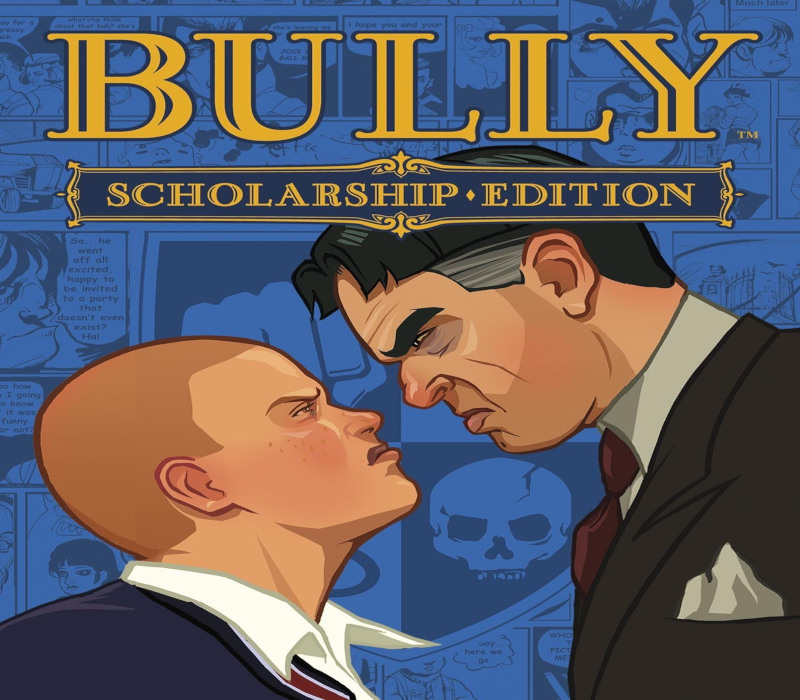
Bully: Scholarship Edition EU Steam CD Key
€17.24
Your activation code is emailed to you within seconds of purchase — no waiting, no shipping.
PlatformPC
RegionEurope
PublisherTake-Two Interactive
DeveloperRockstar Vancouver
LanguagesEnglish, French, German, Italian +1
DeliveryInstant email
AvailabilityIn stock
SKUPH-6373
About this game
Bully: Scholarship Edition takes place at the fictional New England boarding school, Bullworth Academy and tells the story of mischievous 15-year-old Jimmy Hopkins as he goes through the hilarity and awkwardness of adolescence. Beat the jocks at dodge ball, play pranks on the preppies, save the nerds, kiss the girl and ultimately navigate the social hierarchy in the worst school around. Includes the complete soundtrack, featuring 26 original tracks. After purchase and download you can locate the soundtrack in your Steam folder here: [Steamsteamappscommonbully scholarship editionBully Original Soundtrack]. The Steam folder is typically found under C:Program FilesSteam
What you get
- One activation key for PC
- Instant delivery straight to your email inbox
- The full base game, ready to download
- A step-by-step activation guide (right here)
System requirements
Windows
OS: Windows XP / Windows Vista Processor: Intel Pentium 4 (3+ GHZ) / AMD Athlon 3000+ Memory: 1 GB RAM Graphics: DirectX 9.0c Shader 3.0 supported, Nvidia 6800 or 7300 or better, ATI Radeon X1300 or better DirectX Version: DirectX 9.0c Hard Drive: 4.7 GB free space Sound Card: DX9-compatible Input: Keyboard, Mouse, Xbox 360 Controller supported
How to redeem
- Complete your purchase — your code is emailed to you within seconds.
- Open the official launcher or store for your platform and find "Redeem code".
- Enter the code exactly as shown in your email and confirm.
- Download, install and jump in.
Platform activation
Go to: http://store.steampowered.com/ and download STEAM client Click "Install Steam" (from the upper right corner) Install and start application, login with your Account name and Password (create one if you don't have). Please follow these instructions to activate a new retail purchase on Steam: Launch Steam and log into your Steam account. Click the Games Menu. Choose Activate a Product on Steam... Follow the onscreen instructions to complete the process. After successful code verification go to the "MY GAMES" tab…
Activation can vary by platform and region. Need a hand? Contact support.
More to play
Browse all →