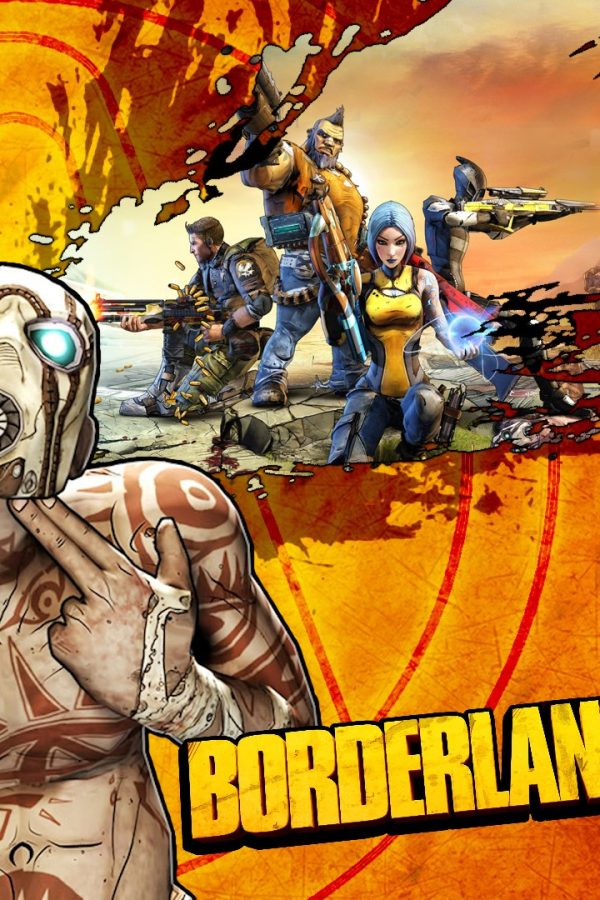
Call of Duty: Modern Warfare 3 (2011) - Collection 4: Final Assault DLC EU Steam CD Key
 PC
PC€6.63

 PC
PC
Your activation code is emailed to you within seconds of purchase — no waiting, no shipping.
Content Creator Pack: Modern Japan introduces a unique flair inspired by Japanese architecture with 20 buildings and six props from modder Ryuichi Kaminogi. These are the first Japanese buildings to be added to Cities: Skylines, bringing ornate models ranging from impressive skyscrapers to cozy udon and ramen shops.
Requires a 64-bit processor and operating system OS: Microsoft Windows XP/Vista/7/8/8.1 (64-bit) Processor: Intel Core 2 Duo, 3.0GHz or AMD Athlon 64 X2 6400+, 3.2GHz Memory: 4 GB RAM Graphics: nVIDIA GeForce GTX 260, 512 MB or ATI Radeon HD 5670, 512 MB (Does not support Intel Integrated Graphics Cards) DirectX: Version 9.0c Network: Broadband Internet connection Storage: 4 GB available space
Requires a 64-bit processor and operating system OS: OS X 10.9 (64-bit) Processor: Intel Core 2 Duo, 3.0GHz Memory: 4 GB RAM Graphics: nVIDIA GeForce GTX 260, 512 MB or ATI Radeon HD 5670, 512 MB (Does not support Intel Integrated Graphics Cards) Network: Broadband Internet connection Storage: 4 GB available space
Requires a 64-bit processor and operating system OS: Ubuntu 12.04 (64-bit) Processor: Intel Core 2 Duo, 3.0GHz or AMD Athlon 64 X2 6400+, 3.2GHz Memory: 4 GB RAM Graphics: nVIDIA GeForce GTX 260, 512 MB or ATI Radeon HD 5670, 512 MB (Does not support Intel Integrated Graphics Cards) Network: Broadband Internet connection Storage: 4 GB available space
Go to: http://store.steampowered.com/ and download STEAM client Click "Install Steam" (from the upper right corner) Install and start application, login with your Account name and Password (create one if you don't have). Please follow these instructions to activate a new retail purchase on Steam: Launch Steam and log into your Steam account. Click the Games Menu. Choose Activate a Product on Steam... Follow the onscreen instructions to complete the process. After successful code verification go to the "MY GAMES" tab…