€28.59
 Nintendo
Instant email delivery
Verified, working key
Secure card checkout
Rated 4.8/5 by gamers
Nintendo
Indie
Defend the Rook EU Nintendo Switch CD Key
€3.92
Your activation code is emailed to you within seconds of purchase — no waiting, no shipping.
PlatformNintendo
RegionEurope
PublisherGoblinz Publishing
DeveloperOne Up Plus Entertainment
LanguagesChinese, English, French, German +3
DeliveryInstant email
AvailabilityIn stock
SKUPH-120652
About this game
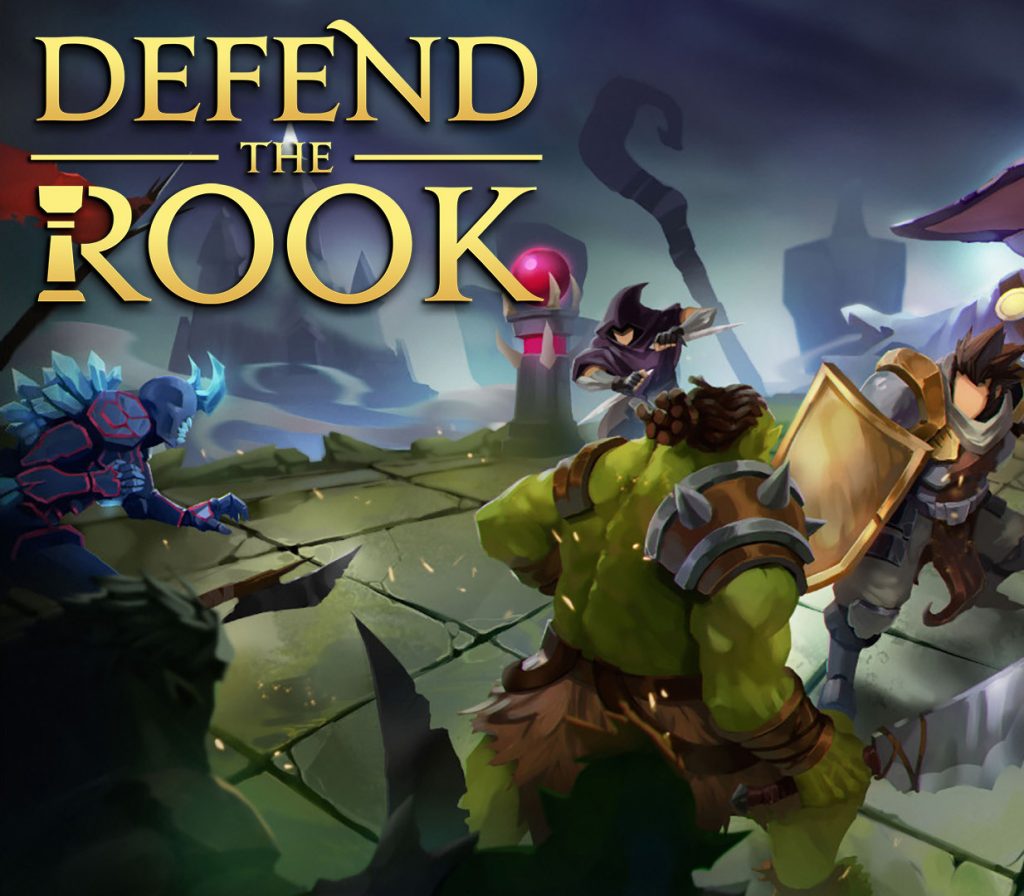
A roguelike tactics board combat combined with tower defense elements. Defeat the invading hordes to stay alive and save the land! Features Deploy your heroes to outsmart the enemy!Enjoy more tactics than your average TD game, whilst fighting through waves of enemies.Turn the tables on the invaders with the aid of devastating spells! Overcome the odds and outsmart the enemy. Build and upgrade your towers to survive the onslaught!To survive you’ll need to utilize more than just your heroes wit and prowess! Careful placement of towers and upgrades will be necessary to ensure victory. Place traps and barricades to defend your castle!Use these wisely to funnel and confuse the invaders. Wreak havoc amongst their ranks and break up their carefully manicured ranks! Become a champion to save the kingdom!Do you have what it takes to save the land? Jump right in and enjoy a set of procedurally generated roguelike turn-based battles like no other! Every battle fought is unique.
What you get
- One activation key for Nintendo
- Instant delivery straight to your email inbox
- The full base game, ready to download
- A step-by-step activation guide (right here)
How to redeem
- Complete your purchase — your code is emailed to you within seconds.
- Open the official launcher or store for your platform and find "Redeem code".
- Enter the code exactly as shown in your email and confirm.
- Download, install and jump in.
Platform activation
Select “Nintendo eShop” on the HOME Menu to launch the Nintendo eShop. Select the account you want to use. Select “Enter Code” on the left side of the screen. Enter the 16-character download code.Any letters and symbols not used with prepaid codes (i.e. O, I, Z, commas, hyphens, etc.) will be disabled from the on-screen keyboard. Select “Send” to confirm. The game will begin downloading once the code is confirmed.The game icon will appear on the HOME menu, with a…
Activation can vary by platform and region. Need a hand? Contact support.
More to play
Browse all →