€1.69
 PC
PC
Instant email delivery
Verified, working key
Secure card checkout
Rated 4.8/5 by gamers
PC
Action
Dying Light - Retrowave Bundle DLC EU PC Steam CD Key
€1.24
Your activation code is emailed to you within seconds of purchase — no waiting, no shipping.
PlatformPC
RegionEurope
PublisherTechland
DeveloperTechland
LanguagesChinese, Czech, Dutch, English +12
DeliveryInstant email
AvailabilityIn stock
SKUPH-262831
About this game
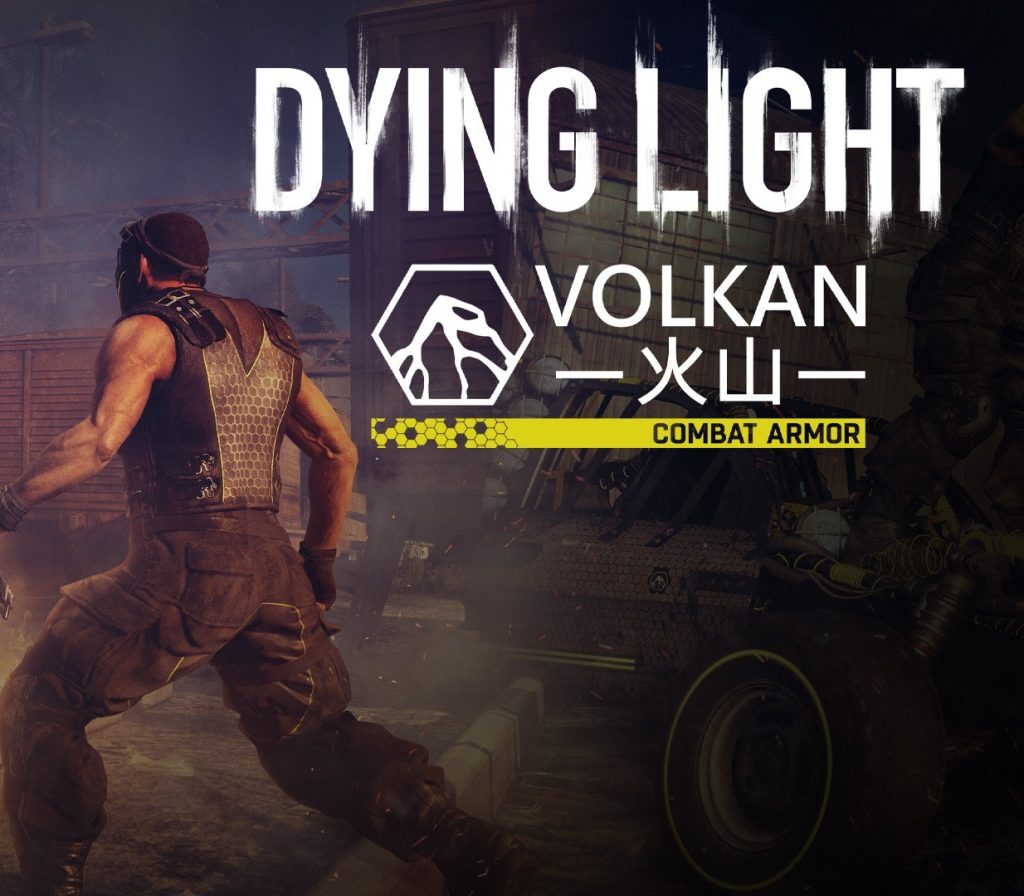
Includes: Dying Light – Retrowave Bundle (DLC) Surf the retrowave in style equipped with boldly designed retrofuturistic gear. Along with the new Night Rider outfit you will receive a new buggy paint job (Speedmaster Turbo) and three new weapon blueprints. Don’t let the flashy appearances fool you! Anyone who mistakes the Blademaxx machete, the Vindicator 2000 revolver or the Volkatronix automatic rifle for a toy, will be painfully proven wrong. The undisputed star of the show is the Volkatronix. Designed by Tolga and Fatin for Volkan Dal, it’s the first Dying Light firearm to shoot electric bullets, and therefore a necessary addition to your arsenal.Please note, buggy paint job requires Dying Light: The Following expansion pack.
What you get
- One activation key for PC
- Instant delivery straight to your email inbox
- The full base game, ready to download
- A step-by-step activation guide (right here)
System requirements
Windows
OS: Windows 10, 8, 7 (64 bit) Processor: Intel® Core™ i5-2500 @3.3 GHz / AMD FX-8320 @3.5 GHz Memory: 4 GB RAM Graphics: NVIDIA® GeForce® GTX 560 / AMD Radeon™ HD 6870 (1GB VRAM) DirectX: Version 11 Storage: 40 GB available space Sound Card: DirectX® compatible
How to redeem
- Complete your purchase — your code is emailed to you within seconds.
- Open the official launcher or store for your platform and find "Redeem code".
- Enter the code exactly as shown in your email and confirm.
- Download, install and jump in.
Platform activation
Go to: http://store.steampowered.com/ and download STEAM client Click "Install Steam" (from the upper right corner) Install and start application, login with your Account name and Password (create one if you don't have). Please follow these instructions to activate a new retail purchase on Steam: Launch Steam and log into your Steam account. Click the Games Menu. Choose Activate a Product on Steam... Follow the onscreen instructions to complete the process. After successful code verification go to the "MY GAMES" tab…
Activation can vary by platform and region. Need a hand? Contact support.
More to play
Browse all →