€76.99
 PC
PC
Instant email delivery
Verified, working key
Secure card checkout
Rated 4.8/5 by gamers
PC
Adventure
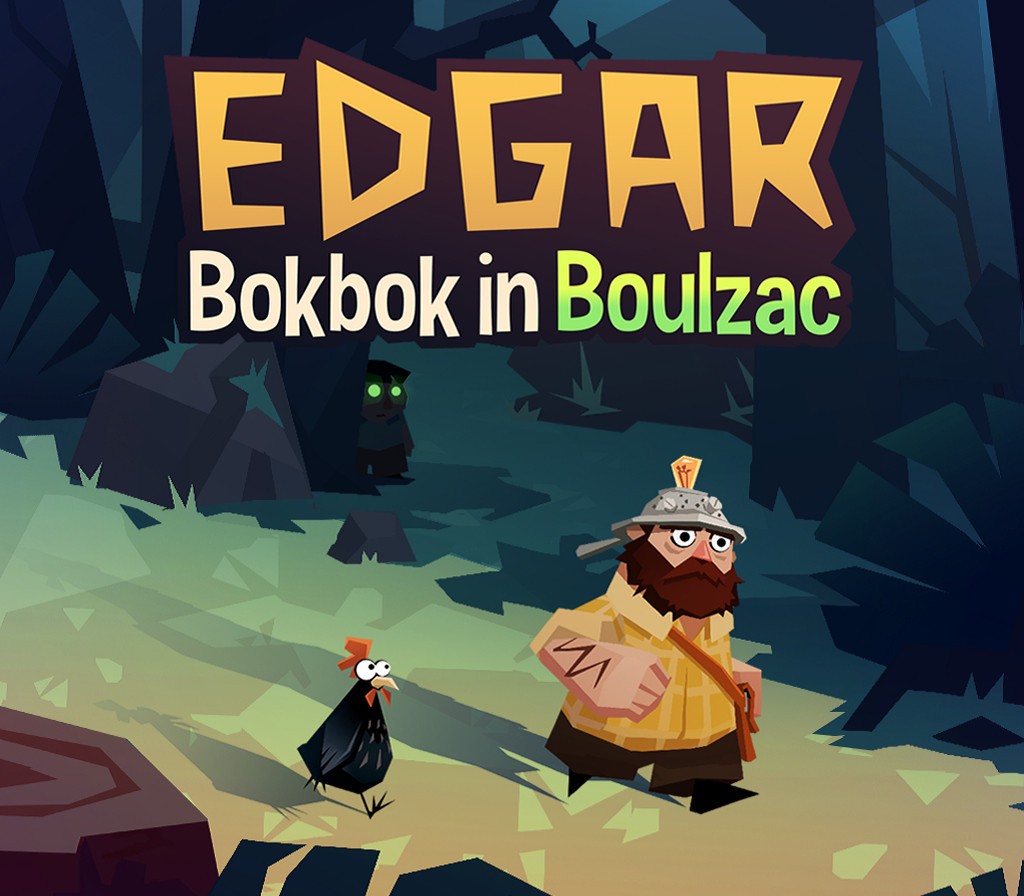
Edgar - Bokbok in Boulzac EU Steam CD Key
€1.69
Your activation code is emailed to you within seconds of purchase — no waiting, no shipping.
PlatformPC
RegionEurope
PublisherLa Poule Noire
LanguagesEnglish, French
DeliveryInstant email
AvailabilityIn stock
SKUPH-80064
About this game
Between 2 (mini) and 5 (maxi) hours to finish the gameYou are eccentric outcast Edgar, living in the woods with your chicken and beloved squash crops. Unfortunately, a sudden disaster forces you out of your shack and towards the bright lights of the big city, Boulzac, where an 800 year old fire rages beneath the surface, and weird things are afoot. Features Explore a strange and comic universe, meeting its unhinged (and unforgettable) inhabitants and discovering ancient secrets. Unveil the surreal conspiracy holding Boulzac together. Trek above and below the light city. Enjoy whip-smart dialogue, surreal adventures and satire. Equal parts whimsical and dark: you’ve not met a cosmic horror like this before.
What you get
- One activation key for PC
- Instant delivery straight to your email inbox
- The full base game, ready to download
- A step-by-step activation guide (right here)
System requirements
Windows
OS: Windows 7 Processor: Intel i5 Quad-Core Memory: 4 GB RAM Graphics: Intel HD 4000 Storage: 500 MB available space
Mac
OS: OS X 10, 8, 5 Processor: 1, 3GHz CPU Memory: 4 GB RAM Storage: 500 MB available space
Linux
OS: Ubuntu 12.04+ Processor: 1.3 Ghz CPU Memory: 4 GB RAM Storage: 2 GB available space
How to redeem
- Complete your purchase — your code is emailed to you within seconds.
- Open the official launcher or store for your platform and find "Redeem code".
- Enter the code exactly as shown in your email and confirm.
- Download, install and jump in.
Platform activation
Go to: http://store.steampowered.com/ and download STEAM client Click "Install Steam" (from the upper right corner) Install and start application, login with your Account name and Password (create one if you don't have). Please follow these instructions to activate a new retail purchase on Steam: Launch Steam and log into your Steam account. Click the Games Menu. Choose Activate a Product on Steam... Follow the onscreen instructions to complete the process. After successful code verification go to the "MY GAMES" tab…
Activation can vary by platform and region. Need a hand? Contact support.
More to play
Browse all →