
€14.61
 PC
PC
Instant email delivery
Verified, working key
Secure card checkout
Rated 4.8/5 by gamers
PC
Action
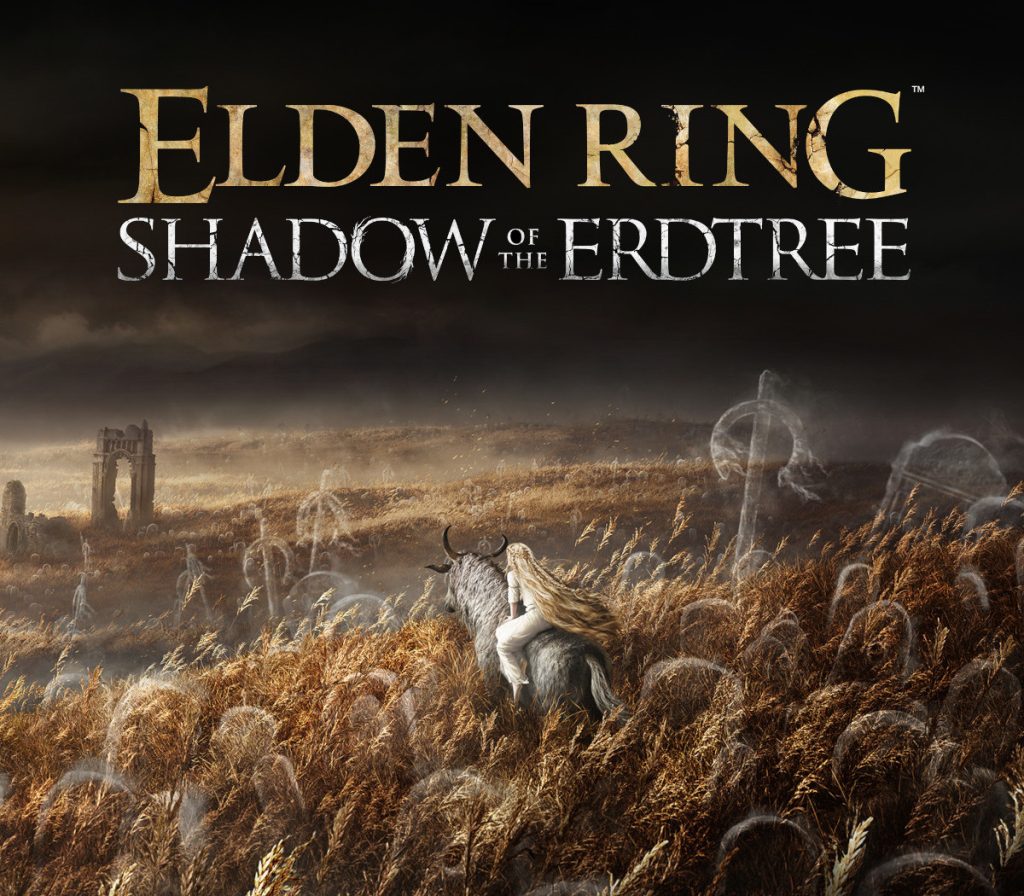
ELDEN RING - Shadow of the Erdtree DLC EU PC Steam CD Key
€36.49
Your activation code is emailed to you within seconds of purchase — no waiting, no shipping.
PlatformPC
RegionEurope
PublisherFromSoftware Inc.
DeveloperFromSoftware Inc.
LanguagesChinese, English, French, German +8
DeliveryInstant email
AvailabilityIn stock
SKUPH-239986
About this game
Winner of hundreds of accolades including The Game Awards Game of the Year and Golden Joystick Awards Ultimate Game of the Year, ELDEN RING is the acclaimed action RPG epic set in a vast, dark fantasy world. Players embark on an epic quest with the freedom to explore and adventure at their own pace.The Shadow of the Erdtree expansion features an all-new story set in the Land of Shadow imbued with mystery, perilous dungeons, and new enemies, weapons and equipment.Discover uncharted territories, face formidable adversaries, and revel in the satisfying triumph of victory. Dive into the riveting interplay of characters, where drama and intrigue intertwine, that create an immersive experience to savor and enjoy. *Shadow of the Erdtree content requires the base game product.*Other editions are also available. Be careful of duplicate purchases.
What you get
- One activation key for PC
- Instant delivery straight to your email inbox
- The full base game, ready to download
- A step-by-step activation guide (right here)
System requirements
Windows
Minimum: OS: Windows 10 Processor: INTEL CORE I5-8400 or AMD RYZEN 3 3300X Memory: 12 GB RAM Graphics: NVIDIA GEFORCE GTX 1060 3 GB or AMD RADEON RX 580 4 GB DirectX: Version 12 Storage: 60 GB available space Sound Card: Windows Compatible Audio Device
How to redeem
- Complete your purchase — your code is emailed to you within seconds.
- Open the official launcher or store for your platform and find "Redeem code".
- Enter the code exactly as shown in your email and confirm.
- Download, install and jump in.
Platform activation
Go to: http://store.steampowered.com/ and download STEAM client Click "Install Steam" (from the upper right corner) Install and start application, login with your Account name and Password (create one if you don't have). Please follow these instructions to activate a new retail purchase on Steam: Launch Steam and log into your Steam account. Click the Games Menu. Choose Activate a Product on Steam... Follow the onscreen instructions to complete the process. After successful code verification go to the "LIBRARY" tab and…
Activation can vary by platform and region. Need a hand? Contact support.
More to play
Browse all →