€9.55
 PC
PC
Instant email delivery
Verified, working key
Secure card checkout
Rated 4.8/5 by gamers
PC
Adventure
Euro Truck Simulator 2 - Mighty Griffin Tuning Pack DLC EU PC Steam CD Key
€4.46
Your activation code is emailed to you within seconds of purchase — no waiting, no shipping.
PlatformPC
RegionEurope
PublisherSCS Software
DeveloperSCS Software
LanguagesBulgarian, Chinese, Czech, Danish +19
DeliveryInstant email
AvailabilityIn stock
SKUPH-80041
About this game
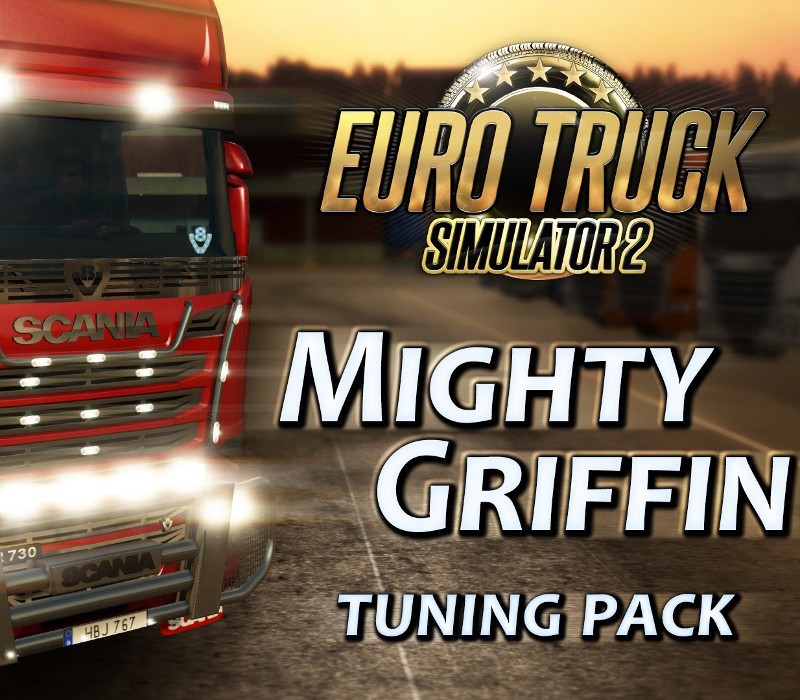
Truck tuning is something that is close to the heart of all truckers. If you have ever been to a truck show, you would see that the amount of love and effort that some drivers are willing to devote to their vehicles is unbelievable. Tons of chrome, expensive hand-made parts, lights and paints – they can turn a regular truck into the work of art! Explore this phenomenon yourself, and trick up your Scania R and Scania Streamline trucks in Euro Truck Simulator 2 with a million of possible combinations of aftermarket parts including: Chassis covers, rear bumpers, exhausts, front masks and grilles, stone guards, bull bars, front and rear mudflaps, wheel hubs, door and window trims, paint jobs, front badges, and various cabin accessories like curtains, mugs, LED logos or a dashboard table.
What you get
- One activation key for PC
- Instant delivery straight to your email inbox
- The full base game, ready to download
- A step-by-step activation guide (right here)
System requirements
Windows
OS: Windows 7 Processor: Dual core CPU 2.4 GHz Memory: 4 GB RAM Graphics: GeForce GTS 450-class (Intel HD 4000) Hard Drive: 3 GB available space
Mac
OS: Mac OS X 10.9 (Mavericks) Processor: Dual core CPU 2.4 GHz Memory: 4 GB RAM Graphics: GeForce GTS 450-class (Intel HD 4000) Hard Drive: 3 GB available space
Linux
OS: Linux Ubuntu 12.04 Processor: Dual core CPU 2.4 GHz Memory: 4 GB RAM Graphics: GeForce GTS 450-class (Intel HD 4000) Hard Drive: 3 GB available space Additional Notes: recent binary ATI or NVidia drivers (MESA may not work reliably)
How to redeem
- Complete your purchase — your code is emailed to you within seconds.
- Open the official launcher or store for your platform and find "Redeem code".
- Enter the code exactly as shown in your email and confirm.
- Download, install and jump in.
Platform activation
Go to: http://store.steampowered.com/ and download STEAM client Click "Install Steam" (from the upper right corner) Install and start application, login with your Account name and Password (create one if you don't have). Please follow these instructions to activate a new retail purchase on Steam: Launch Steam and log into your Steam account. Click the Games Menu. Choose Activate a Product on Steam... Follow the onscreen instructions to complete the process. After successful code verification go to the "MY GAMES" tab…
Activation can vary by platform and region. Need a hand? Contact support.
More to play
Browse all →