€3.27
 PC
PC
Instant email delivery
Verified, working key
Secure card checkout
Rated 4.8/5 by gamers
PC
Adventure
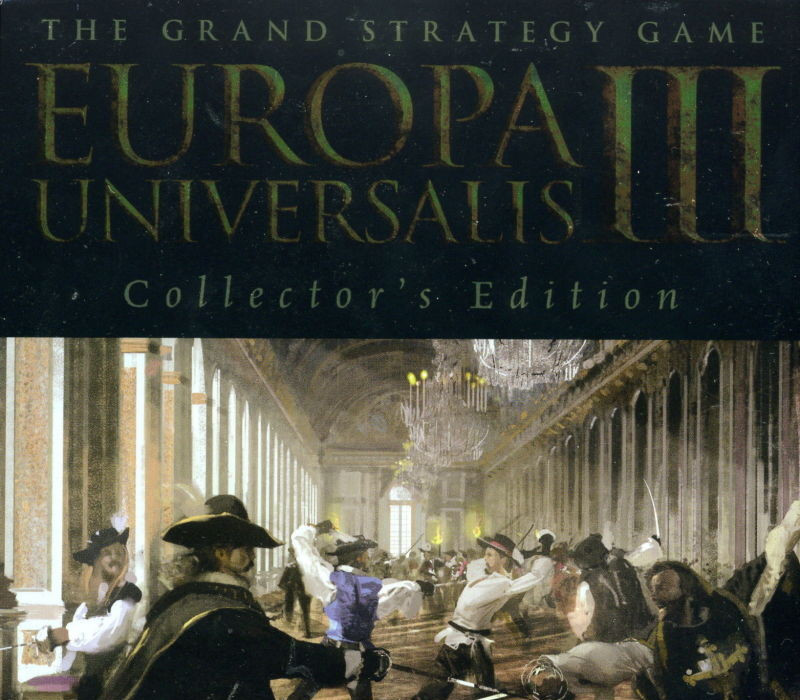
Europa Universalis III - Eastern AD 1400 Spritepack DLC EU PC Steam CD Key
€1.33
Your activation code is emailed to you within seconds of purchase — no waiting, no shipping.
PlatformPC
RegionEurope
PublisherParadox Interactive
DeveloperParadox Development Studio
LanguagesEnglish
DeliveryInstant email
AvailabilityIn stock
SKUPH-260803
About this game
These 16 historically authentic models also have new animations, for a more realistic and improved game atmosphere. Units are equipped with swords, shields, daggers, armour, chain mail, jerkins, capes, basinets and pig face basinets. This spritepack includes 16 new sprites for the Eastern Europeans in the 15th century of EUIII. There are unique uniforms for: Russia Poland Muscowy Novgorod Lithuania Riga Hungary Ryazan Pskov Byzantium Tver Yaroslavl Mazowia Serbia Bosnia And a generic one
What you get
- One activation key for PC
- Instant delivery straight to your email inbox
- The full base game, ready to download
- A step-by-step activation guide (right here)
System requirements
Windows
OS: Windows 2000 (with Service pack 1 or higher) or Windows XP (Home/Professional/Media Edition) with Service Pack 2, or later Windows versions. Processor: 1.9GHz Intel Pentium 4 or AMD Athlon processor or equivalent Memory: 512MB RAM (1.0GB RAM is highly recommended) Graphics: 128MB Video Card with Hardware T&L and support for Pixelshader 2.0 or better DirectX Version: DirectX9.0c Hard Drive: At least 1GB of free hard drive space to accommodate game files and saved games. This does not include any space used by the Windows swap file. Sound: DirectX7 compatible sound card
How to redeem
- Complete your purchase — your code is emailed to you within seconds.
- Open the official launcher or store for your platform and find "Redeem code".
- Enter the code exactly as shown in your email and confirm.
- Download, install and jump in.
Platform activation
Go to: http://store.steampowered.com/ and download STEAM client Click "Install Steam" (from the upper right corner) Install and start application, login with your Account name and Password (create one if you don't have). Please follow these instructions to activate a new retail purchase on Steam: Launch Steam and log into your Steam account. Click the Games Menu. Choose Activate a Product on Steam... Follow the onscreen instructions to complete the process. After successful code verification go to the "MY GAMES" tab…
Activation can vary by platform and region. Need a hand? Contact support.
More to play
Browse all →