
€178.15
 PC
PC
Instant email delivery
Verified, working key
Secure card checkout
Rated 4.8/5 by gamers
PC
Action
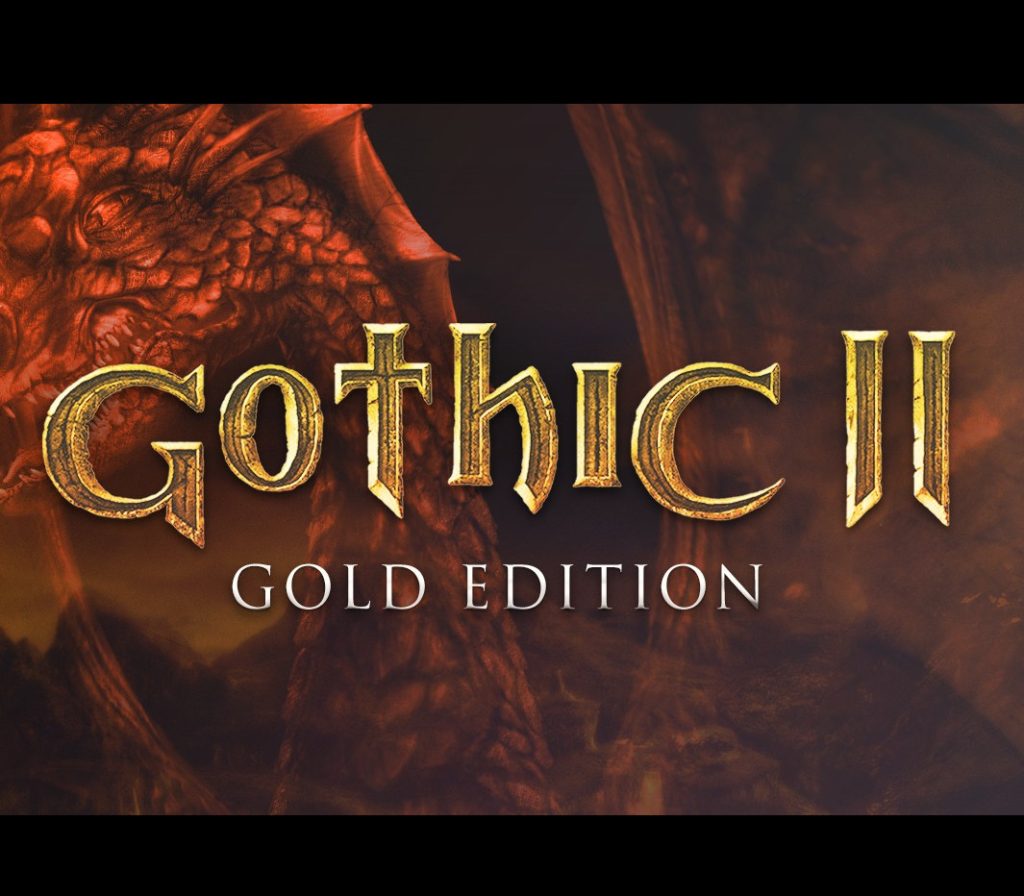
Gothic II: Gold Edition EU PC Steam CD Key
€3.84
Your activation code is emailed to you within seconds of purchase — no waiting, no shipping.
PlatformPC
RegionEurope
PublisherTHQ Nordic
DeveloperPiranha Bytes
LanguagesEnglish, French, German, Italian +3
DeliveryInstant email
AvailabilityIn stock
SKUPH-261707
About this game
Gothic II: Gold Edition brings together the excitement of Gothic II and the add-on Night of the Raven to your fingertips! You have torn down the magical barrier and released the prisoners of the Mine Valley. Now the former criminals of the forests and mountains are causing trouble around the capital of Khorinis. The town militia is powerless due to their low amount of force–outside of the town, everyone is helpless against the attacks of the bandits. Features Over 100 thrilling missions on the different settings A detailed, lively game environment with over 500 individual characters (each with their own daily routine) The player determines the course of the story himself Fight with more than 200 different weapons and magical spells Over 12 hours of complete, English voice output Includes the Night of the Raven add-on
What you get
- One activation key for PC
- Instant delivery straight to your email inbox
- The full base game, ready to download
- A step-by-step activation guide (right here)
System requirements
Windows
OS: Windows XP/2000/ME/98/Vista Processor: Intel Pentium III 700 MHz Memory: 256 MB Ram or higher Graphics: 3D graphics card with 32 MB Ram DirectX®: 8.1 Hard Drive: 4 GB Sound: DirectX compatible
How to redeem
- Complete your purchase — your code is emailed to you within seconds.
- Open the official launcher or store for your platform and find "Redeem code".
- Enter the code exactly as shown in your email and confirm.
- Download, install and jump in.
Platform activation
Go to: http://store.steampowered.com/ and download STEAM client Click "Install Steam" (from the upper right corner) Install and start application, login with your Account name and Password (create one if you don't have). Please follow these instructions to activate a new retail purchase on Steam: Launch Steam and log into your Steam account. Click the Games Menu. Choose Activate a Product on Steam... Follow the onscreen instructions to complete the process. After successful code verification go to the "MY GAMES" tab…
Activation can vary by platform and region. Need a hand? Contact support.
More to play
Browse all →