€7.81
 PlayStation 5
Instant email delivery
Verified, working key
Secure card checkout
Rated 4.8/5 by gamers
PlayStation 5
Action
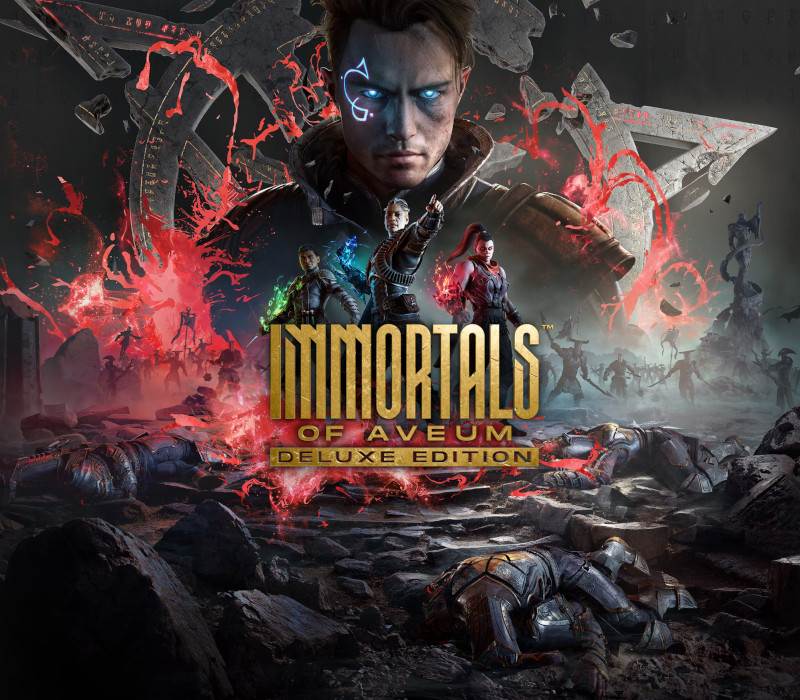
Immortals of Aveum Deluxe Edition EU PS5 CD Key
€43.89
Your activation code is emailed to you within seconds of purchase — no waiting, no shipping.
PlatformPlayStation 5
RegionEurope
PublisherElectronic Arts
DeveloperAscendant Studios
LanguagesChinese, English, French, German +6
DeliveryInstant email
AvailabilityIn stock
SKUPH-226165
About this game
Includes: Base game Deluxe Upgrade Immortals of Aveum is a single-player first person magic shooter that tells the story of Jak as he joins an elite order of battlemages to save a world on the edge of abyss. With legions of soldiers on both sides of the Everwar, he must uncover the mysteries of Aveum’s troubled past, if there’s any hope for saving its future. Master three forces of magic and unleash spells with deadly skill in a game that defies FPS conventions. Features Be The BattlemageJoin the order of Immortals, the champion protectors of Lucium, and become Jak, an elite Triarch Magnus. Master Your MagicFast, fluid, first person spell-based combat that’s easy to learn and satisfying to master, where players are rewarded for clever chained attacks and well-timed counters. Unleash Your Arsenal of SpellsUnlock and upgrade more than 25 spells and 80 talents. Discover, upgrade and craft hundreds of pieces of magical gear to synergize your playstyle across all three forces of magic. Save a World on the Edge of AbyssJak and Lucium’s elite Immortals must race to uncover the mysteries of Aveum’s past, if there’s any hope of saving its future.
What you get
- One activation key for PlayStation 5
- Instant delivery straight to your email inbox
- The full base game, ready to download
- A step-by-step activation guide (right here)
How to redeem
- Complete your purchase — your code is emailed to you within seconds.
- Open the official launcher or store for your platform and find "Redeem code".
- Enter the code exactly as shown in your email and confirm.
- Download, install and jump in.
Platform activation
In order to redeem Playstation Network Code please follow instruction below: Go to http://www.SonyEntertainmentNetwork.com Click "Manage Account" and sign in with your Sign-In ID(E-mail Address) and Password. Click on "Redeem Prepaid Card". Enter the code printed on the voucher or PlayStation Network Card and click "Continue". If the code is valid, you will be presented with a description of what the code will deliver to your account. Press "Redeem..." button to add the item or funds to your account.
Activation can vary by platform and region. Need a hand? Contact support.
More to play
Browse all →