€3.71
 PC
PC
Instant email delivery
Verified, working key
Secure card checkout
Rated 4.8/5 by gamers
PC
Action
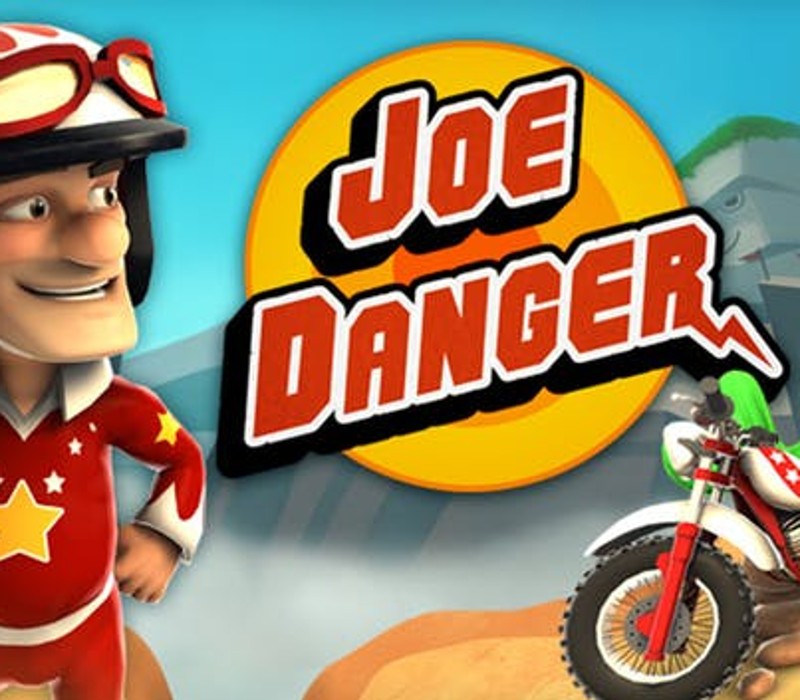
Joe Danger EU PC Steam CD Key
€7.69
Your activation code is emailed to you within seconds of purchase — no waiting, no shipping.
PlatformPC
RegionEurope
PublisherHello Games
DeveloperHello Games
LanguagesEnglish, French, German, Italian +2
DeliveryInstant email
AvailabilityIn stock
SKUPH-261877
About this game
Can you put the world’s most determined stuntman back into the limelight? Combo, boost and pull ludicrous stunts as Joe attempts to race his way back into the record books in over 100 eye-popping levels. Leap school buses full of screaming kids and pools of ravenous sharks! Dodge spikes and mousetraps! Speed through coin dashes and beat Team Nasty in nip-and-tuck races! Take on and win the super-challenging Pro Medals in every level! Features Create insane new levels in the Sandbox and share or download new ones through Steam Workshop! Take on insanely testing extra levels in the Laboratory! Play on your TV through Steam Big Picture, or at your desk with new mouse and keyboard controls! Experience Joe Danger like never before with specially enhanced graphics for PC! Race against other players with seamlessly downloaded ghosts, and rise up the ranks on the leaderboards!
What you get
- One activation key for PC
- Instant delivery straight to your email inbox
- The full base game, ready to download
- A step-by-step activation guide (right here)
System requirements
Windows
OS: Windows® 7 (32/64-bit)/Vista/XP Processor: 2.0Ghz Dual core processor Memory: 2 GB RAM Graphics: Nvidia GeForce GT 640M/equivalent or higher Hard Drive: 2 GB HD space
How to redeem
- Complete your purchase — your code is emailed to you within seconds.
- Open the official launcher or store for your platform and find "Redeem code".
- Enter the code exactly as shown in your email and confirm.
- Download, install and jump in.
Platform activation
Go to: http://store.steampowered.com/ and download STEAM client Click "Install Steam" (from the upper right corner) Install and start application, login with your Account name and Password (create one if you don't have). Please follow these instructions to activate a new retail purchase on Steam: Launch Steam and log into your Steam account. Click the Games Menu. Choose Activate a Product on Steam... Follow the onscreen instructions to complete the process. After successful code verification go to the "MY GAMES" tab…
Activation can vary by platform and region. Need a hand? Contact support.
More to play
Browse all →