€25.29
 PC
PC
Instant email delivery
Verified, working key
Secure card checkout
Rated 4.8/5 by gamers
PC
Adventure
Little Misfortune EU Steam CD Key
€12.09
Your activation code is emailed to you within seconds of purchase — no waiting, no shipping.
PlatformPC
RegionEurope
PublisherKillmonday Games HB
DeveloperKillmonday Games HB
LanguagesEnglish, French, German, Japanese +4
DeliveryInstant email
AvailabilityIn stock
SKUPH-82164
About this game
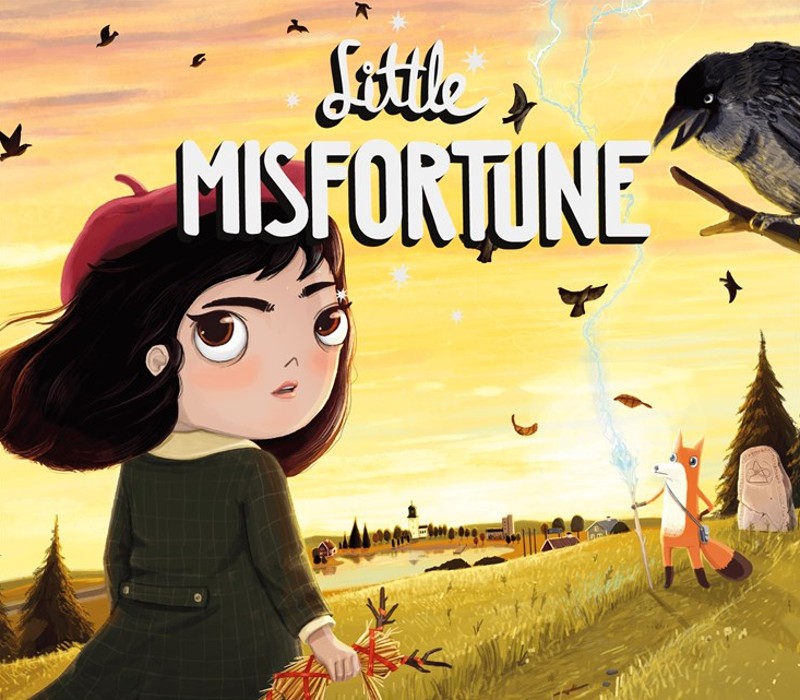
Little Misfortune is an interactive story, focused on exploration and characters, both sweet and dark, where your choices have consequences. Starring Misfortune Ramirez Hernandez, an imaginative 8-year-old, who seeks the prize of Eternal Happiness, as a gift to her Mommy. Led by her new friend, Mr. Voice, they venture into the woods, where mysteries are unraveled and a little bit of bad luck unfolds.Sharing the same universe with the cult video game Fran Bow, created by the visionary dev-duo Killmonday Games. Features You may pet a doggy, a fishy, a wolfie, the Kraken, the kitty and the foxy. Visit a pet cemetery with a shovel. Now with real human voices: Hear Misfortune say some pretty cute things! Missing children. There’s a monster! Fall in love. Commit petty crimes. Original art by Natalia Martinsson. Original soundtrack by Isak Martinsson.
What you get
- One activation key for PC
- Instant delivery straight to your email inbox
- The full base game, ready to download
- A step-by-step activation guide (right here)
System requirements
Windows
Requires a 64-bit processor and operating system OS: Windows 7 64-bit or higher Processor: Intel(R) Core(TM) i5-6300U CPU @ 2.5 GHz Memory: 8 GB RAM Graphics: Intel(R) HD Graphics 520 Storage: 8 GB available space
Mac
Requires a 64-bit processor and operating system OS: Mac OS X 10.8 Processor: Intel(R) Core(TM) i5-6300U CPU @ 2.5 GHz Memory: 8 GB RAM Graphics: Intel(R) HD Graphics 520 Storage: 8 GB available space
Linux
Requires a 64-bit processor and operating system OS: Ubuntu 18.10 Processor: Intel(R) Core(TM) i5-6300U CPU @ 2.5 GHz Memory: 8 GB RAM Graphics: Intel(R) HD Graphics 520 Storage: 8 GB available space
How to redeem
- Complete your purchase — your code is emailed to you within seconds.
- Open the official launcher or store for your platform and find "Redeem code".
- Enter the code exactly as shown in your email and confirm.
- Download, install and jump in.
Platform activation
Go to: http://store.steampowered.com/ and download STEAM client Click "Install Steam" (from the upper right corner) Install and start application, login with your Account name and Password (create one if you don't have). Please follow these instructions to activate a new retail purchase on Steam: Launch Steam and log into your Steam account. Click the Games Menu. Choose Activate a Product on Steam... Follow the onscreen instructions to complete the process. After successful code verification go to the "MY GAMES" tab…
Activation can vary by platform and region. Need a hand? Contact support.
More to play
Browse all →