

€4.61
 PC
PC
Instant email delivery
Verified, working key
Secure card checkout
Rated 4.8/5 by gamers
PC
Action
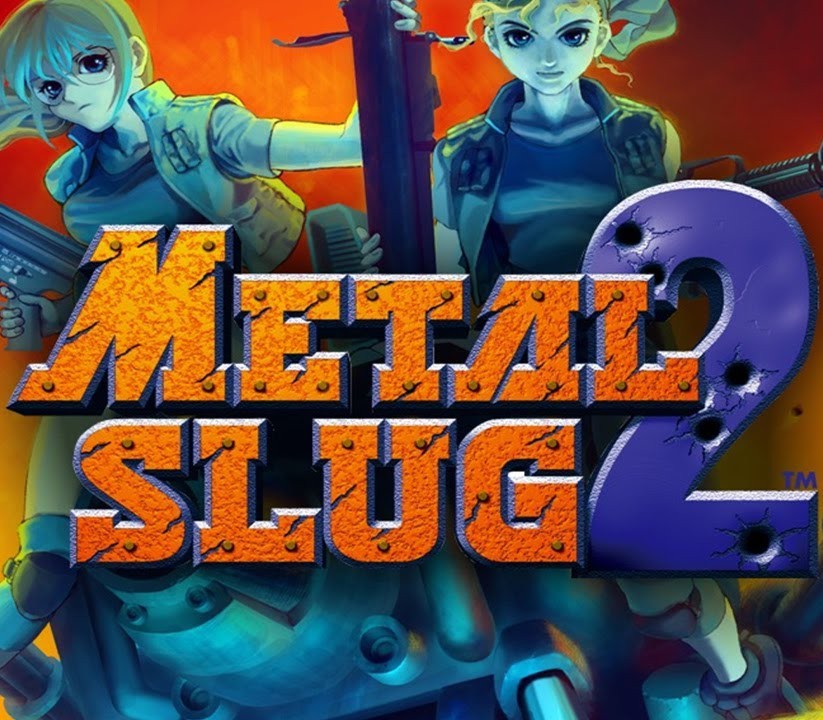
METAL SLUG 2 EU PC Steam CD Key
€1.53
Your activation code is emailed to you within seconds of purchase — no waiting, no shipping.
PlatformPC
RegionEurope
PublisherSNK CORPORATION
DeveloperDotemu, SNK CORPORATION
LanguagesEnglish, French, German, Italian +1
DeliveryInstant email
AvailabilityIn stock
SKUPH-263600
About this game
METAL SLUG 2, the 2nd entry in SNK’s emblematic 2D run & gun action shooting game returns to the battlefield on the Steam gaming platform! Features ARCADE MODE (MAIN MISSION):Play the original arcade version of “METAL SLUG 2” from Missions 1 to 6, and fight your way through the hail of bullets to thwart General Morden’s evil ambitions, and uncover the secret of his new coup!! MISSION MODE (STAGE SELECT):Play, and replay your favorite missions as much as you want! Hone your skills alone or along with a brother-in-arms on the levels you have unlocked so far! SETTINGS:Set your controls, language, video display, and sound volume settings for the ultimate “METAL SLUG 2” experience on PC! LEADERBOARDS:Check your current rank & score in “METAL SLUG” at any time, and challenge other players to be the best “METAL SLUG 2” soldier in the world!
What you get
- One activation key for PC
- Instant delivery straight to your email inbox
- The full base game, ready to download
- A step-by-step activation guide (right here)
System requirements
Windows
OS: Windows Vista, 7, 8 Processor: Pentium 4 2.4Ghz Memory: 1 GB RAM Graphics: Intel HD Graphics DirectX: Version 9.0c Storage: 500 MB available space
How to redeem
- Complete your purchase — your code is emailed to you within seconds.
- Open the official launcher or store for your platform and find "Redeem code".
- Enter the code exactly as shown in your email and confirm.
- Download, install and jump in.
Platform activation
Go to: http://store.steampowered.com/ and download STEAM client Click "Install Steam" (from the upper right corner) Install and start application, login with your Account name and Password (create one if you don't have). Please follow these instructions to activate a new retail purchase on Steam: Launch Steam and log into your Steam account. Click the Games Menu. Choose Activate a Product on Steam... Follow the onscreen instructions to complete the process. After successful code verification go to the "MY GAMES" tab…
Activation can vary by platform and region. Need a hand? Contact support.
More to play
Browse all →


