€3.71
 PC
PC
Instant email delivery
Verified, working key
Secure card checkout
Rated 4.8/5 by gamers
PC
Action
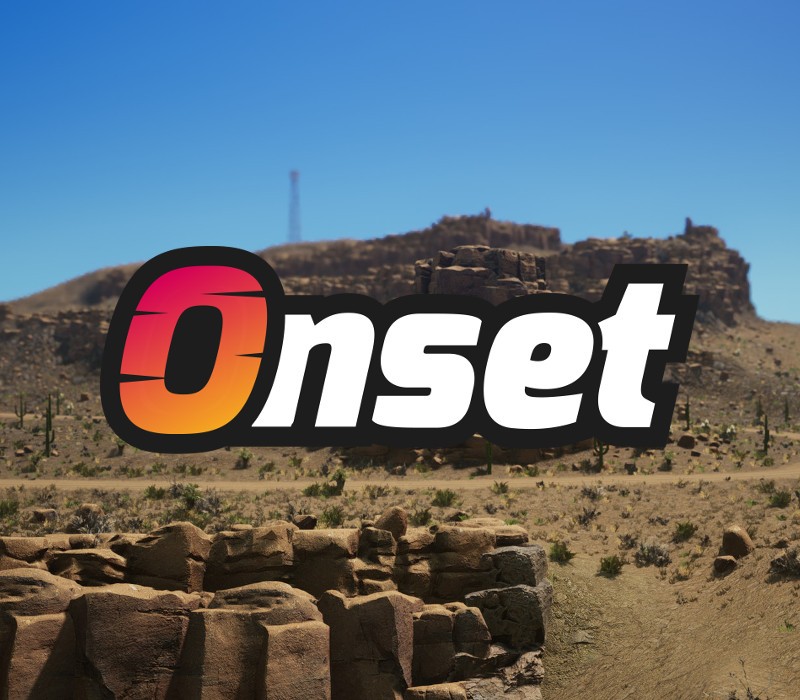
Onset Steam EU PC Steam Altergift
€20.42
Your activation code is emailed to you within seconds of purchase — no waiting, no shipping.
PlatformPC
RegionEurope
PublisherBlue Mountains
DeveloperBlue Mountains
LanguagesEnglish, French, German, Russian
DeliveryInstant email
AvailabilityIn stock
SKUPH-71718
About this game
Onset is a scripting sandbox game made from the ground up for multiplayer. Create and host your very own experience in Onset using Lua scripting functions. Or just enjoy the different game modes created by other players. By default the map in Onset is completely empty. The Onset developer wiki holds a list of all Lua functions including descriptions on how to use them. With those functions you can write your own game mode scripts that either run on the server or game client. This way you have endless possibilities to realize your idea in Onset. Features Over 400 Lua functions to customize the world. Spawn cars, helicopters, NPCs, objects and more with Lua functions. 300 player dedicated multiplayer servers. You can host your own server with your scripts. Various types of vehicles with damage model. Weapon modding including configuration like damage. UI customization with HTML/CSS/JS. High quality in-game VoIP solution.
What you get
- One activation key for PC
- Instant delivery straight to your email inbox
- The full base game, ready to download
- A step-by-step activation guide (right here)
System requirements
Windows
Requires a 64-bit processor and operating system OS: Windows 7 64-bit Processor: Intel Core i5-2300 Memory: 4 GB RAM Graphics: GeForce GTX 660 2GB DirectX: Version 11 Network: Broadband Internet connection Storage: 30 GB available space Additional Notes: SSD storage recommended
How to redeem
- Complete your purchase — your code is emailed to you within seconds.
- Open the official launcher or store for your platform and find "Redeem code".
- Enter the code exactly as shown in your email and confirm.
- Download, install and jump in.
Platform activation
In order to receive and activate the game: You will receive a gift link to a website. Open that link in your web browser. Depending on the prompt please provide your Steam profile link or login via Steam If needed choose the same country as your store country found in Steam account details. You can check this setting here. Automated bot system will add your Steam account to friendlist. After you accept the friend request from bot, it will send…
Activation can vary by platform and region. Need a hand? Contact support.
More to play
Browse all →