€13.62
 PC
PC
Instant email delivery
Verified, working key
Secure card checkout
Rated 4.8/5 by gamers
PC
Action
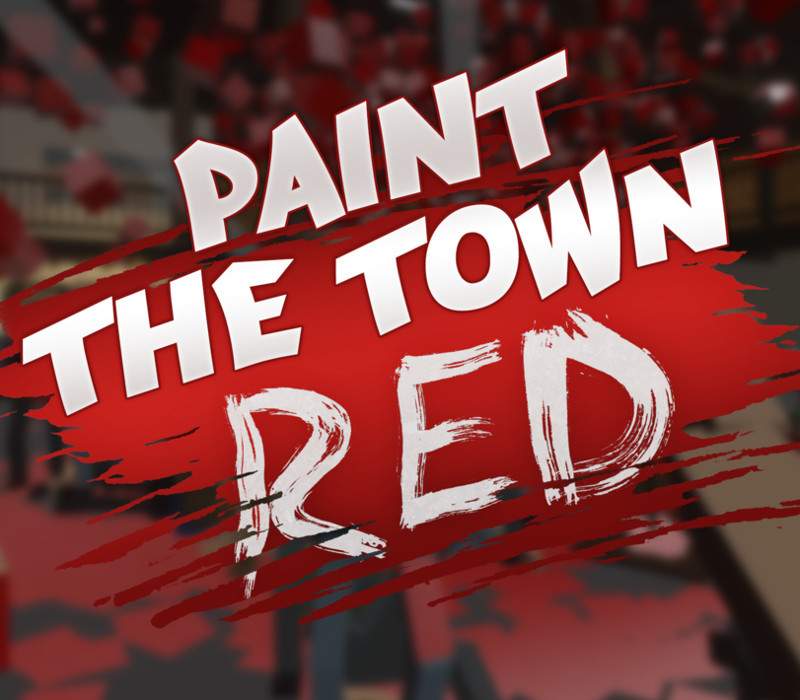
Paint the Town Red EU PC Steam CD Key
€8.40
Your activation code is emailed to you within seconds of purchase — no waiting, no shipping.
PlatformPC
RegionEurope
PublisherSouth East Games
DeveloperSouth East Games
LanguagesEnglish
DeliveryInstant email
AvailabilityIn stock
SKUPH-120411
About this game
Paint the Town Red is a chaotic first person melee combat game set in different locations and time periods. The voxel-based enemies can be punched, bashed, kicked, stabbed and sliced completely dynamically using almost anything that isn’t nailed down. You’ll need to use your wits, speed and anything you can get your hands on in epic bar fights, disco brawls, old west saloon rumbles, college frat house beat-downs and a lot more. We’ll be adding more levels to the Early Access versions leading up to release and look forward to creating the best level ideas from the community. Please follow and add to your Wishlist to keep up to date on development and be notified on release. Features Completely destructible voxel-based enemies Biker Bar and Disco levels with unique enemies and weapons Vast array of level and period appropriate weaponry Boss enemies that present unique challenges and rewards Full controller support
What you get
- One activation key for PC
- Instant delivery straight to your email inbox
- The full base game, ready to download
- A step-by-step activation guide (right here)
System requirements
Windows
Minimum: OS: Windows XP SP2 Processor: Intel Dual-Core 2 GHz (or AMD equivalent) Memory: 2 GB RAM Graphics: DirectX 9c, Shader Model 3 GPU with 512MB Video RAM DirectX: Version 9.0c Storage: 2 GB available space
Mac
Minimum: OS: OSX 10.9 or Higher Processor: Intel Dual-Core 2 GHz Graphics: OpenGL 3 Compatible GPU with 512MB Video RAM Storage: 2 GB available space
Linux
Minimum: OS: 64-bit Ubuntu 12.04+/Equivalent or SteamOS Processor: 2 GHz 64-bit CPU Graphics: OpenGL 3 Compatible GPU with 512MB Video RAM Storage: 2 GB available space
How to redeem
- Complete your purchase — your code is emailed to you within seconds.
- Open the official launcher or store for your platform and find "Redeem code".
- Enter the code exactly as shown in your email and confirm.
- Download, install and jump in.
Platform activation
Go to: http://store.steampowered.com/ and download STEAM client Click "Install Steam" (from the upper right corner) Install and start application, login with your Account name and Password (create one if you don't have). Please follow these instructions to activate a new retail purchase on Steam: Launch Steam and log into your Steam account. Click the Games Menu. Choose Activate a Product on Steam... Follow the onscreen instructions to complete the process. After successful code verification go to the "MY GAMES" tab…
Activation can vary by platform and region. Need a hand? Contact support.
More to play
Browse all →