€1.21
 PC
PC
Instant email delivery
Verified, working key
Secure card checkout
Rated 4.8/5 by gamers
PC
Casual
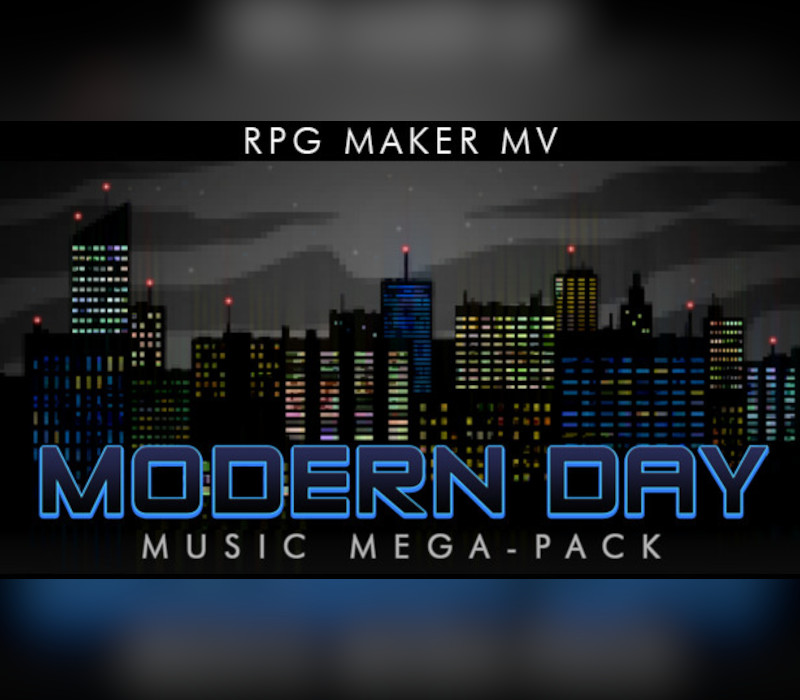
RPG Maker MV - Modern Day Music Mega-Pack DLC EU Steam CD Key
€0.58
Your activation code is emailed to you within seconds of purchase — no waiting, no shipping.
PlatformPC
RegionEurope
PublisherEnterbrain
DeveloperKuusou Kagaku
LanguagesArabic, Chinese, English, French +7
DeliveryInstant email
AvailabilityIn stock
SKUPH-136210
About this game
Club-beat combat, blues riffs, abandoned subways and city streets are the setting for the music in this pack. Set the stage for urban assaults or smooth sailing in today’s world with these 25 tracks, 25 music events, and 25 SFX! Composer Joel Steudler wants you along for the ride as you cruise through the modern day! Features: 25 BGM tracks suitable for battle, dungeons, themes, and towns! 25 useful music events (MEs) that are great for transtions or short moments that need an extra touch! 25 SFX fit for present-day settings .ogg and .m4a formats included. Royalty free music to use in your commercial and non-commercial RPG Maker MV projects. Tracklist: Battle – Boss You Around Battle – Club Thumper Battle – Counter-insurgency Battle – Hard Hitter Battle – Party Crashers Battle – Urgent Encounter Dungeon – Maximum Security Dungeon – Psych Ward Dungeon – Sewer Crawler Dungeon – Spooky Subway Dungeon – Tactical Strike Dungeon – Wrong Way Street Theme – Blues Man Theme – Crime Lord Theme – Elegant Underworld Theme – Good Memories Theme – Retro Time Theme – Smooth Mover Theme – Will to Chill Town – Alone In A Crowd Town – Downtown Lights Town – Mean Streets Town – Mystery Boulevard Town – Urban Knights Town – VIP Lounge
What you get
- One activation key for PC
- Instant delivery straight to your email inbox
- The full base game, ready to download
- A step-by-step activation guide (right here)
System requirements
Windows
Minimum: OS: Windows 7/8/8.1/10 Processor: PC with 1.0GHz Intel® Pentium® III equivalent or higher processor Memory: 256 MB RAM Graphics: DirectX 9/OpenGL 4.1 capable GPU Storage: 250 MB available space Sound Card: DirectSound-compatible sound card Additional Notes: 1024x768 or better video resolution
Linux
Minimum: OS: Ubuntu 14.04 or Steam OS 2.0 (64 bit) Additional Notes: Editor best in Desktop mode (Steam OS)
Mac
Minimum: OS: Mac OSX 10.10 or better Processor: Intel Core2 Duo or better Memory: 128 MB RAM Graphics: Compatible OpenGLR Storage: 250 MB available space Sound Card: DirectSound-compatible sound card Additional Notes: 1280x768 or better Display
How to redeem
- Complete your purchase — your code is emailed to you within seconds.
- Open the official launcher or store for your platform and find "Redeem code".
- Enter the code exactly as shown in your email and confirm.
- Download, install and jump in.
Platform activation
Go to: http://store.steampowered.com/ and download STEAM client Click "Install Steam" (from the upper right corner) Install and start application, login with your Account name and Password (create one if you don't have). Please follow these instructions to activate a new retail purchase on Steam: Launch Steam and log into your Steam account. Click the Games Menu. Choose Activate a Product on Steam... Follow the onscreen instructions to complete the process. After successful code verification go to the "LIBRARY" tab and…
Activation can vary by platform and region. Need a hand? Contact support.
More to play
Browse all →