Call of Duty: Modern Warfare 3 (2011) - Collection 4: Final Assault DLC EU Steam CD Key
 PC
PC€6.63

Your activation code is emailed to you within seconds of purchase — no waiting, no shipping.
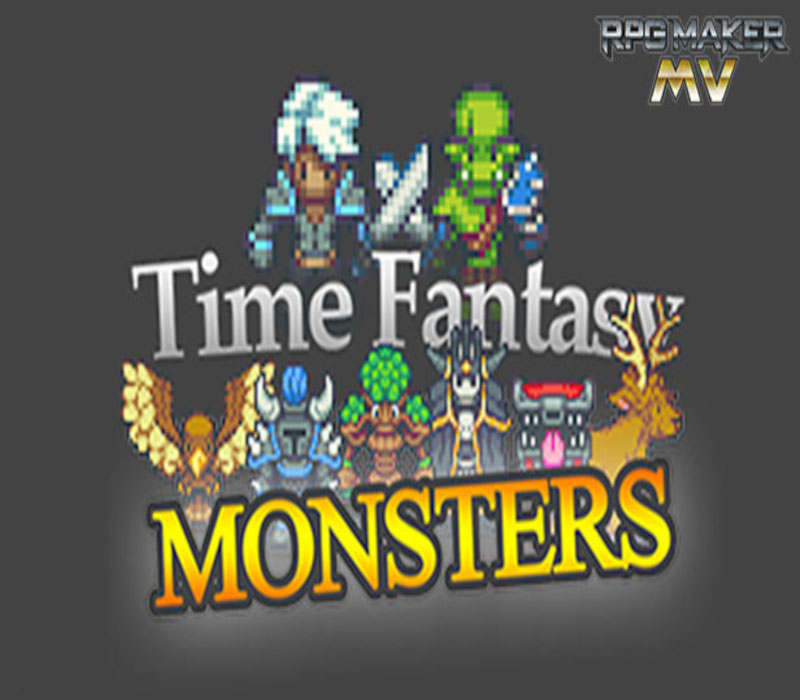
Includes: RPG Maker MV – Time Fantasy: Monsters (DLC) Create epic battles in your RPGs with the Time Fantasy Monsters pack. This pack includes over a hundred new sprites in the Time Fantasy style, with over 80 animated monsters!Time Fantasy is being invaded by monsters! Tribes of orcs ravage the land. The forests have come alive. Creatures lurk in the shadows of dungeons. Heroes charge into battle on horseback. This collection of sprites introduces a huge variety of monsters and bosses to bring your game’s battles to the next level. Features: 20 “oversized/boss” monster sprites; 40 regular monster sprites. All monsters have full four-direction walking animations and single-frame battlers, perfect for side-view battles. 16 unique orc character sprites (2 full sheets). Full sheet of 8 horses. 24 new character sprites with emotion animations, pose animations, and horse-riding variations. 16 new NPCs (2 full sheets). For use with RPG Maker MV or the engine of your choice Over 100 sprites total!
Minimum: Additional Notes: System supporting RPG Maker MV
Minimum: Additional Notes: System supporting RPG Maker MV
Minimum: Additional Notes: System supporting RPG Maker MV
Go to: http://store.steampowered.com/ and download STEAM client Click "Install Steam" (from the upper right corner) Install and start application, login with your Account name and Password (create one if you don't have). Please follow these instructions to activate a new retail purchase on Steam: Launch Steam and log into your Steam account. Click the Games Menu. Choose Activate a Product on Steam... Follow the onscreen instructions to complete the process. After successful code verification go to the "LIBRARY" tab and…