
€27.69
Instant email delivery
Verified, working key
Secure card checkout
Rated 4.8/5 by gamers
Software
dlc
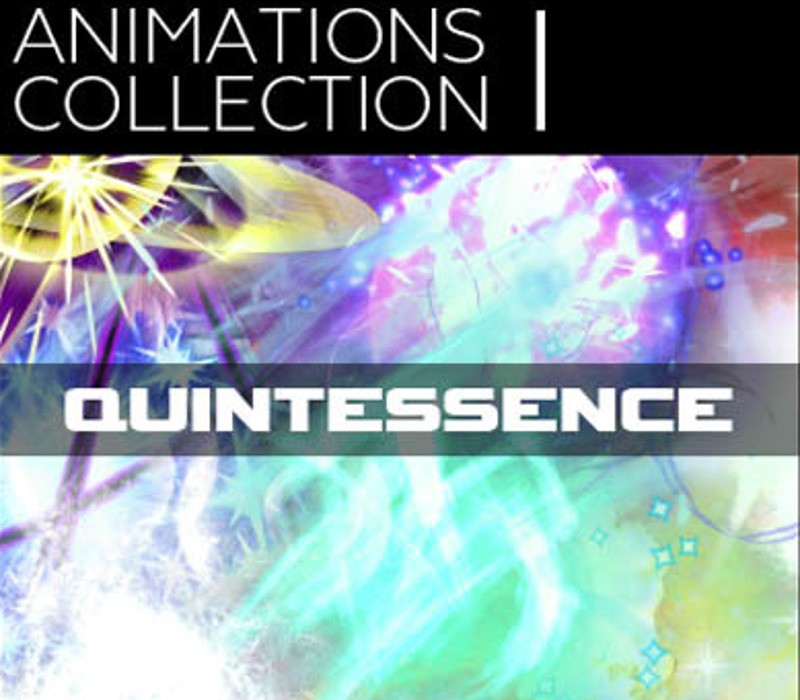
RPG Maker VX Ace - Animations Collection I: Quintessence DLC EU Steam CD Key
€3.31
Your activation code is emailed to you within seconds of purchase — no waiting, no shipping.
PlatformSoftware
RegionEurope
PublisherDegica
DeveloperAndy Chen
LanguagesArabic, Chinese, English, French +7
DeliveryInstant email
AvailabilityIn stock
SKUPH-66954
About this game
Tired of seeing the same yellow diagonal slash project after project? Or how about that pillar of fire in every wizard repertoire? Look no further than Animations Collection I: Quintessence to arm your game with dynamic, breathtaking special effects crafted at 60 frames-per-second (FPS). Designed with the quintessential elements of a classic JRPG in mind, this collection offers an assortment of classics and favourites that will breathe new life into your game. Not only can you make the battle system of your dreams with RPG Maker, now you can make it look better too! Features Includes Demo Project for easy copy/paste implementation into your project right out of the box. 11 unique elemental magic spell animations. 6 physical attack animations. 4 restorative item animations. 6 monster skill animations. 60 FPS and 30 FPS versions of each animation, for a total of 54 animation sheets.
What you get
- One activation key for Software
- Instant delivery straight to your email inbox
- The full base game, ready to download
- A step-by-step activation guide (right here)
System requirements
Windows
OS:Microsoft® Windows® XP / Vista / 7 (32-bit/64-bit) Processor:Intel® Pentium® 4 2.0 GHz equivalent or faster processor Memory:512 MB RAM Graphics:1024 x 768 pixels or higher desktop resolution Hard Drive:400 MB HD space
Mac
OS: Mac OSX 10.10 or better Processor: Intel Core2 Duo or better Memory: 128 MB RAM Graphics: Compatible OpenGLR Storage: 250 MB available space Sound Card: DirectSound-compatible sound card Additional Notes: 1280x768 or better Display
Linux
OS: Ubuntu 14.04 or Steam OS 2.0 (64 bit) Additional Notes: Editor best in Desktop mode (Steam OS)
How to redeem
- Complete your purchase — your code is emailed to you within seconds.
- Open the official launcher or store for your platform and find "Redeem code".
- Enter the code exactly as shown in your email and confirm.
- Download, install and jump in.
Platform activation
Go to: http://store.steampowered.com/ and download STEAM client Click "Install Steam" (from the upper right corner) Install and start application, login with your Account name and Password (create one if you don't have). Please follow these instructions to activate a new retail purchase on Steam: Launch Steam and log into your Steam account. Click the Games Menu. Choose Activate a Product on Steam... Follow the onscreen instructions to complete the process. After successful code verification go to the "MY GAMES" tab…
Activation can vary by platform and region. Need a hand? Contact support.
More to play
Browse all →