€1.21
 PC
PC
Instant email delivery
Verified, working key
Secure card checkout
Rated 4.8/5 by gamers
PC
Action
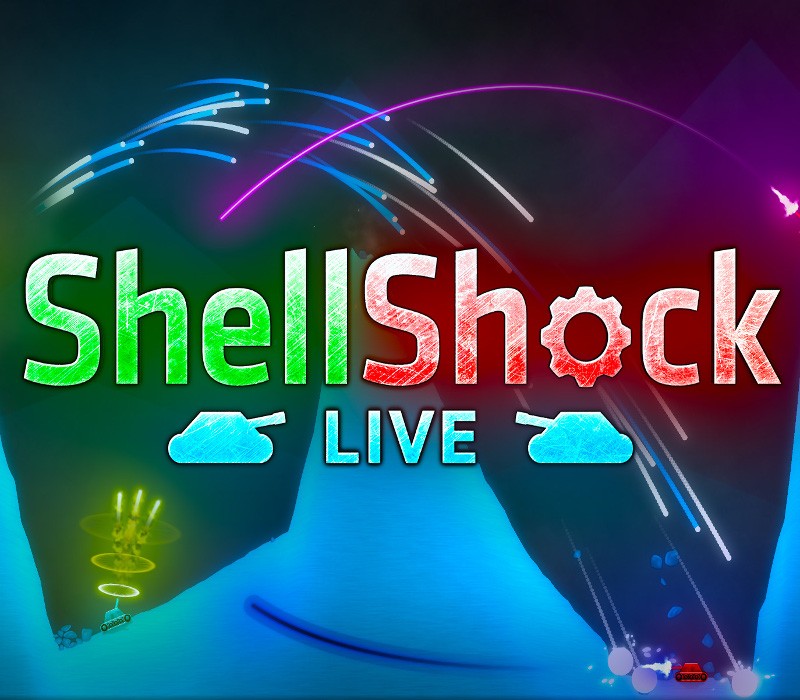
ShellShock Live EU PC Steam Altergift
€8.99
Your activation code is emailed to you within seconds of purchase — no waiting, no shipping.
PlatformPC
RegionEurope
PublisherkChamp Games
DeveloperkChamp Games
LanguagesChinese, English, French, German +7
DeliveryInstant email
AvailabilityIn stock
SKUPH-73993
About this game
Demolish your friends with hundreds of upgradable weapons shot from your very own customizable tank in this action-packed online multiplayer tanks game. Fully destructible terrain and powerful new items make each battle unique. Earn XP to level up and unlock new tanks, weapons, and gear. Fight against or alongside your friends for strategic team or free-for-all matches. Features 8 Player Online Multiplayer Battles 200+ Weapons 80 Unique Ranks 80+ Maps Fully Customizable and Upgradable Tanks Singleplayer Campaign Mode with over 80 Missions Revamped UI 3D GPU Acceleration Stunning Graphics
What you get
- One activation key for PC
- Instant delivery straight to your email inbox
- The full base game, ready to download
- A step-by-step activation guide (right here)
System requirements
Windows
OS: Windows XP or above Processor: 1.5 GHz or faster Memory: 1 GB RAM Graphics: DX9 (shader model 2.0) capabilities; generally everything made since 2004 should work DirectX: Version 9.0 Network: Broadband Internet connection Storage: 500 MB available space
Mac
OS: Mac OS X 10.7 or above Processor: Intel Core 2 Duo or above Memory: 1 GB RAM Graphics: Shader model 2.0 capabilities; generally everything made since 2004 should work Network: Broadband Internet connection Storage: 500 MB available space
Linux
OS: Ubuntu 10.10 or above, SteamOS Processor: 1.5 GHz or faster Memory: 1 GB RAM Graphics: Shader model 2.0 capabilities; generally everything made since 2004 should work Network: Broadband Internet connection Storage: 500 MB available space
How to redeem
- Complete your purchase — your code is emailed to you within seconds.
- Open the official launcher or store for your platform and find "Redeem code".
- Enter the code exactly as shown in your email and confirm.
- Download, install and jump in.
Platform activation
In order to receive and activate the game: You will receive a gift link to a website. Open that link in your web browser. Depending on the prompt please provide your Steam profile link or login via Steam If needed choose the same country as your store country found in Steam account details. You can check this setting here. Automated bot system will add your Steam account to friendlist. After you accept the friend request from bot, it will send…
Activation can vary by platform and region. Need a hand? Contact support.
More to play
Browse all →