€13.54
 PC
PC
Instant email delivery
Verified, working key
Secure card checkout
Rated 4.8/5 by gamers
PC
Action
Star Wars: Shadows of the Empire EU Steam CD Key
€4.24
Your activation code is emailed to you within seconds of purchase — no waiting, no shipping.
PlatformPC
RegionEurope
PublisherZen Studios
DeveloperZen Studios
LanguagesEnglish
DeliveryInstant email
AvailabilityIn stock
SKUPH-69098
About this game
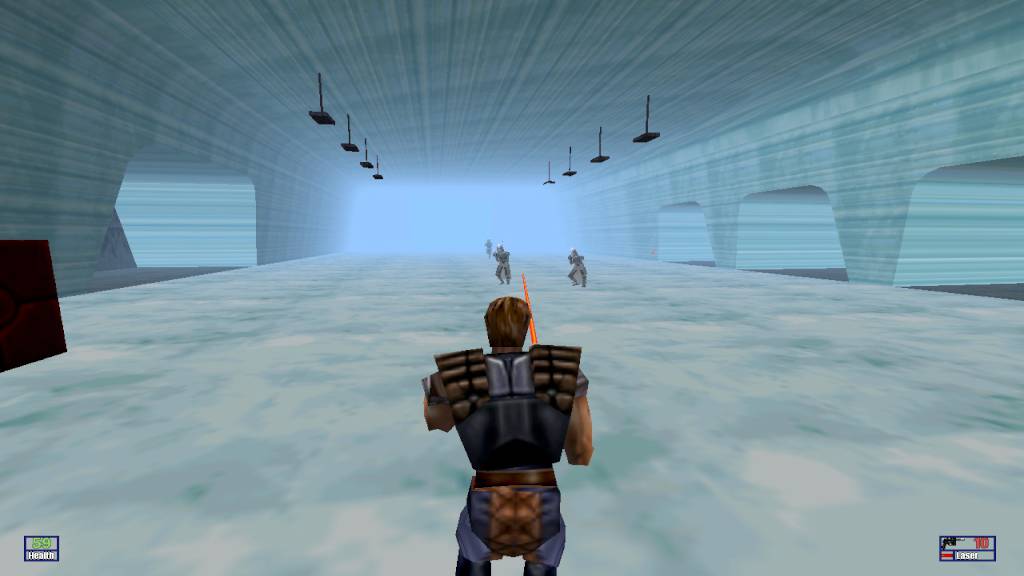
A long time ago in a galaxy far, far away… As Luke Skywalker and the Rebel Alliance struggle to defeat Darth Vader and the Empire, a new threat arises. Dark Prince Xizor, head of the Black Sun crime syndicate, aspires to take Darth Vader’s place at the Emperor’s side. To do that, he must eliminate young Skywalker. As Dash Rendar, it’s up to you to protect Luke and help the Alliance defeat the evil Xizor. Watch out for infamous bounty hunters and deadly stormtroopers! May the Force be with you! Features A gripping new plotline, with new characters and environments – find out what happened between Star Wars The Empire Strikes Back and Star Wars Return of the Jedi. Five gameplay modes – in a variety of vehicles and spacecraft – from the heavily armored Outrider, to snowspeeders, hovertrains, jet packs, and speeder bikes. Action-packed Star Wars locales – including Mos Eisley and the ice planet Hoth. New locales, like the sewers of Imperial City, Xizor’s palace, Gall Spaceport and the dreaded junkyards of Ord Mantel.
What you get
- One activation key for PC
- Instant delivery straight to your email inbox
- The full base game, ready to download
- A step-by-step activation guide (right here)
System requirements
Windows
OS: Windows 7 / 8 / 10 Processor: 1.8 GHz Processor Memory: 1 GB RAM Graphics: DirectX 9.0c Compatible Video Card w/ 256 MB RAM DirectX: Version 9.0c Storage: 329 MB available space
How to redeem
- Complete your purchase — your code is emailed to you within seconds.
- Open the official launcher or store for your platform and find "Redeem code".
- Enter the code exactly as shown in your email and confirm.
- Download, install and jump in.
Platform activation
Go to: http://store.steampowered.com/ and download STEAM client Click "Install Steam" (from the upper right corner) Install and start application, login with your Account name and Password (create one if you don't have). Please follow these instructions to activate a new retail purchase on Steam: Launch Steam and log into your Steam account. Click the Games Menu. Choose Activate a Product on Steam... Follow the onscreen instructions to complete the process. After successful code verification go to the "MY GAMES" tab…
Activation can vary by platform and region. Need a hand? Contact support.
More to play
Browse all →